A professional restaurant POS comparison guide must prioritise your specific service flow over flashy marketing. You need to evaluate how well a platform integrates with your existing back-office tools, such as specialised back-office software, to ensure your data remains unified. If you are currently evaluating your options, you can find a helpful restaurant POS comparison that highlights the nuances between major providers. Matching your tech stack to your unique operational needs is the only way to ensure long-term efficiency and profitability.
Key Takeaways
- Look beyond the monthly subscription fee to calculate the total cost of ownership, including hardware and payment processing.
- Prioritise systems that offer seamless integration with your existing back-office and accounting tools.
- Assess the reliability of support and the operational risk of downtime during peak service hours.
- Ensure your chosen platform aligns with your specific service model, whether that is fine dining, a café, or a takeaway shop.
- Focus on long-term scalability rather than just the initial ease of setup or low entry costs.
The real cost of a restaurant POS system
The true cost of a restaurant POS system often hides behind a deceptively low entry price. Many operators fall into the trap of choosing a platform based only on the monthly subscription fee. However, the total cost of ownership includes much more than just the software license.
When you research the best POS for restaurants, you must account for hardware, onboarding, and menu configuration. Low-cost systems often exclude essential kitchen tools, advanced reporting, or necessary integrations. These missing pieces eventually force you to pay for expensive add-ons or third-party services.
Performing a thorough POS features comparison is the only way to avoid these financial pitfalls. You should evaluate your costs over a 12, 24, or 36-month period to see the full picture. Ensure you use the same number of terminals, locations, and users for every vendor you review.
https://www.youtube.com/watch?v=2SSCr10gFr4
Operational friction often stems from hidden transaction charges and rigid contract terms. Before signing any agreement, identify the specific fees that will impact your bottom line. Understanding the difference between cloud POS vs traditional POS models is also critical for long-term scalability.
Use the following checklist to assess your potential investment. This table helps you identify where your money goes beyond the advertised monthly rate.
| Cost Category | One-off Fees | Recurring Costs | Contract Risks |
|---|---|---|---|
| Hardware | Terminals & Printers | Maintenance | Replacement obligations |
| Software | Setup & Migration | Monthly Subscription | Early exit penalties |
| Operations | Training & Onboarding | Transaction fees | Price hikes |
The best POS for restaurants provides measurable business value rather than just a low bill. When you conduct your POS features comparison, prioritize systems that offer transparent pricing. Focus on long-term stability to ensure your technology supports your growth rather than hindering it.
How to compare restaurant POS systems using practical buying criteria
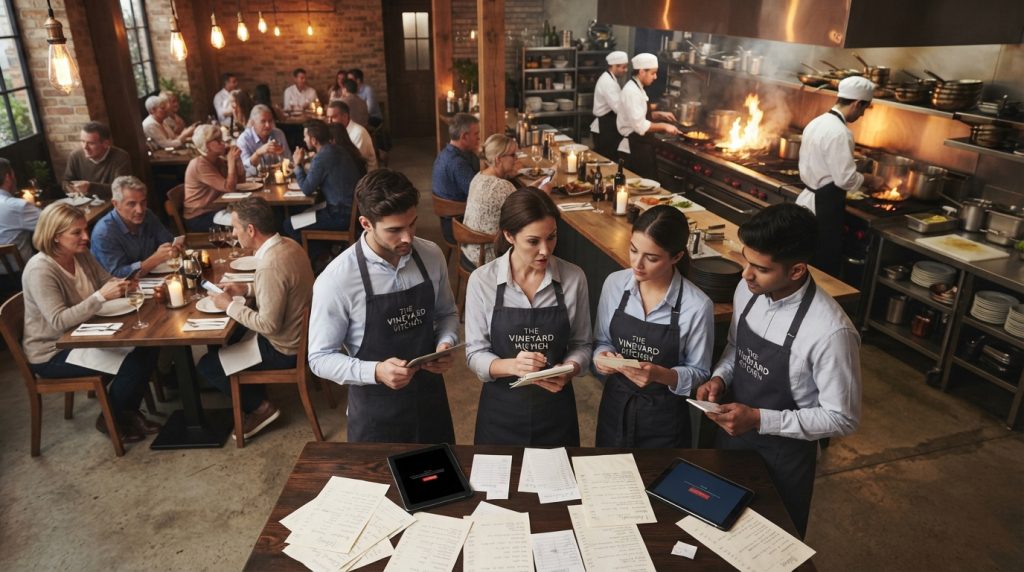
When you start to how to compare restaurant POS systems, focus on how they handle the pressure of a busy Friday night shift. Sales demonstrations often show a polished version of the software that ignores the chaos of a real service. You need to see how the system behaves when the kitchen is backed up and the floor is full.
Table service, counter service, takeaway and multi-site requirements
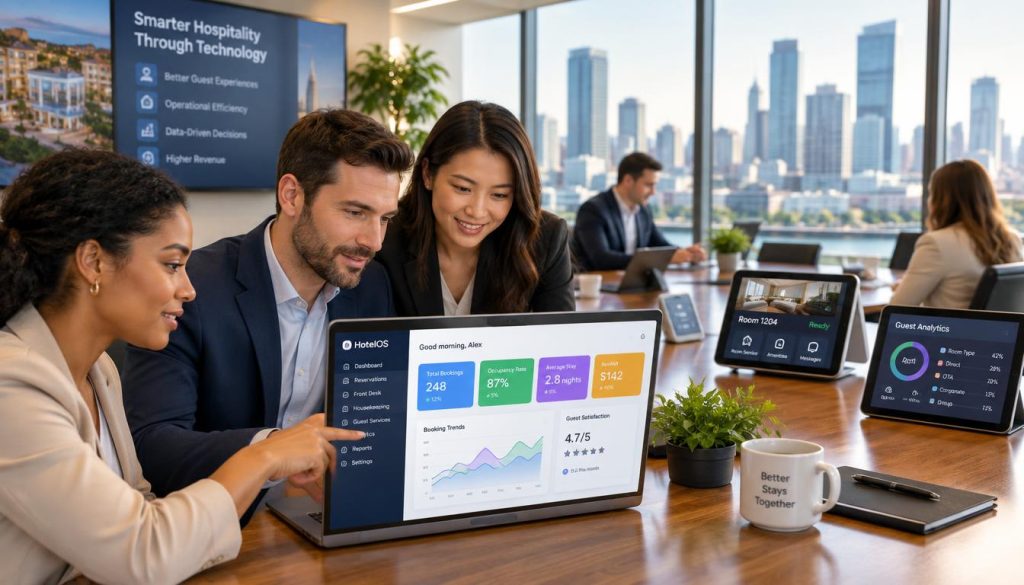
Your POS must adapt to your specific service model. Whether you run a high-volume café or hospitality software for hotels with restaurants, the workflow must be intuitive. Map out your requirements for table management, split billing, and multi-site inventory control before you look at any software.
Kitchen printing, kitchen display systems and order accuracy
Order accuracy is the heartbeat of your kitchen. Test how the system routes items to specific prep stations and how it handles modifiers. A reliable Kitchen Display System (KDS) should reduce errors and speed up ticket times significantly.
Questions to ask about Australian payment solutions and transaction data
Ensure the system integrates seamlessly with local payment providers. Ask about settlement times, terminal connectivity, and how transaction data reconciles with your daily sales reports. You need a solution that understands the Australian banking landscape.
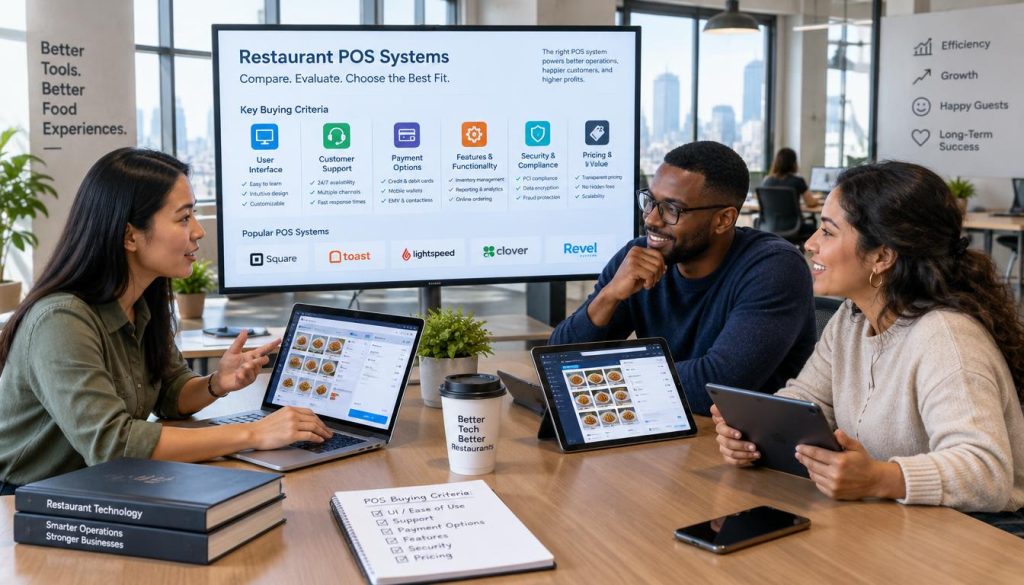
How to verify integrations rather than relying on POS system reviews
Many POS system reviews are written by people who have never run a venue. Do not take their word for it. Contact the integration partners directly to confirm that the connection is stable, real-time, and fully supported by both vendors.
Sales, labour, stock and menu reporting for better decisions
Data is your most powerful tool for profitability. Look for reporting that tracks food costs, labour percentages, and menu item performance in real-time. If the system cannot provide actionable insights, it is not doing its job.
Staff access, audit trails and multi-location control
Security is non-negotiable in a busy venue. You need granular control over staff permissions to prevent theft and errors. Ensure the system provides clear audit trails for every void, discount, or refund processed.
Support hours, response channels, training and data migration
When the system goes down, you need help immediately. Ask about their support response times and whether they offer 24/7 assistance. A smooth data migration process is also vital to avoid downtime during your transition.
Offline operation, backups, security and business continuity
Internet outages should not stop your service. Verify that the POS can continue to take orders and process payments in offline mode. Your business continuity plan depends on the system’s ability to sync data once the connection returns.
Compare Hospoware and other shortlisted systems against the same requirements
Treat every vendor with the same level of scrutiny. Use a consistent scoring method to evaluate how each system meets your operational needs. This keeps your decision-making process objective and focused on results.
Record confirmed features, integrations, fees, limitations and support commitments
Keep a detailed log of every promise made by sales representatives. Document the exact fees, any known limitations, and the specific support commitments provided in writing. This record will protect you during contract negotiations.
Use a weighted checklist instead of choosing the best-known POS brand for eateries
Choosing the right restaurant POS is about fit, not fame. Create a weighted checklist that prioritizes your most critical operational needs. A system that is popular might lack the specific features you need to succeed.
Required features, useful features and features that can be left out
Categorize your feature list to maintain clarity. Focus on the “must-haves” that drive your daily operations. You can safely ignore “nice-to-have” features that add cost without providing clear value to your bottom line.
Questions for demonstrations, references and contract review
Ask tough questions during your demo. Request references from venues that share your service style and volume. Always have a legal professional review the contract to ensure you understand the exit terms and data ownership.
Relevant confirmed Hospoware internal links and the concise meta description for publication
We ensure all our technical claims are verified against current product capabilities. For more on our specialized solutions, explore our hospitality software for hotels with restaurants. This guide helps you make an informed choice for your venue’s future.
Conclusion
Selecting the right technology requires a shift in perspective from simple monthly fees to long-term operational impact. A reliable decision stems from comparing your specific workflow, kitchen design, and growth plans against the capabilities of potential providers. You should use a consistent demonstration script and a weighted scorecard to evaluate your options objectively.
Top POS brands for eateries are not interchangeable. A system that excels in a high-volume café might struggle in a fine-dining environment. Perform a 12- to 36-month cost analysis before signing any agreement to ensure your chosen restaurant payment solutions comparison accounts for hardware, support, and integration fees.
Effective technology should eliminate friction rather than create it. When you align your digital tools with your staffing model, you gain control over your margins and customer experience. Our team at Hospoware helps Australian operators navigate these complex decisions with clarity. Reach out to us today to discuss your operational requirements and find a system that scales with your business.
Frequently Asked Questions
How often should I review my POS contract?
Review your contract terms annually to ensure your current plan still matches your transaction volume and feature needs. This prevents overpaying for unused services as your business evolves.
Why is hardware compatibility critical for my restaurant?
Proprietary hardware can lock you into expensive upgrade cycles. Choosing a system that supports industry-standard printers and terminals provides flexibility and reduces long-term capital expenditure.
What security standards should I look for in a POS?
Always verify that your provider maintains PCI DSS compliance. This ensures that your customer payment data remains encrypted and protected against modern cyber threats.