When your tools don’t talk to each other, your team wastes time on repetitive data entry. Using integrated hospitality software changes this dynamic by linking your core workflows. It ensures that information flows seamlessly, allowing your staff to focus on service rather than spreadsheets.
Adopting cloud-based hospitality software acts as a vital control layer for your business. It is not about replacing human interaction with robots. Instead, it is about removing the friction that slows your team down. By exploring a hospitality software guide, you can identify where to streamline your daily tasks.
Smart operators use these systems to regain control over their operations. Whether you are looking into hospitality automation software or investigating remote monitoring and integration, the goal remains the same. You want a leaner, more responsive business that thrives without the burden of endless manual updates.
Key Takeaways
- Manual data entry is the biggest drain on your venue’s daily productivity.
- Connected systems ensure your team accesses consistent information in real-time.
- Technology should support your staff, not replace the human touch in service.
- Cloud-based tools provide an operational backbone to manage your business effectively.
- Automation reduces administrative friction, allowing you to focus on guest satisfaction.
Where Everyday Hospitality Admin Builds Up
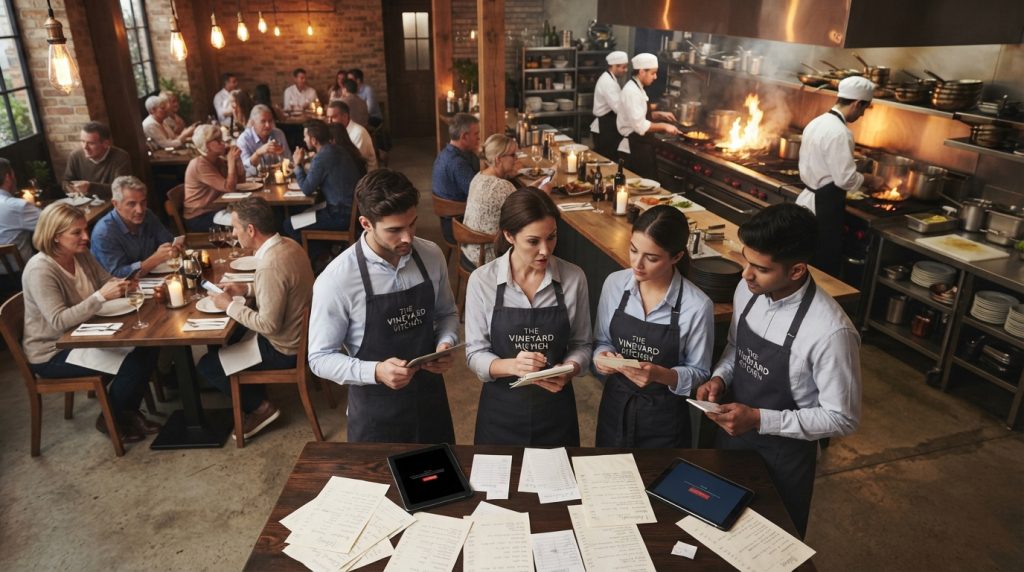
Disconnected tools create a hidden tax on your time that accumulates throughout the day. When your systems do not talk to each other, you end up performing the same task multiple times across different platforms.
Entering the same menu, order and customer information into multiple systems
You might find yourself typing the same menu items into your website, your delivery apps, and your internal dashboard. This duplication is not just tedious; it is a major source of human error that leads to incorrect orders and frustrated customers.
Reconciling payments, bookings, delivery orders and end-of-day reports
Manually combining data from various sources at the end of a shift is a recipe for burnout. When you have to cross-reference delivery receipts with bank deposits, you lose valuable time that could be spent on the floor.
Keeping track of logins and software updates for five different platforms is a logistical nightmare. You need a streamlined hospitality IT solution to centralise your management tasks.
Connecting a restaurant POS system with ordering and payment workflows
A modern restaurant POS system acts as the central nervous system for your venue. By linking your ordering and payment workflows, you ensure that every transaction is recorded accurately without manual intervention.
Using cloud-based hospitality software to keep information available across devices
Cloud technology allows you to access real-time data from anywhere. Whether you are in the office or on the floor, having consistent information across all devices is essential for maintaining operational control.
Reducing manual handovers between front-of-house, kitchen and management
Communication gaps often occur during busy shifts. Digital workflows ensure that kitchen tickets and front-of-house requests are synced instantly, reducing the need for verbal handovers that are easily forgotten.
Updating prices and product availability from one controlled system
Imagine changing a price once and having it update across every channel simultaneously. This level of control prevents the common issue of selling out of an item online while it still appears as available to customers.
Keeping takeaway, dine-in and online orders aligned
Fragmented systems often lead to double-booked tables or missed takeaway orders. Implementing an integrated booking system ensures that your reservation data stays perfectly aligned with your floor plan and kitchen capacity.
Giving owners clearer access to sales, staffing and operational information
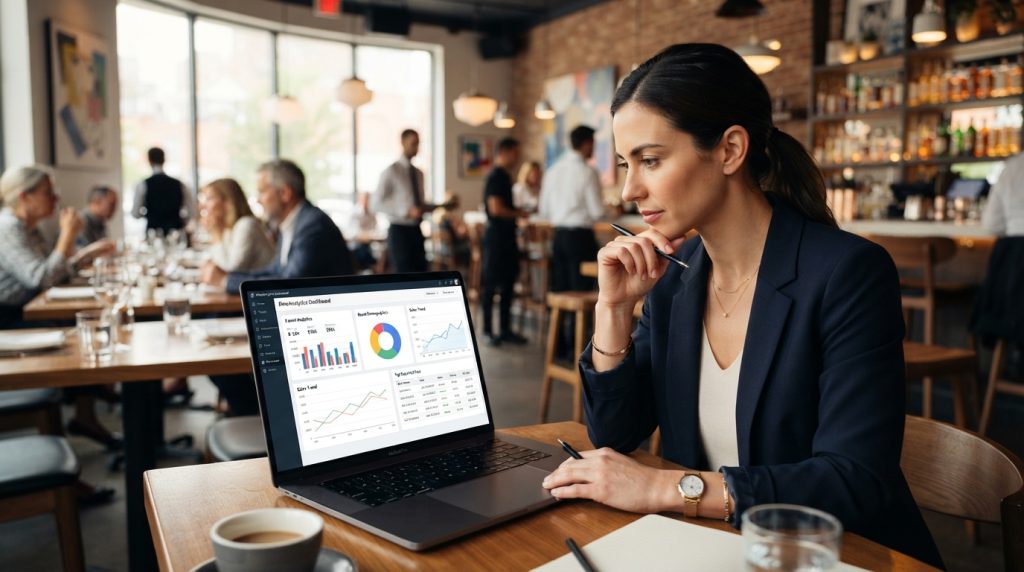
You deserve a clear view of your business performance without digging through spreadsheets. A unified restaurant POS system provides the insights you need to make informed decisions about staffing and inventory in real-time.
What to Look for in Integrated Hospitality Software
Selecting an integrated system is about more than just features; it is about removing daily friction. You must evaluate every hospitality management system against the specific admin tasks that currently slow your team down.
Point-of-sale, menus, payments and kitchen order workflows
Your POS must act as the central hub for all transactions. Ensure it syncs menu updates instantly across your front-of-house and kitchen display systems to prevent order errors.
Integrated booking system features for reservations and customer information
Centralised reservations allow you to capture guest data once. This prevents double bookings and helps you build a profile for repeat customers.
Automated data flow between your stock levels and accounting software is essential. This reduces manual entry and ensures your financial reporting aligns with Australian Taxation Office requirements.
Optional hotel property management system connections for hospitality groups with accommodation
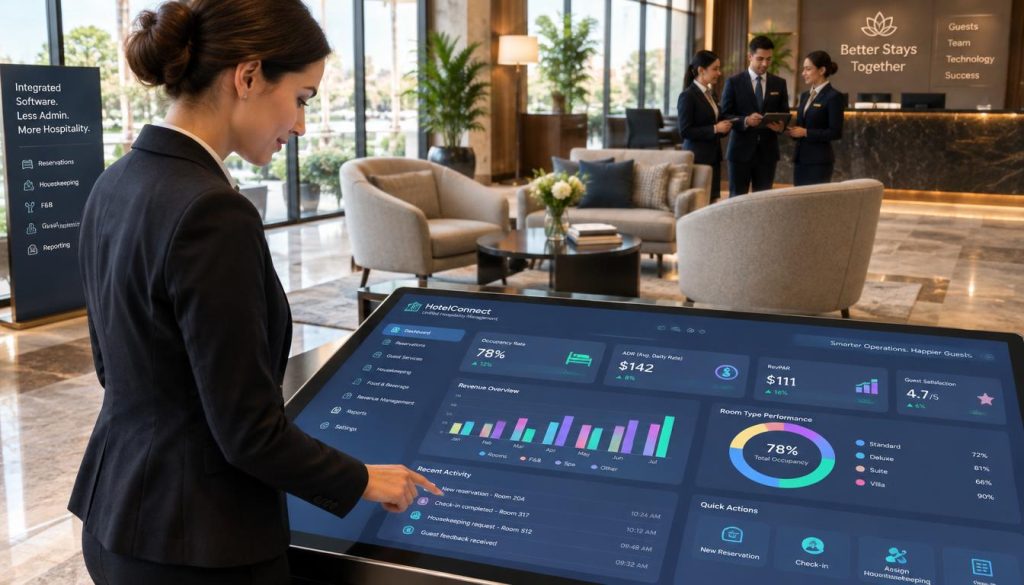
If you manage rooms, your hotel property management system must communicate seamlessly with your restaurant POS. This ensures that guest charges are posted accurately to their room folio without manual intervention.
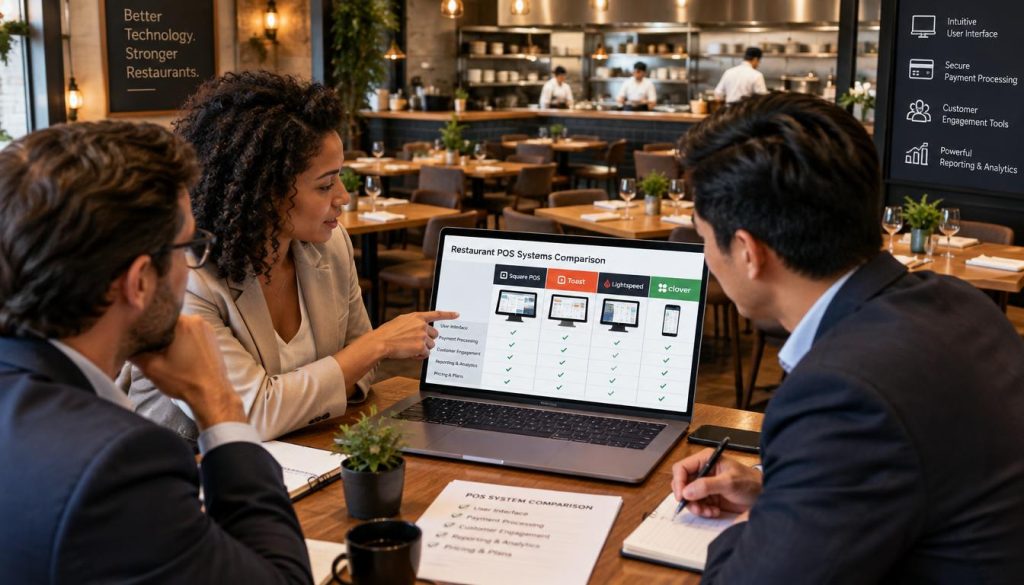
Use a practical comparison table covering integrations, reporting, permissions and support
| Feature | Native Integration | Reporting Depth | Support Level |
|---|---|---|---|
| POS & Payments | Yes | High | 24/7 |
| Accounting | Yes | Medium | Business Hours |
| Rostering | API/Third-party | High | Email/Chat |
Check whether the system supports restaurants, cafés and takeaway operations in Australia
Verify that the platform handles local tax settings and delivery aggregator integrations. Local compliance is non-negotiable for Australian operators.
Confirm data ownership, export options, security controls and system availability
You must own your customer data. Ensure the provider complies with the Office of the Australian Information Commissioner guidelines regarding data privacy and security.
Verify Hospoware and menumiz™ features and integrations before making product claims
Always check official documentation for Hospoware and menumiz™ to confirm current capabilities. Do not rely on outdated marketing materials.
Map the admin task to be removed before choosing a feature
Identify the specific bottleneck first. Only select features that directly solve that problem rather than buying “all-in-one” tools that add complexity.
Ask which systems connect natively and which require third-party tools
Native connections are generally more stable. Third-party tools often introduce extra costs and potential points of failure.
Confirm implementation, staff training, onboarding and ongoing support
A system is only as good as your team’s ability to use it. Ask for a clear roadmap for training and what happens when you need urgent technical help.
Test common scenarios such as menu changes, refunds, split payments and unavailable items
Run a trial of your most common daily tasks. If a simple menu change takes ten minutes, the system is not efficient enough.
Compare the total operational impact without inventing savings or relying on unverified testimonials
Focus on measurable time saved per shift. Avoid projections that lack a clear basis in your actual operational data.
Link to the relevant Hospoware product or hospitality management system page only after confirming the URL
Always verify that your links point to the most current product pages. This ensures your staff and partners access accurate information.
Link to the relevant menumiz™ ordering or menu-management page only after confirming the URL
Direct links to menu management tools help your team update offerings quickly. Keep these links accessible in your internal documentation.
Support operational claims with reliable Australian sources such as the Australian Taxation Office, the Office of the Australian Information Commissioner and official product documentation
Base your business decisions on verified facts. Using official sources protects your operation from compliance risks and ensures long-term stability.
Conclusion
Modern hospitality success relies on moving away from manual, fragmented tasks. You should start by identifying your highest-friction admin problem before committing to new technology. A seamless hospitality software solution provides the visibility needed to make informed, data-driven decisions across your venue.
Selecting the right all-in-one hospitality software platform requires a clear definition of your goals and future requirements. Test real workflows during the trial phase to ensure the system handles your specific daily volume. Remember that your first implementation is just the beginning. Use customer feedback and usage data to refine your processes over time.
Review the latest product information from Hospoware or menumiz™ to see how these tools map against your current operational bottlenecks. Aligning your tech stack with your business needs creates a foundation for long-term efficiency and improved guest satisfaction.
Frequently Asked Questions
What are the primary integration requirements for my venue?
Focus on systems that share data in real-time, such as your point-of-sale, inventory management, and booking engines. This ensures a single source of truth for your key performance indicators.
Is this software suitable for Australian hospitality businesses?
Yes, these platforms are designed to handle local tax compliance, payroll integration, and the specific operational demands of the Australian market.
What should I consider during the implementation phase?
Prioritise staff training and data migration accuracy. Start with core functions to ensure your team feels comfortable before scaling to advanced features.