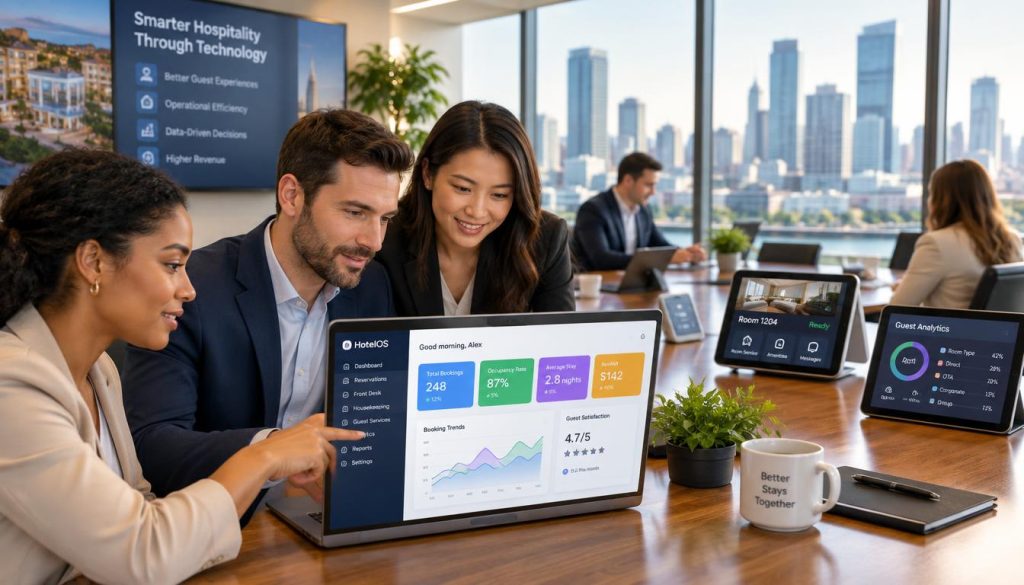
Make your hotel F&B workflow easier to manage
Talk with Hospoware about your restaurant operation, service model, and technology requirements.
What hospitality software for hotels with restaurants should do
Hospitality software should help you run restaurant and F&B operations with less duplication. It should support the workflows your team uses every day, from taking orders to coordinating service and reviewing performance.
It should also fit your operating model. A hotel restaurant may serve in-house diners, conference guests, walk-ins, takeaway customers, and guests ordering from their rooms. Each channel can create a separate process unless your team has a clear management system.
Connect service workflows
Give staff a consistent way to manage orders and service tasks across the restaurant and other F&B areas.
Improve operational visibility
Make it easier for managers to review activity, identify bottlenecks, and make decisions using current information.
Support a better guest experience
Reduce avoidable delays and communication gaps that affect guest satisfaction.
Do not assume that every hospitality software product includes a hotel property management system, front desk tools, channel manager, booking engine, or room-charge integration. Confirm the exact scope before you buy.
Why hotel restaurant operations become difficult to control
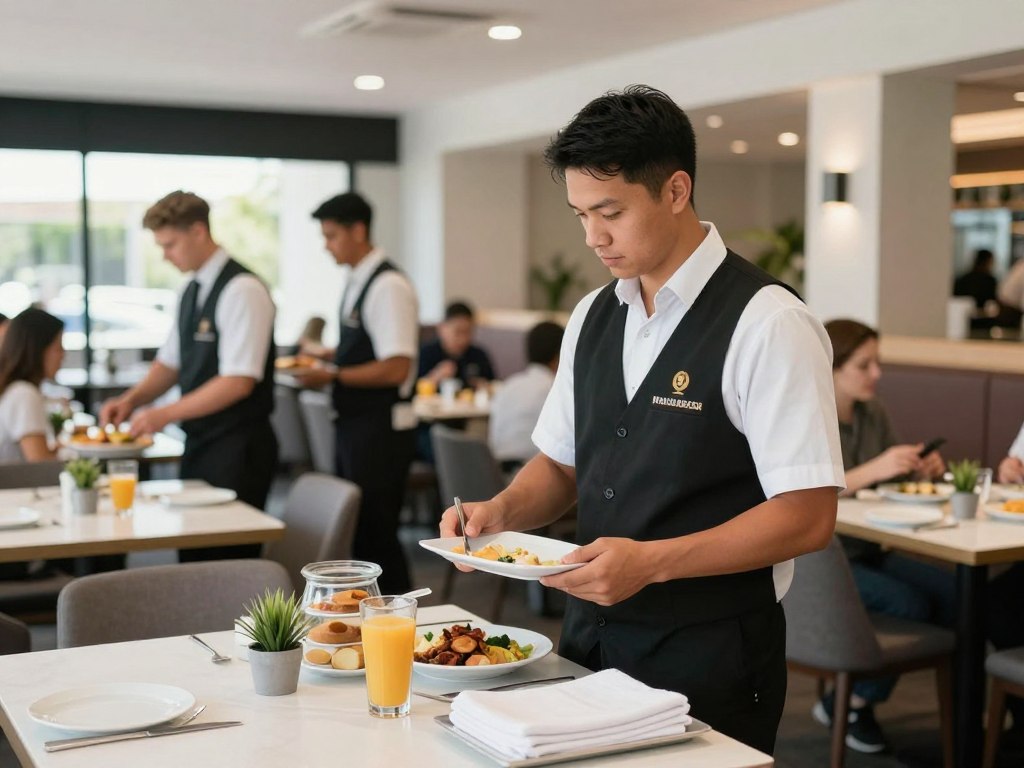
Hotel F&B teams work across several guest journeys. The restaurant may be busy at breakfast, quiet at lunch, and full during an evening event. Room service may create demand outside the dining room. Conferences can add sudden volume and special requirements.
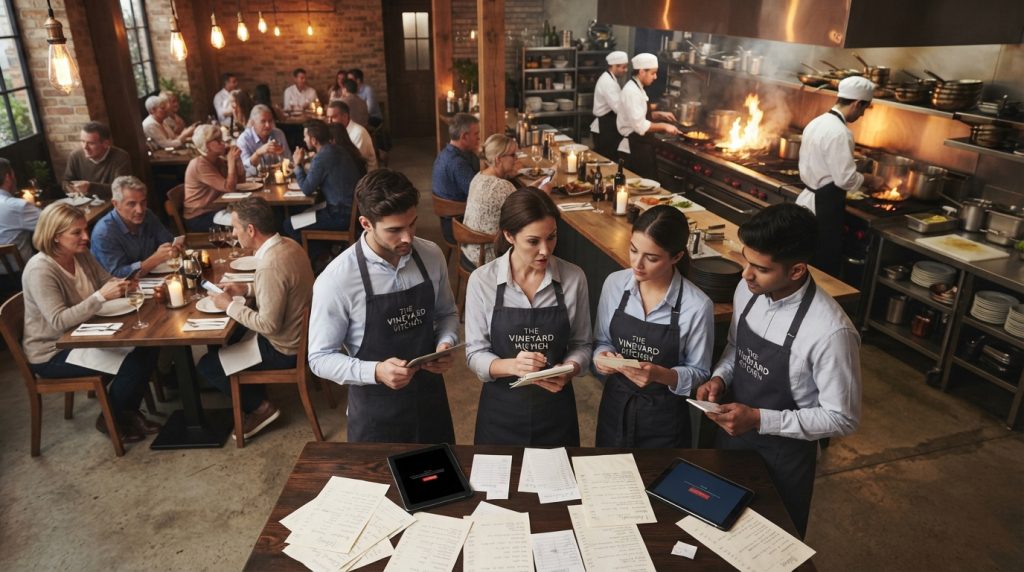
These demands often expose gaps in manual processes. Staff may rely on paper dockets, separate spreadsheets, messaging apps, or disconnected management tools. That creates extra work and makes it harder to see what is happening across the operation.
Common workflow pressure
- Orders are entered more than once.
- Service teams lack a shared view.
- Managers spend time checking basic information.
- Changes are passed between staff by word of mouth.
Commercial impact
- Slow service can affect guest satisfaction.
- Manual work takes staff away from guests.
- Errors can create waste and rework.
- Reporting becomes harder to review.
How hospitality software supports hotel F&B teams
Software is useful when it removes unnecessary steps from a real workflow. It should not add another screen without solving a clear operational problem.
Start with the work your staff perform. Map how an order moves from guest request to preparation, service, payment, and reporting. Then check whether the software supports that path in a simple and reliable way.
Build one operating view for restaurant activity
A connected management system can help teams work from the same information. This is especially important when a hotel has more than one outlet or service channel.
Reduce repetitive administration
Good management software can reduce repeated entry and manual checking. That saves time for managers and gives staff more space to focus on customer service.
Make responsibilities clearer
When tasks and orders move through a defined workflow, staff can see what needs attention. This can support smoother handovers between front-of-house, kitchen, and management teams.
Not sure which workflow to start with?
Describe your current process and let the Hospoware team help you identify the most useful starting point.
Hotel restaurant POS: what buyers should assess
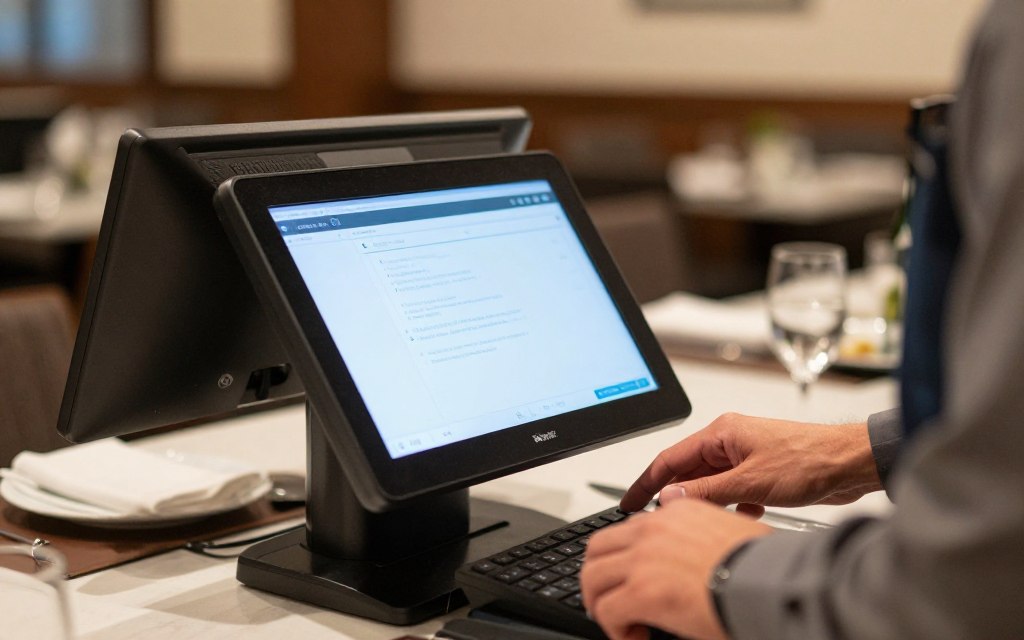
A hotel restaurant POS should support the way your venue actually trades. The best hotel restaurant POS for one property may not suit another. Outlet count, service style, staff structure, reporting needs, and existing systems all matter.
Assess the complete workflow rather than judging a product by its feature list. A long list of functions is not useful if the interface slows service or creates extra administration.
| Capability area | Questions to ask | Why it matters |
| Order entry | Can staff enter orders quickly and accurately during busy service? | Fast order handling supports service flow. |
| Outlet management | Can the setup reflect your restaurant, bar, café, events, or other F&B areas? | Your management system should reflect the property. |
| Reporting | Can managers access the information needed for daily decisions? | Useful reporting supports operational control. |
| Staff usability | Can new staff learn the system without excessive training? | Hospitality teams need practical tools during changing shifts. |
| Support | What assistance is available during setup and after launch? | Reliable support reduces rollout risk. |
Room service ordering inside hotel operations
Room service ordering can create a separate workload for the restaurant team. Staff need to receive the request, confirm the order, prepare it, organise delivery, and close the process correctly.
Before choosing software, confirm whether the product supports your required room service workflow. Do not assume that restaurant ordering tools connect to a property management system or allow room charges. Those functions must be verified with the provider.
Questions to ask about room service ordering
- How does a room service order enter the restaurant workflow?
- Can staff identify delivery details clearly?
- How are order changes and cancellations handled?
- Can the team track preparation and delivery status?
- Does the system support the payment method you require?
- Are hotel PMS or room-charge integrations available, and are they supported for your setup?
If room service is a major part of your hotel operation, include a live workflow test in the buying process. Ask staff to complete a realistic order from start to finish.
Important buying note
Restaurant software and hotel management software are not automatically the same product. Confirm the boundary between F&B functionality, property management, front desk operations, and guest account handling.
Connect restaurant work with wider hotel operations
Hotels often use more than one system. You may already have a property management system, booking engine, channel manager, accounting platform, payroll process, or other management tools.
The goal is not to replace every system without a reason. The goal is to understand how each system is used, where information is repeated, and where staff lose time moving between tools.
Map the information flow
- Where does guest information enter the operation?
- Where are restaurant orders recorded?
- Who needs access to the information?
- Which reports are used by managers?
- Which steps are manual today?
- Which integrations are essential and which are optional?
Ask suppliers to explain supported connections in precise terms. A product may support an integration in one market, version, or configuration but not another. This is particularly important for Australian hotel groups with different properties and operating models.
Use operational information to improve daily decisions
Managers need more than a transaction record. They need information that helps them understand the operation and act on problems.
Useful management software should make routine information easier to review. That may include activity across outlets, order status, staff workflows, and other data relevant to your restaurant operation. Confirm the available reports and user permissions during a demonstration.
Focus on decisions, not dashboards
A dashboard is only valuable when it supports a decision. Before buying, list the questions your managers ask each day.
- What is happening across each F&B outlet?
- Where are service delays appearing?
- Which processes create repeated staff effort?
- What information is needed for end-of-day review?
- Which reports must be exported or shared?

How to evaluate hospitality software for hotels
A structured evaluation helps you compare management software fairly. It also prevents a polished demonstration from hiding practical gaps.
Workflow fit
Check whether the software matches your service model, outlets, staff roles, and guest journeys.
- Test normal service.
- Test peak service.
- Test an order change.
Ease of use
Ask staff from different roles to complete realistic tasks without step-by-step coaching.
- Include new users.
- Measure training effort.
- Review handovers.
Implementation support
Clarify setup, training, data requirements, support channels, and responsibilities before signing.
- Define a launch owner.
- Set a test period.
- Document fallback steps.
Who benefits from hotel management software for F&B?
Hospitality software for hotels can suit operators who need more control over restaurant and food-and-beverage operations. The right fit depends on the property’s size, service model, team structure, and current systems.
Independent hotels
Independent hotels may need practical management tools without the complexity of a large enterprise rollout. A focused solution can help teams create consistent daily operations.
Multi-outlet properties
Hotels with restaurants, bars, cafés, events, or other venues need a clear view of activity across different service areas.
Hotel groups
Groups may need common processes while allowing each property to reflect its own operation. Confirm user controls, rollout options, and support arrangements.
It may not be the right first step when
- Your restaurant workflow is still changing every week.
- No internal owner can manage the implementation.
- The team has not agreed on basic service processes.
- The required hotel integrations have not been verified.
A practical buying process for hotel restaurant software
Buying management software is an operational decision. Include the people who will use it, not only the person who approves the budget.
- Document your current restaurant and F&B workflows.
- List the problems that create the most time, errors, or guest friction.
- Separate essential capabilities from preferred features.
- Confirm the scope of any property management system or front desk connection.
- Request a demonstration based on your own service scenarios.
- Ask for implementation, training, support, and ongoing management details.
- Agree on success measures before the rollout begins.
Use the same questions with every provider. This makes the comparison more useful and reduces the risk of choosing a product based only on presentation quality.
Bring your shortlist to a practical discussion
Hospoware can help you frame the conversation around your F&B operation and the work your team needs to complete.
Implementation and rollout considerations
A good rollout protects service continuity. It also gives staff time to build confidence before the system becomes part of daily hotel operations.
Choose a clear implementation owner
Assign one person to coordinate the supplier, managers, staff, and launch timetable. The owner should understand both the technology and the restaurant operation.
Start with a defined workflow
Do not attempt to change every process at once. Start with a workflow that creates clear value, such as restaurant order handling or a defined F&B reporting process.
Test realistic scenarios
- Quiet service with a small team.
- Peak breakfast or dinner service.
- Order amendments and cancellations.
- Multiple outlets operating at once.
- Staff absence or a shift handover.
- End-of-day management review.
Train by role
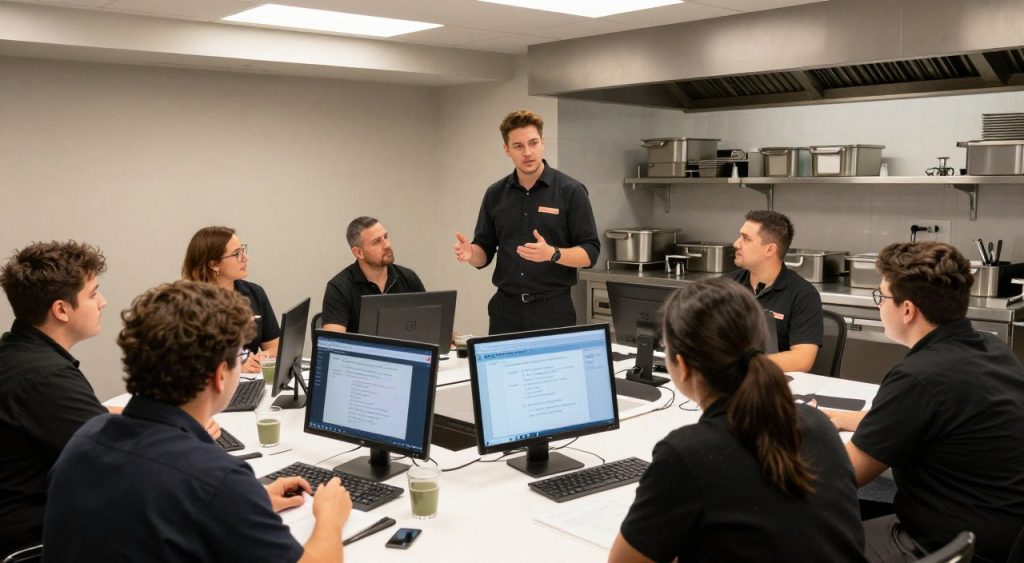
Front-of-house staff, kitchen teams, supervisors, and managers use software differently. Role-based training is easier to apply than one broad session for everyone.
How to assess the commercial value
Do not judge hotel management software only by its subscription or setup cost. Consider the operational work it may remove and the control it may provide.
Build a simple value case using your own information. Estimate the time spent on repeated entry, manual reconciliation, reporting, corrections, and avoidable service problems. Then compare that effort with the cost and change required to implement the software.
| Area | Current question | Measure after rollout |
| Staff time | How much time is spent on repeated administration? | Time spent on the same tasks. |
| Service flow | Where do orders or requests wait? | Observed delays and rework. |
| Management review | How long does daily reporting take? | Time required to access and review information. |
| Training | How difficult is it to onboard staff? | Training time and common user errors. |
Use your own baseline. Avoid relying on generic promises or unverified customer results.
Explore a practical software conversation with Hospoware
Hospoware helps hospitality operators assess technology through an operational lens. The starting point should be your hotel restaurant, F&B workflows, staff needs, and current systems.
Use the Hospoware hospitality software overview to begin your research. If you are reviewing Menumiz, Hospoforce, or Hospomarket solutions, use the relevant live solution page once your team has confirmed the correct product scope.
Prepare a short brief before contacting a provider. Include the number of outlets, service types, current management software, key workflow problems, and any required integrations. This creates a more useful conversation from the first meeting.
FAQs about hotel management software and restaurant operations
What is hospitality software for hotels with restaurants?
It is software used to support restaurant and F&B operations within a hotel environment. The exact functions vary by provider. Confirm whether the product covers restaurant orders, room service ordering, reporting, outlet workflows, or other required tasks.
Is a hotel restaurant POS the same as hotel management software?
No. A hotel restaurant POS focuses on restaurant transactions and service workflows. Hotel management software may refer to a broader category. Confirm the exact product scope, especially for property management, front desk, reservations, and guest accounts.
Can hospitality software support room service ordering?
Some products may support room service workflows, but this must be confirmed with the supplier. Ask how orders are received, prepared, delivered, paid for, and reported. Do not assume PMS or room-charge functionality.
What should Australian hotels check before choosing a system?
Check workflow fit, staff usability, implementation support, reporting, security responsibilities, payment requirements, and any integrations. Ask the supplier to demonstrate realistic hotel restaurant scenarios.
How long does implementation take?
Timing depends on the software scope, property size, number of outlets, data requirements, training needs, and integrations. Ask for a rollout plan based on your operation rather than relying on a generic timeframe.
Choose hotel management software that fits the work
The best hotel management approach is not always the one with the longest feature list. It is the one your team can use consistently across the restaurant and F&B operation.
Start with the workflows that create the most friction. Confirm what the software does. Test it with real service scenarios. Then decide whether the operating model, support, and scope are right for your hotel.
Ready to review your hotel restaurant operation?
Speak with Hospoware about a clearer, more practical approach to restaurant and F&B management.
Make your next software decision with operational clarity
Hotel restaurants need tools that respect the pace and complexity of hospitality. A useful management system should support staff, improve visibility, and remove unnecessary friction from daily operations.
Review your workflows first. Set clear requirements. Confirm product boundaries. When the software fits the work, your team has a stronger foundation for consistent service and better management control.