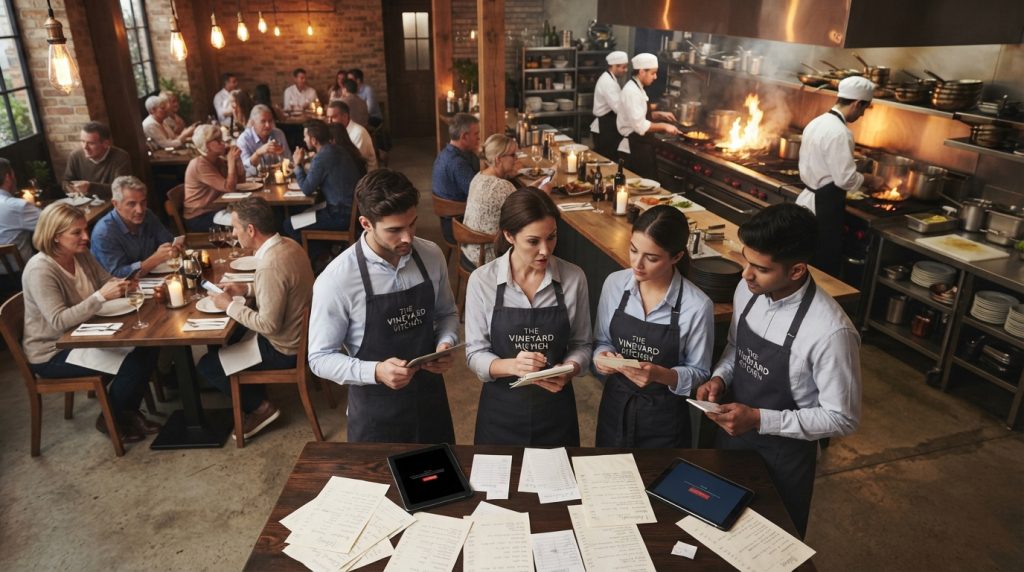
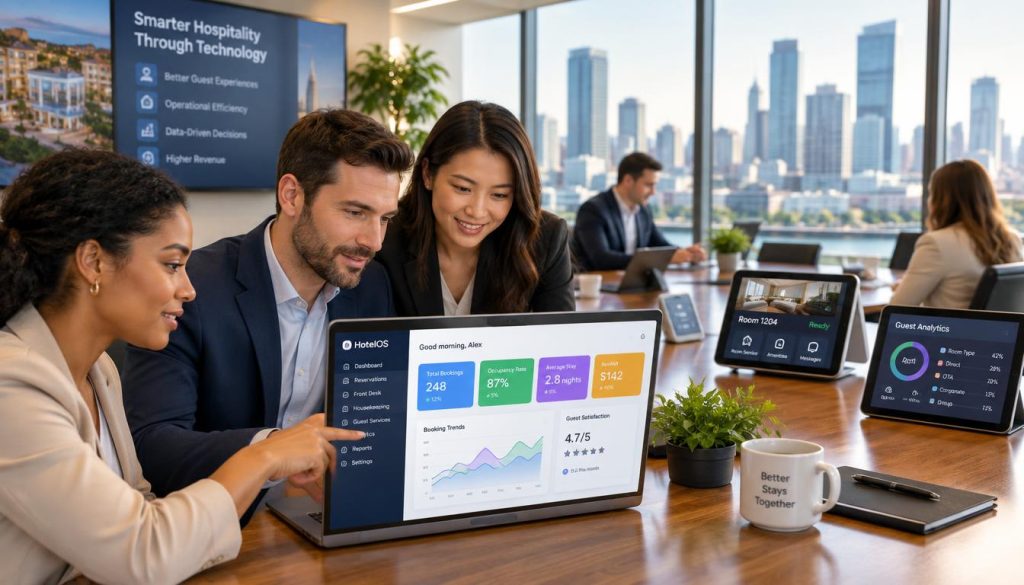
Many operators mistakenly believe the cheapest option is the best path forward. However, downtime and duplicated data entry often cost far more than a premium platform. You must assess your total ownership costs, reporting gaps, and service friction before making a move. Understanding why traditional restaurant POS systems fall short is the first step toward operational excellence.
This guide provides a practical checklist for your transition. We cover everything from migration planning to first-service support, ensuring your new POS system delivers measurable speed and accuracy. By focusing on staff usability and real-time data, you can transform your venue’s efficiency.
Key Takeaways
- Prioritise platforms that offer seamless integration with your existing accounting and payroll software.
- Always calculate the total cost of ownership rather than just the upfront hardware price.
- Ensure your new provider offers robust local support to minimise downtime during the transition.
- Focus on staff usability to reduce training time and improve service speed on the floor.
- Use real-time reporting to make data-driven decisions about your menu and staffing levels.
Why Australian Venues Consider Switching Restaurant POS Systems
Operational friction often signals that your current technology is no longer fit for purpose in a competitive Australian market. When your existing setup creates bottlenecks, finding a modern POS system for restaurants becomes a priority for maintaining service standards.
Slow service, unreliable hardware and duplicated data entry
If your staff spends more time troubleshooting hardware than serving customers, your system is failing you. Frequent crashes and manual data entry errors lead to significant inefficiencies. You need a reliable platform to ensure your team stays focused on the guest experience.
Growing venues often outgrow basic tools that lack deep insights. If you cannot track performance across locations or update menus instantly, you are losing control. Exploring restaurant software to unlock growth is essential for scaling your operations effectively.
Define requirements for dine-in, takeaway, delivery and table service
Every venue has unique workflows. You must map out how your technology handles table-side ordering, online delivery integrations, and takeaway queues. A robust POS system for restaurants should unify these channels into one dashboard.
Separate essential functions from desirable upgrades
Not every feature is a necessity on day one. Focus on core stability first, then look at advanced tools like restaurant back office software in Australia to automate inventory and rostering later.
Include hardware, software, payment, support and training costs
When evaluating top restaurant POS providers, look beyond the monthly subscription fee. You must account for the total cost of ownership, including payment processing rates, hardware leases, and staff training time. Always verify that your chosen provider complies with local GST and support requirements.
Consider lost sales, manual workarounds and service disruption
The cost of staying with an outdated system is often higher than the price of a new one. Factor in the revenue lost during downtime and the labour costs of manual workarounds. Choosing affordable restaurant POS solutions that offer reliable uptime is a smart investment for your bottom line.
| Category | Essential Requirements | Desirable Upgrades |
|---|---|---|
| Hardware | Reliable terminals | Kitchen display screens |
| Software | Menu management | Advanced loyalty programs |
| Support | Local help desk | 24/7 dedicated account manager |
| Costs | Subscription fees | Implementation and training |
By comparing top restaurant POS providers against your specific operational needs, you can find affordable restaurant POS solutions that support your long-term vision. Take the time to audit your current pain points before committing to a new partner.
Switching Restaurant POS Systems: The Migration Checklist
When you decide on switching restaurant POS systems, treat the process as a high-stakes project rather than a simple subscription change. Success depends on your ability to manage data, hardware, and staff transitions with precision. You must assign one internal migration owner to oversee the entire timeline and ensure accountability.
Export menus, modifiers, prices, tax settings, staff records and historical reports
Before you commit, ensure your data is clean. Export your existing menu items, modifiers, and pricing structures into a format compatible with your new platform. Verify that your staff records and historical sales reports are archived securely for tax compliance.
Review Australian GST treatment, surcharges, refunds and end-of-day processes
Australian operators must confirm that the new software handles GST calculations accurately. Test your surcharge logic, refund workflows, and end-of-day reconciliation processes to ensure they align with your current accounting practices.
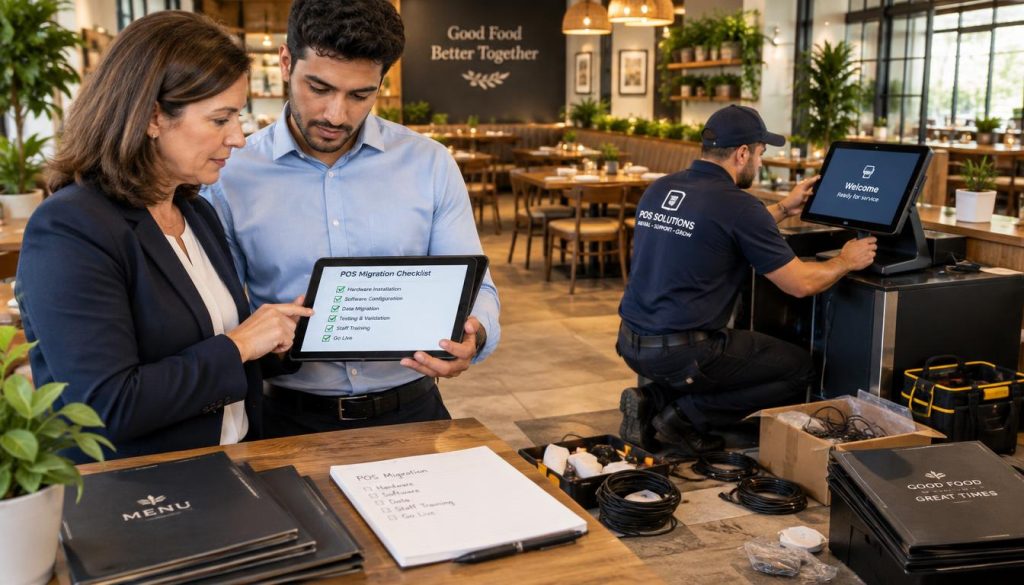
Assess ordering, kitchen display, table management, payments and inventory
Evaluate how the system handles your specific floor plan and kitchen workflow. Real-time inventory tracking and kitchen display system (KDS) efficiency are non-negotiable for high-volume venues.
Check integrations with accounting, delivery, loyalty and online ordering platforms
Review your tech stack to ensure seamless connectivity. Your restaurant point of sale software must integrate with your existing accounting, delivery, and loyalty programs to avoid manual data entry.
Confirm hardware compatibility, offline operation, security and support arrangements
Check if your existing printers and terminals are compatible. Always verify the system’s offline mode capabilities to ensure you can keep trading during internet outages.
Request a live demonstration using a realistic café, restaurant or takeaway scenario
Do not rely on generic sales pitches. Request a live demo that mirrors your actual business environment, from order entry to final payment reporting.
Confirm contract terms, data ownership, cancellation rules and support hours
Read the fine print regarding data ownership. Ensure you have clear access to your customer and sales data if you ever decide to switch providers again.
Validate Hospoware or menumiz™ features and integrations using current official documentation
When researching how to choose restaurant POS system features, always consult official documentation. Verify that specific integrations for platforms like Hospoware or menumiz™ are fully supported and documented.
Choose a quiet testing period and assign an internal migration owner
Schedule your migration during a low-traffic period. Having a dedicated owner ensures that any technical hurdles are addressed immediately without disrupting service.
Run old and new systems in parallel where practical
If your hardware allows, run both systems simultaneously for a few days. This provides a safety net and allows you to compare reporting accuracy between the two platforms.
Train managers, front-of-house staff and kitchen teams by role
Effective training is the foundation of a smooth transition. Conduct role-based sessions so that every team member understands their specific responsibilities within the new interface.
Prepare a fallback process for internet, payment or hardware failure
Always have a manual backup plan. Document your procedures for handling offline payments and kitchen communication if the primary system fails.
Test sample orders from entry through kitchen production, payment and reporting
Run end-to-end tests using realistic scenarios. Ensure that every order flows correctly from the POS to the kitchen screen and finally into your financial reports.
Check printer routing, modifier accuracy, discounts, refunds and receipt details
Verify that modifiers print correctly at the right stations. Check that discounts and refunds are applied accurately and appear correctly on customer receipts.
Monitor the first service and record issues for supplier follow-up
The first live service is the ultimate test. Keep a log of any minor glitches or user errors to discuss with your supplier during your post-launch review.
Conclusion
Selecting the best restaurant POS system requires a clear focus on your specific service model and operational needs. You must prioritise platforms that integrate seamlessly with your existing workflows while remaining stable during your busiest trading hours.
Upgrading restaurant POS system technology is a significant commitment that demands careful planning. You should evaluate the total cost of ownership, including hardware, support, and potential data migration efforts. Always verify that your chosen provider meets Australian compliance standards before you sign any long-term agreements.
If you are ready to streamline your operations, review your current requirements to identify where your existing setup falls short. We suggest you request a practical demonstration to see how modern tools handle your specific menu and payment needs. You can also reach out to Hospoware or menumiz™ to discuss how their solutions might support your next growth phase.
Frequently Asked Questions
How long does a typical POS migration take?
Most venues complete the transition within a few days. Using a parallel run approach allows you to test the new system while keeping your old one as a backup to ensure zero downtime.
Should I worry about losing my historical sales data?
Historical data usually remains in your old system. You should export all necessary reports and customer lists before you cancel your previous subscription to maintain your records.
What is the most important factor when switching systems?
Reliability during peak periods is critical. Ensure your new provider offers robust support and that your staff can easily navigate the interface after minimal training.
Changing your point of sale isn’t just a software update; it is an invasive surgery on your business operations. In many Australian venues, the decision to move is triggered by the frustration of service delays, manual workarounds for UberEats orders, and a growing stack of disconnected iPads. If your current setup forces staff to enter the same order into two different screens, you aren’t just losing time—you are losing margin.
The benefits of switching POS systems are only realised when the replacement actively reduces friction. A new system must deliver measurable improvements in speed, accuracy, and reporting. If the transition doesn’t eliminate the “printer offline” panic during a Friday night rush or provide clear COGS (Cost of Goods Sold) visibility, the migration has failed. For Australian operators, the goal is a unified platform where restaurant point of sale software communicates seamlessly with EFTPOS terminals and kitchen displays.
Price is a factor, but the best restaurant POS system is rarely the cheapest. An affordable restaurant POS solution that crashes during peak trade or requires hours of manual data reconciliation is, in reality, the most expensive tool in your building. Downtime and duplicated data entry are silent profit killers.
Why Australian Venues Consider Switching Restaurant POS Systems
Most operators begin comparing a POS system for restaurants when their current hardware reliability or reporting depth can no longer keep up with their growth. Perhaps your legacy system doesn’t support integrated tableside ordering, or your delivery partners aren’t syncing with your kitchen printer.
When assessing top restaurant POS providers like Lightspeed, Square, or the specialised features of menumiz™, you must measure them against your specific operating model. A high-volume café in Melbourne’s CBD has vastly different needs than a fine-dining establishment in the Barossa.
Consider these workflows:
* Dine-in: Does it support split bills and seat tracking without a PhD?
* Takeaway/Delivery: Does it consolidate third-party apps into one kitchen flow?
* Table Service: Is the mobile interface fast enough for a server to use mid-conversation?
When upgrading restaurant POS system infrastructure, use the following cost-comparison framework to move beyond the monthly subscription fee:
| Cost Factor | Legacy System | New Provider (e.g., Hospoware) |
| :— | :— | :— |
| Monthly Subscription | Current Cost | New Cost |
| Hardware Investment | Owned/Outdated | Upfront Purchase/Lease |
| Payment Processing | Fixed % or Interchange | Integrated (e.g., Tyro/Westpac) |
| Implementation & Training | $0 (existing) | One-time setup fee |
| Potential Lost Sales | High (due to lag/errors) | Target: Zero |
Switching Restaurant POS Systems: The Migration Checklist
Treat switching restaurant POS systems as a controlled operational project. It requires an internal “owner”—someone who knows your menu inside out and understands your floor flow.
1. Data Hygiene and Export Do not import a messy menu. Export your current data and clean it. Standardise naming conventions (e.g., “Sml Latte” vs “Latte Small”) and ensure all GST settings are verified for Australian tax compliance.
2. Hardware and Integration Testing Verify if your existing Epson or Star Micronics printers are compatible with the new software. If you are moving to a cloud-based solution like menumiz™, test your Wi-Fi stability. A POS is only as strong as your router. Ensure your EFTPOS integration (whether via Tyro, Smartpay, or Westpac Presto) is low-latency.
3. Functional Scenario Running Before the first live service, run “Day in the Life” simulations.
* Scenario A: A customer orders a burger, swaps the fries for a salad, and pays with two different cards.
* Scenario B: A delivery order arrives while the kitchen printer is out of paper.
* Scenario C: An internet outage occurs—does the system have an offline mode?
4. The “First Service” Support Choose your “go-live” date wisely. A Tuesday morning is better than a Friday night. Ensure your provider, whether it’s Hospoware or a local technician, is on-site or on high-alert for that first shift. Use a dedicated logbook to track any UI friction or staff confusion for immediate refinement.