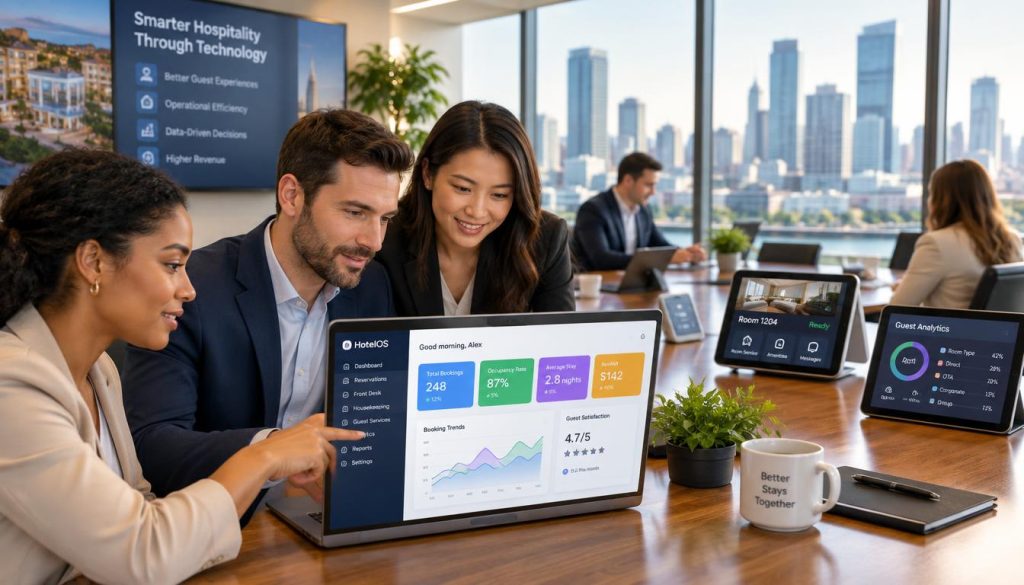
A high-performing point of sale system acts as the central nervous system for your business. It connects order entry, kitchen communication, and payment processing. Whether you run a busy café or a takeaway shop, your gear must match your workflow to unlock growth effectively.
A small coffee shop needs different tools than a full-service dining room. We help you identify the essential equipment required for reliable service. We also highlight critical factors like connectivity, support, and future expansion to ensure you only invest in what you truly need.
Key Takeaways
- Avoid buying generic equipment bundles that do not suit your specific service style.
- Prioritise reliable connectivity and robust support over flashy, unnecessary features.
- Ensure your chosen tools integrate seamlessly with your existing kitchen workflows.
- Plan for future expansion by selecting modular equipment that grows with your venue.
- Focus on essential components like payment terminals and printers that directly impact customer speed.
Start With Your Restaurant’s Service Workflow
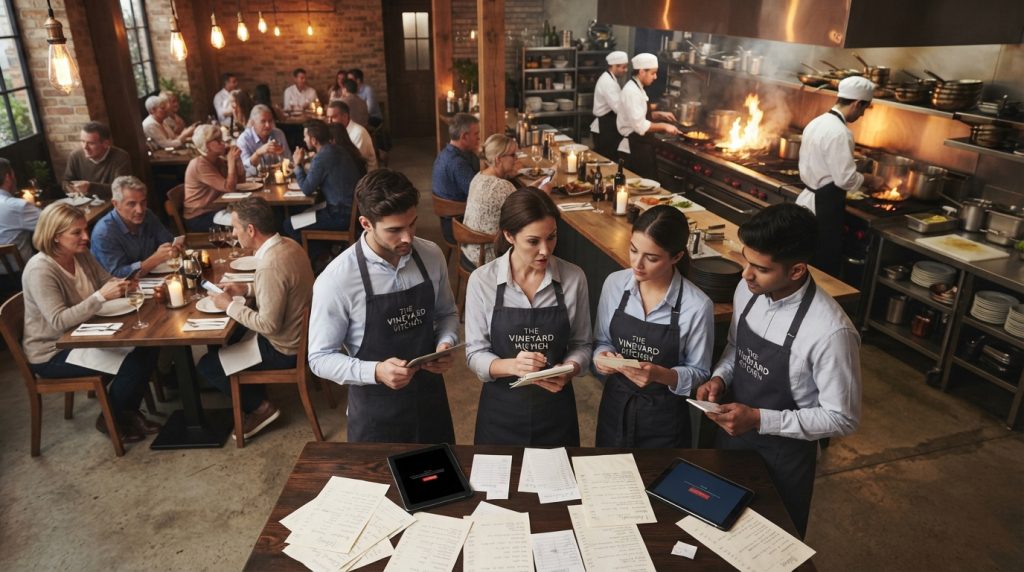
Operational friction often starts when your hardware doesn’t match your actual service workflow. Before you purchase new equipment, you must map out how your staff and customers move through your venue. Effective restaurant technology solutions are designed to support your specific service model rather than force you to change how you operate.
Consider the difference between a high-volume morning café and a relaxed full-service bistro. A café needs fast, fixed-terminal transactions to handle the morning rush, while a bistro benefits from handheld devices that allow staff to take orders and process payments tableside. Choosing the right restaurant POS software ensures that your hardware investment directly reduces wait times and improves table turnover.
https://www.youtube.com/watch?v=2SSCr10gFr4
To identify your specific needs, evaluate your current bottlenecks. Are your staff running back and forth to a central terminal? Do you struggle with split payments during peak hours? By auditing your hospitality technology, you can pinpoint exactly where a fixed terminal or a mobile device will provide the most value.
Use this checklist to audit your current workflow and plan your hardware requirements:
- Order Origin: Does the order start at the counter, a table, or via an online app?
- Kitchen Routing: How quickly does the order reach the kitchen display or printer?
- Payment Location: Do customers pay at the counter, or do you need mobile payment terminals?
- Peak Periods: Does your current restaurant POS software handle high-volume surges without crashing?
- Staff Movement: Can your team process transactions without unnecessary travel across the floor?
Every venue has unique requirements, but the goal remains the same: removing barriers to service. By aligning your hardware with your operational reality, you create a smoother experience for both your team and your guests. Invest in restaurant technology solutions that scale with your business as you grow.
Restaurant POS Hardware for Orders, Payments and Front-of-House Service
Your service speed depends entirely on the reliability of your POS terminal and peripheral devices. A robust setup ensures that orders move from the table to the kitchen without friction. When you invest in high-quality restaurant POS hardware, you reduce the risk of system crashes during peak service hours.
The core of your system is the terminal, which acts as the central hub for all transactions. Tablets offer mobility, allowing staff to take orders directly at the table. A reliable card reader is essential for modern restaurant payment solutions, ensuring that split payments and tips are processed accurately. You should also include a cash drawer for physical currency and a receipt printer to provide clear records for your customers.
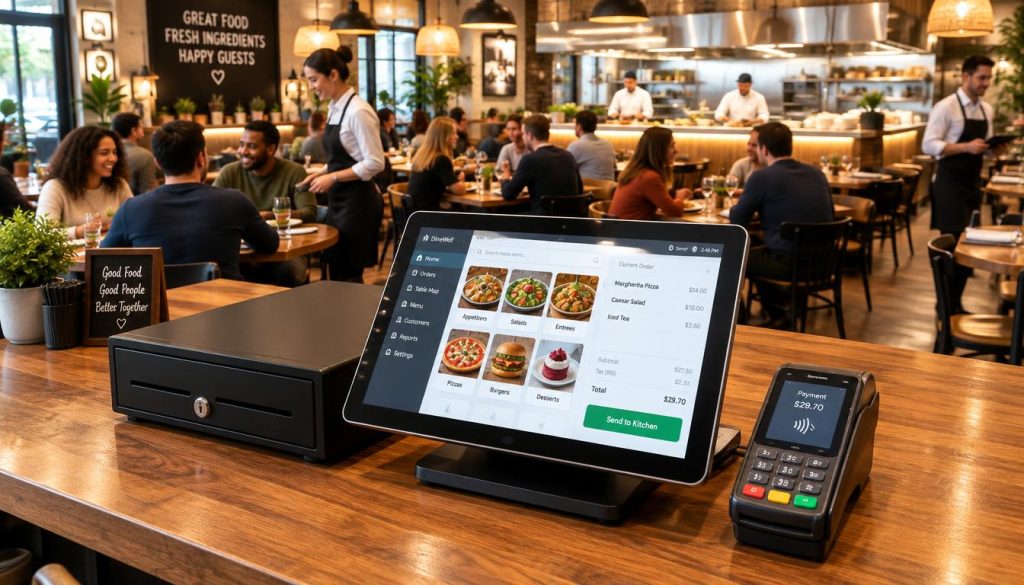
Your restaurant POS software must act as the brain of this operation. It should seamlessly link modifiers, item prices, and staff permissions to every transaction. Whether you are using a modern POS system or exploring advanced platforms like menumiz™, verify that the software handles refunds and payment status updates in real-time.
Use the following checklist to evaluate your hardware needs before making a final purchase decision:
| Equipment | Best Use | Operational Risk | Key Question |
|---|---|---|---|
| POS Terminal | Fixed order entry | System downtime | Is it spill-resistant? |
| Card Reader | Processing payments | Lost revenue | Does it support tap-to-pay? |
| Receipt Printer | Customer records | Service delays | Is it thermal/fast? |
Always confirm that your chosen restaurant payment solutions integrate fully with your existing workflow. A well-integrated restaurant POS software suite prevents manual entry errors and keeps your staff focused on the guest experience. By selecting durable restaurant POS hardware, you build a foundation for long-term operational success.
Kitchen, Connectivity and Backup Equipment That Prevents Service Delays
Reliable hospitality POS equipment does more than just process orders at the front counter. When your kitchen communication fails, the entire service grinds to a halt. You need a setup that ensures every order reaches the chefs accurately and instantly.
Choosing the right POS hardware supplier is critical for long-term stability. They should provide hardware that integrates seamlessly with your restaurant back office software to keep your data flowing. Whether you use a traditional kitchen printer or a modern Kitchen Display System (KDS), the goal remains the same: clear, actionable order routing.
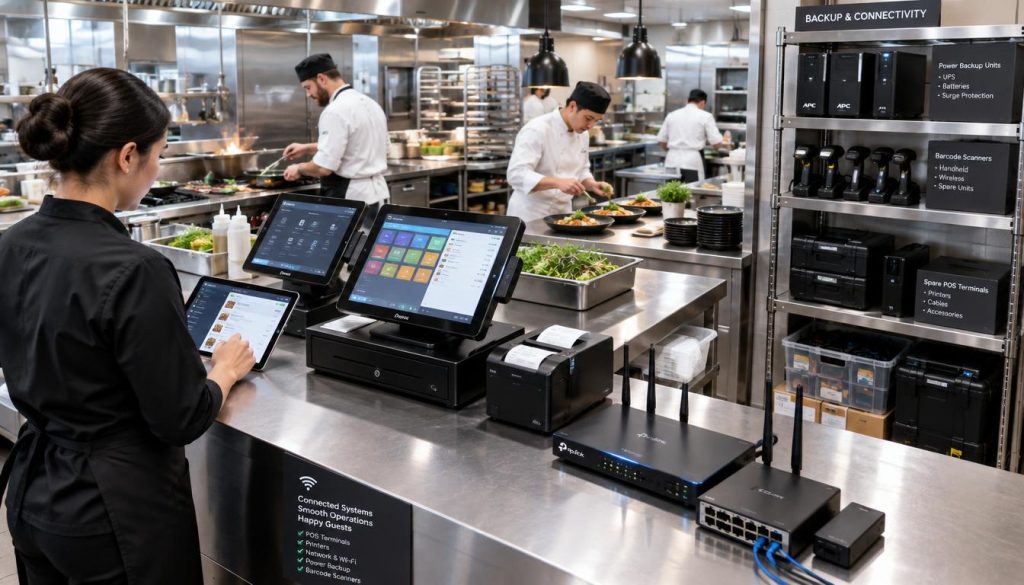
A kitchen printer is ideal for paper-based workflows where chefs need a physical ticket to track items. In contrast, a KDS offers digital visibility, allowing you to track preparation times and manage complex order types across multiple stations. Regardless of your choice, ensure your hardware supports these core functions:
- Network Coverage: Verify that your Wi-Fi or hardwired connections reach every corner of the kitchen.
- Offline Functionality: Confirm your system can store and sync data if the internet connection drops.
- Payment Continuity: Ensure your restaurant payment solutions remain operational even during network instability.
- Power Access: Use dedicated power circuits to prevent accidental shutdowns during high-volume service.
Before you go live, perform a thorough audit of your hardware environment. A professional POS hardware supplier will help you verify that every printer is routed correctly and every display is positioned for maximum visibility. Use this checklist to prepare your team for a smooth service:
- Menu Testing: Verify that all items print or display at the correct kitchen station.
- Payment Testing: Process test transactions to ensure restaurant payment solutions sync with your sales reports.
- Printer Testing: Check that paper rolls are stocked and print quality is legible.
- Backup Procedures: Train staff on manual order-taking protocols if the system goes offline.
- Escalation Contacts: Keep a list of support numbers for immediate technical assistance.
Consistent maintenance prevents service delays before they start. Regularly check your cables, update your software, and ensure your staff understands how to troubleshoot basic connectivity issues. By investing in robust hospitality POS equipment, you regain control over your kitchen workflow and protect your bottom line.
Conclusion
Your ideal point of sale system is defined by your specific workflow rather than a long list of expensive gadgets. Focus on the essentials like order entry, payment processing, and kitchen communication to ensure your operations run smoothly. A reliable restaurant technology provider acts as a partner for configuration, training, and ongoing support.
Always compare total costs across hardware, software, and installation before committing to a contract. Scalability remains vital as your business grows, so choose hospitality POS equipment that adapts to your changing needs. Review your current setup today to identify and eliminate avoidable service friction.
What hardware is strictly necessary? Start with a terminal, card reader, and printer, then add KDS or handhelds based on your service model. Every piece of equipment must serve a clear purpose in your daily flow.
How do I maintain service during internet outages? Choose systems that offer robust offline modes. This ensures your restaurant technology solutions continue processing payments and routing orders even when connectivity drops.
Can I expand or switch my system later? Most modern platforms allow for modular growth. Verify that your contract terms allow for hardware upgrades and data portability if you decide to scale your operations across multiple locations.