POS Rostering Integrations
Running a successful venue requires more than just gut feeling. You need a clear view of how your daily trading activity shapes your workforce needs. POS rostering integrations provide that essential bridge, turning raw transaction data into actionable labour plans.
By linking your sales platform directly to your scheduling software, you create a single source of truth. This connection allows you to move away from manual guesswork. Instead, you can rely on sales forecast staffing to align your team numbers with actual customer demand.
Effective sales forecast staffing ensures you are never overstaffed during quiet periods or under-resourced during a rush. When your systems talk to each other, you gain an operational baseline that saves money and reduces stress. Ultimately, the success of your POS and rostering integration depends on how well you manage data flow and use these insights to drive daily decisions.
Key Takeaways
- Automated data flow removes the need for manual spreadsheet updates.
- Linking sales to labour helps you control your biggest variable cost.
- Real-time insights allow managers to adjust rosters based on actual trade.
- Better alignment between staff levels and demand improves service consistency.
- Reliable data creates a solid foundation for long-term business growth.
What POS and Rostering Integration Connects
Connecting your point-of-sale data to your rostering software is the backbone of modern hospitality efficiency. When you establish a robust POS rostering integration, you create a seamless bridge between your front-of-house transactions and your back-office planning. This connection ensures that your labour decisions are always backed by hard, real-time evidence.
At its core, this integration synchronises several critical data streams to provide a unified view of your venue. By automating these inputs, you remove the risk of manual entry errors and save hours of administrative work each week. Understanding why restaurants need POS integration for labour costs and is the first step toward operational mastery.
The system typically maps the following data points:
- Sales performance by hour and category.
- Labour activity and actual clock-in times.
- Employee records and wage profiles.
- Trading periods and seasonal shifts.
- Roster information compared against revenue targets.
Data transfer occurs through an API, which acts as the digital handshake between platforms. For example, many operators use an API to push Toast sales data directly into Restaurant365. This process often imports the previous business day’s figures to ensure your accounting and reporting remain accurate and up-to-date.
You can choose between real-time webhooks for instant updates or scheduled polling cycles for batch processing. Regardless of the method, maintaining data consistency is paramount. You must implement strict authentication protocols and user permissions to protect sensitive information.
Finally, always ensure your system allows for manual overrides or repolling. If POS information is corrected after the initial sync, your POS rostering integration must be capable of updating the records to reflect the true financial position of your venue. This level of control keeps your labour planning precise and reliable.
How POS and Rostering Integration Improves Labour Planning
Moving beyond simple automation, smart rostering transforms your raw trading data into a strategic asset. When you implement EPOS workforce integration, you stop treating rostering as a clerical task and start using it as a tool for operational precision. This shift allows you to align your team’s presence with the actual pulse of your venue.
Relying solely on transaction counts often hides the true story of your floor. A standard POS system records what was sold, but it fails to capture the customers who walked away due to long queues or slow service. By integrating your workforce data, you gain a clearer picture of when your service pressure actually peaks.
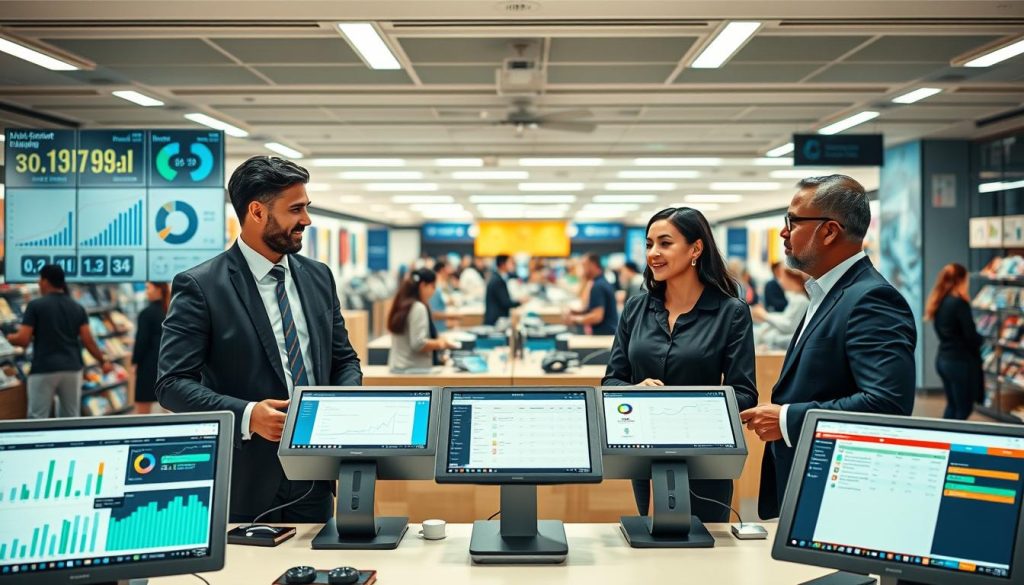
Effective planning requires a move toward hourly demand forecasting. Instead of looking at daily averages, you should map your staff levels against specific time blocks. This EPOS workforce integration ensures that your team is positioned exactly where they are needed most during your busiest windows.
You can also apply this logic to zone-level coverage. By breaking your venue into specific service areas, you ensure that your front-of-house and kitchen teams are balanced correctly. This prevents the common issue of having too many staff in quiet zones while other areas remain under-resourced.
The result of this disciplined approach is a measurable improvement in your bottom line. You will achieve stronger peak coverage and significantly fewer periods where your team is stretched thin. Ultimately, this level of EPOS workforce integration allows you to optimise your labour allocation without the need to automatically increase your total hours.
Conclusion
Successful management relies on connecting reliable trading data with practical roster controls. You must ensure your team remains accountable by aligning labour costs with real-time sales performance. Effective POS and rostering integration provides the visibility needed to make these high-stakes decisions daily.
Operators should verify how their systems handle data exceptions before implementation. POS corrections often require repolling before updated information reaches your reporting dashboard. Understanding this synchronisation timing prevents costly errors in your labour scheduling.
Take the time to assess your data sources and forecast granularity. You need measurable labour outcomes to justify your technology investment. Choosing the right platform is about finding a balance between automated efficiency and human oversight.
Review your current tech stack to see if it supports your long-term growth. Streamlining your digital infrastructure helps you regain control of your venue. Focus on tools that deliver clear, actionable insights to keep your business competitive in a demanding market.