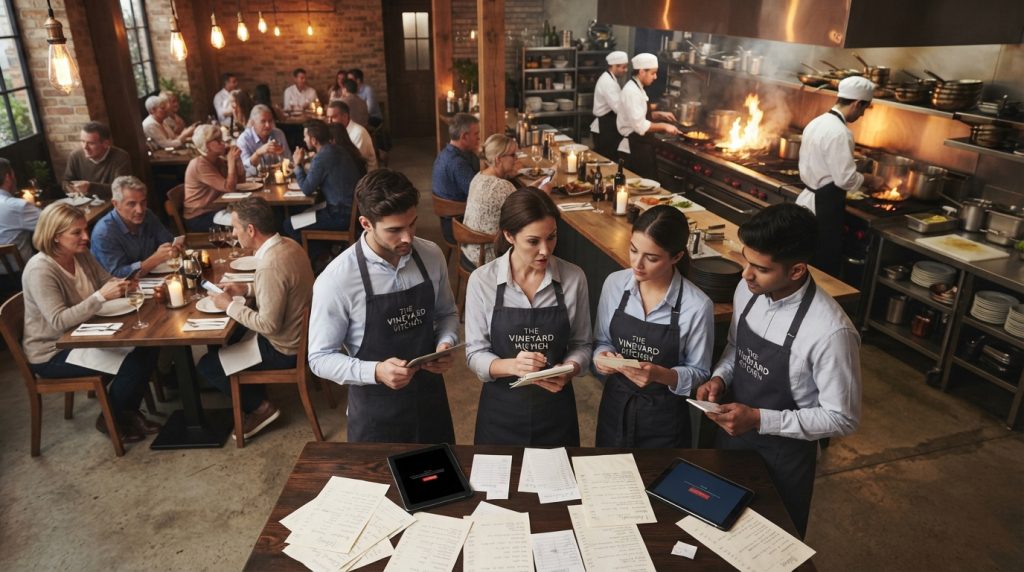
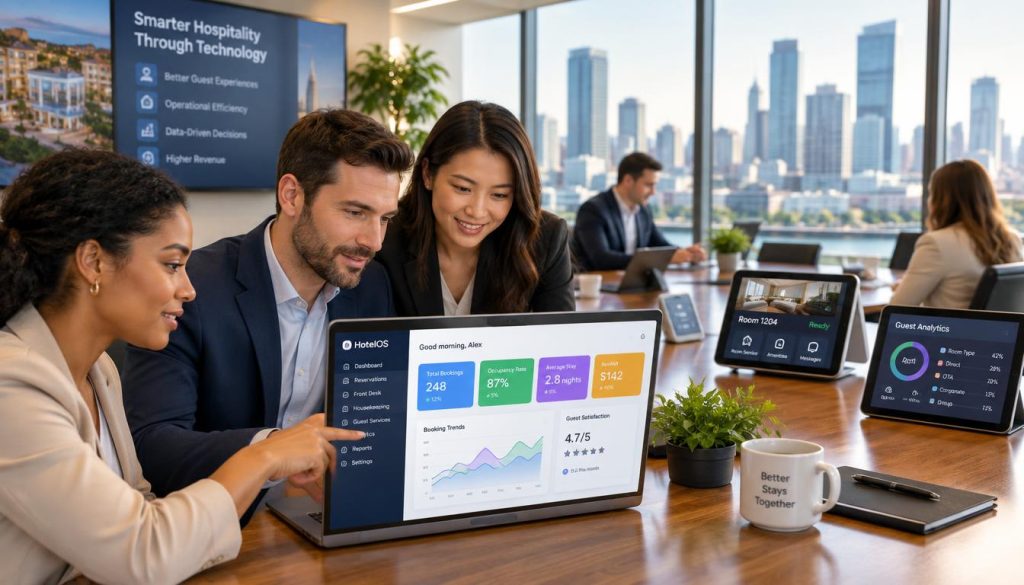
A connected back-office approach gives you a clearer view of the business. Hospoware helps you assess the workflows that matter across your café, coffee shop or hospitality operation.
Ready to review your back office?
Tell us how your café operates and identify the systems that need to work together.
Why Back-Office Control Matters in a Café
A café POS system records sales and payment activity. A wider café back office system should help you understand what happens before and after the sale.
That includes staff planning, supplier management, stock movement, product costs, cash register checks and accounting handover. The aim is not more screens. It is less operational friction.
One operational view
Bring key business details into a process your team can follow. Confirm which system owns each record and who is responsible for each task.
- Sales and order information
- Staff and roster processes
- Product and supplier details
Fewer manual checks
Repeated entry creates delays and avoidable mistakes. A connected solution can help you define a cleaner path from sale to report.
- Reduce duplicate data entry
- Review exceptions faster
- Keep details consistent
Decisions with context
A sales total is useful. It becomes more useful when you can review it beside staffing, products, suppliers and cash activity.
- Compare trading periods
- Review product performance
- Support management meetings

Where Café Operators Commonly Lose Time
Many café businesses grow by adding tools when a new need appears. One app handles orders. Another stores staff information. A cash register manages payment. Spreadsheets track stock. Accounting software receives figures later.
Each tool may work well alone. The problem is the handover between them. If information is late, incomplete or difficult to reconcile, you spend time checking instead of managing.
Warning signs
- Reports require manual exports
- Stock numbers do not match sales activity
- Supplier details are hard to find
- Staff changes are not reflected quickly
- Cash variances take too long to investigate
Better questions
- Which system holds the source record?
- Who reviews exceptions each day?
- Can managers see the right detail?
- What happens when the café adds a site?
- How does accounting receive information?
Connected Reporting for Faster Operational Decisions
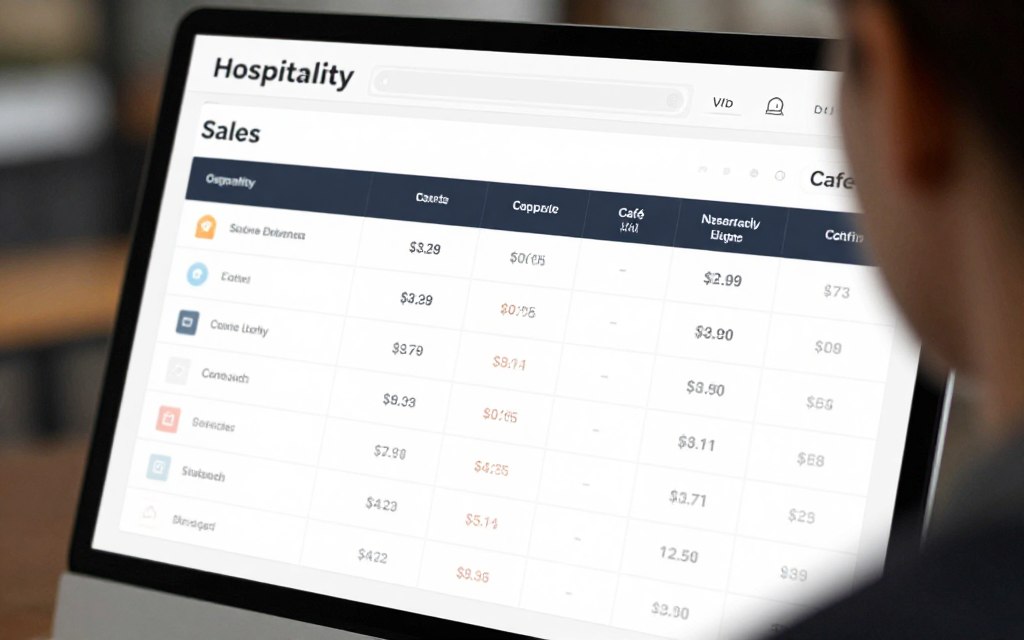
Reporting should answer practical questions. What sold? When did it sell? Which products need attention? Did the cash register balance? What does the manager need to act on today?
When reports are split across systems, small details can become difficult to compare. During your software review, ask how data moves from the point sale or café POS system into management reporting.
What to evaluate in reporting software
- Clear sales and payment summaries
- Useful product and order details
- Access for the right manager or account
- Export or handover options for accounting
- Reports that support daily and period reviews
Do not judge a POS system only by its front counter screen. The back office determines how useful the information becomes after the customer leaves.
Compare the workflow, not just the screen
Use a practical conversation to map your current reporting, sales and cash processes.
Staffing Workflows That Support Service
Staff affect every customer service interaction. A back-office system should fit the way your team works, from shift planning and staff details to manager review.
Ask whether the software supports your existing responsibilities. A small coffee shop may need simple control. A group with several shops may need consistent processes and access rules.
Questions for your staff software review
- Can managers find current staff details?
- Can responsibilities be assigned clearly?
- Does the workflow suit casual and permanent teams?
- Can you review staffing information beside sales?
- Is support available during implementation?
For one café
Prioritise easy use, clear ownership and fast daily review. Your system should not create extra administration for a busy owner.
For multiple locations
Prioritise repeatable processes, access control and a consistent view of each store. Confirm how the system handles differences between sites.

Supplier and Inventory Visibility
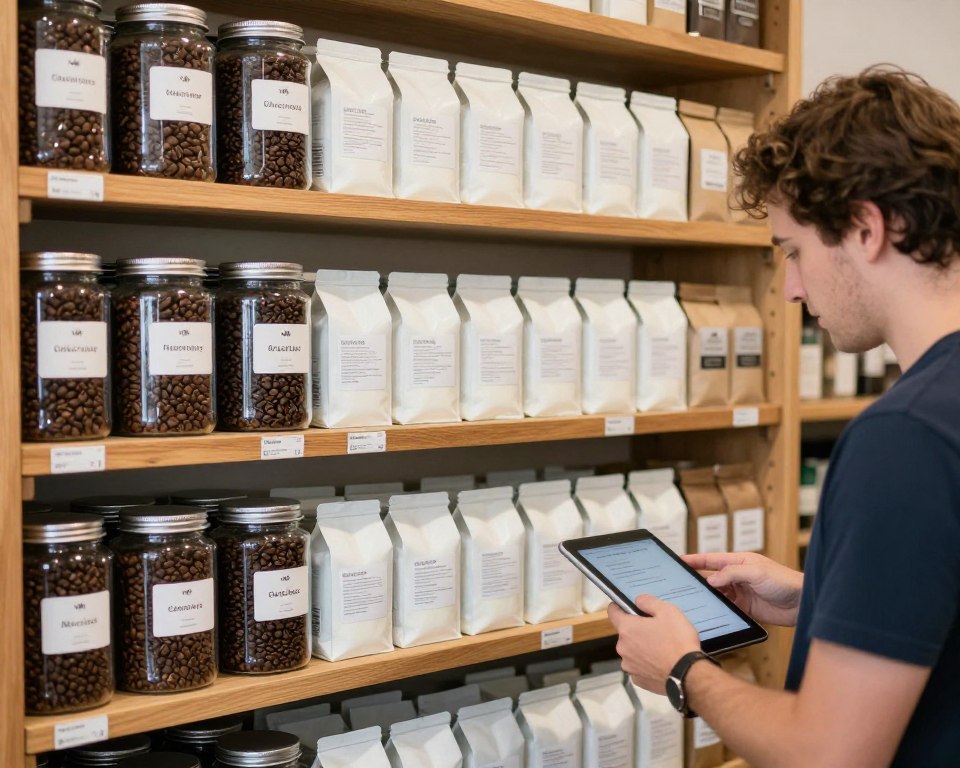
Stock management is more than counting products. You need useful details about products, suppliers, purchase activity and movement through the café.
When inventory information is disconnected from sale activity, ordering decisions become harder. You may hold too much stock, run short of a key product or spend time checking records that should be easy to view.
Assess these capabilities
Product details
Review how the system records products, categories and relevant operational information.
- Product names and categories
- Stock units and notes
- Useful detail for staff
Supplier control
Check whether supplier information can be kept current and available to authorised users.
- Supplier contact details
- Purchase records
- Clear account ownership
Inventory review
Confirm how managers review movement, discrepancies and the information needed for the next order.
- Stock review processes
- Exception checking
- Store-level visibility
Accounting Handover and Cash Control
Your cash register and POS system create important financial records. The challenge is ensuring those records reach the right account or accounting software in a form your business can use.
Ask how sales, refunds, discounts, payment types and cash activity are reviewed. Confirm what your bookkeeper needs before choosing a system.
Build a clear handover process
- Define the sales and payment details your business needs.
- Confirm who checks the daily cash position.
- Document how corrections and refunds are handled.
- Agree how information is supplied to accounting.
- Test the process before full implementation.
Practical check: Ask for a demonstration using your real café workflow. Use common orders, payment types, product changes and end-of-day checks.
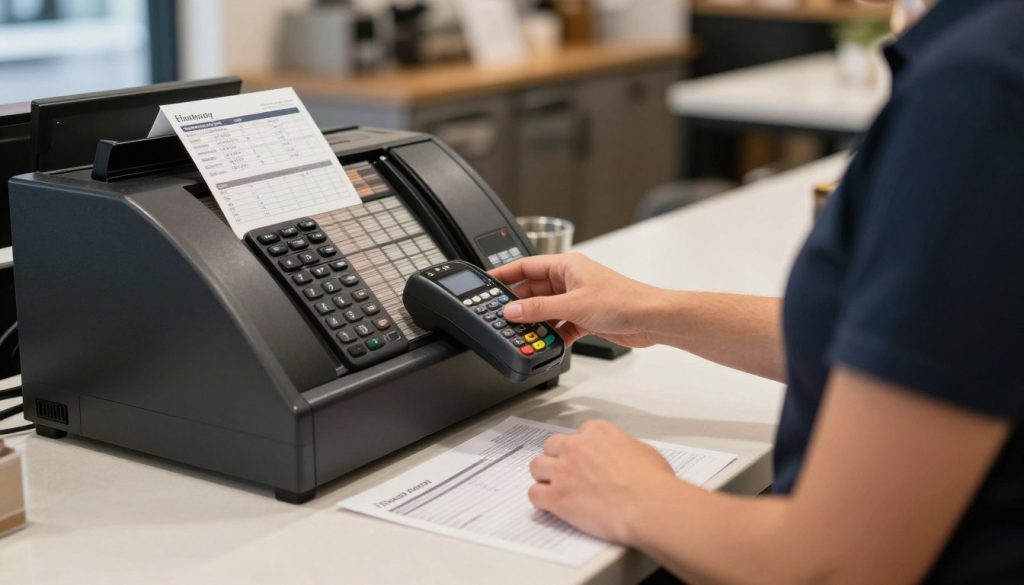
How to Compare a Café POS and Back-Office System
A café POS system should support service at the point of sale. A complete review should go further. Compare the full operating process, not one device or one feature list.
| Area | What to check | Why it matters |
| POS and orders | Order entry, product details, payment and customer service workflow | Keeps front-of-house activity practical |
| Reporting | Sales, cash and management views | Supports timely decisions |
| Staff | Access, responsibilities and operating processes | Creates clear accountability |
| Suppliers and stock | Products, supplier details and inventory review | Improves purchasing visibility |
| Accounting | Data handover, review and correction process | Reduces reconciliation effort |
| Support | Training, contact process and implementation guidance | Helps your team adopt the system |
Do not overlook the service model
Software is only one part of the decision. Review hardware, devices, internet reliance, payment requirements and support. Ask what happens when a staff member needs help during a busy service.
A strong fit should offer
- A workflow your team can follow
- Useful operational detail
- Clear ownership of each process
- Support for business growth
Be cautious when
- The demo focuses only on the register
- Important claims are not explained
- Support arrangements remain unclear
- Your team cannot test the workflow
Who Needs Cafe Operations Software?
A café operations software solution may suit owners who need a more connected way to manage information. It can also support managers who need consistent processes across a shop or group.
Independent cafés
You need visibility without adding unnecessary administration. Focus on simple daily reviews, sales detail, cash checks, stock and supplier records.
Coffee shops and venues
You may need a clear link between customer orders, service activity, products, staff and management reporting.
Multi-site groups
You need repeatable systems, useful account access and a consistent view of each store without losing local operational detail.
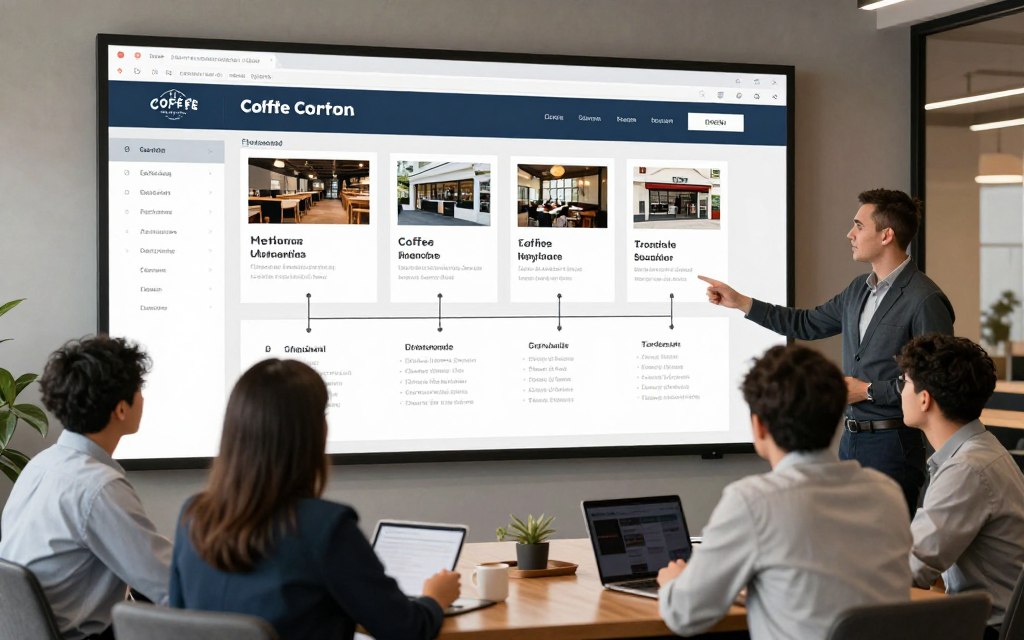
Connect the Workflows That Run Your Café
Hospoware’s hospitality focus gives you a starting point for reviewing connected operational needs. Explore the main platform, then consider the areas where your business requires more coordination.
Menumiz
Review how menu, order and customer-facing processes fit within your wider café operation. Confirm the functions relevant to your service model.
Hospoforce
Consider how people, responsibilities and management processes should connect with the rest of your business system.
Hospomarket
Review supplier and purchasing requirements as part of a broader approach to café operations and product control.
Use these product conversations to test fit. Ask what is available now, what needs configuration and how support will work for your business.
Implement Your Café Back Office System With Less Disruption
Implementation should be treated as an operating project. Choose a clear start date, assign an owner and document the processes that affect daily service.
- List your current POS, cash register, payment, stock and accounting processes.
- Identify duplicate work, missing details and recurring reconciliation issues.
- Separate essential requirements from useful extras.
- Confirm data, access, hardware and support responsibilities.
- Train the people who will use the system every day.
- Run a controlled review after launch and record improvements.
Questions to ask before you decide
- Which business problem must the new software solve first?
- Which reports does the owner or manager need each week?
- How will staff use the system during a busy service?
- How will supplier, inventory and product details be maintained?
- How will accounting receive and check the relevant records?
- What support will be available before and after launch?
A better system is not automatically a better fit. The right choice matches your café’s size, service model, team capability and growth plans.

FAQs About Cafe Back Office Software Australia
What is a café back office system?
It is software that supports the management work behind customer service. Depending on the product and configuration, this may include reporting, staff, suppliers, inventory, cash review and accounting workflows.
Is a café POS the same as back-office software?
No. A café POS system usually focuses on orders, sales and payment at the point of sale. Back-office software supports the management processes that happen around and after those transactions.
What should café owners compare first?
Start with your workflow. Compare reporting, staff processes, supplier and inventory control, accounting handover, hardware needs, ease of use and support.
Can this support more than one coffee shop?
Potentially, depending on the system and setup. Ask how locations, user access, reporting and local differences are handled before making a decision.
Should I replace my current POS software?
Not always. First identify the gap. You may need a new POS system, a connected back-office solution or a clearer process between existing systems.

Choose a System That Gives You More Control
The best café software decision starts with the work your team already does. Map the handovers. Check the details. Test the system against real orders, payment activity, staff needs, supplier records, inventory checks and accounting tasks.
If your current tools leave gaps, Hospoware can help you review the operational areas that matter. Start with a practical conversation about your café business.
Build a clearer café operation
Explore Hospoware and decide which connected workflows deserve attention first.
When your sales, staff, supplier, inventory and accounting processes are easier to review, you can spend less time chasing information and more time running the café.