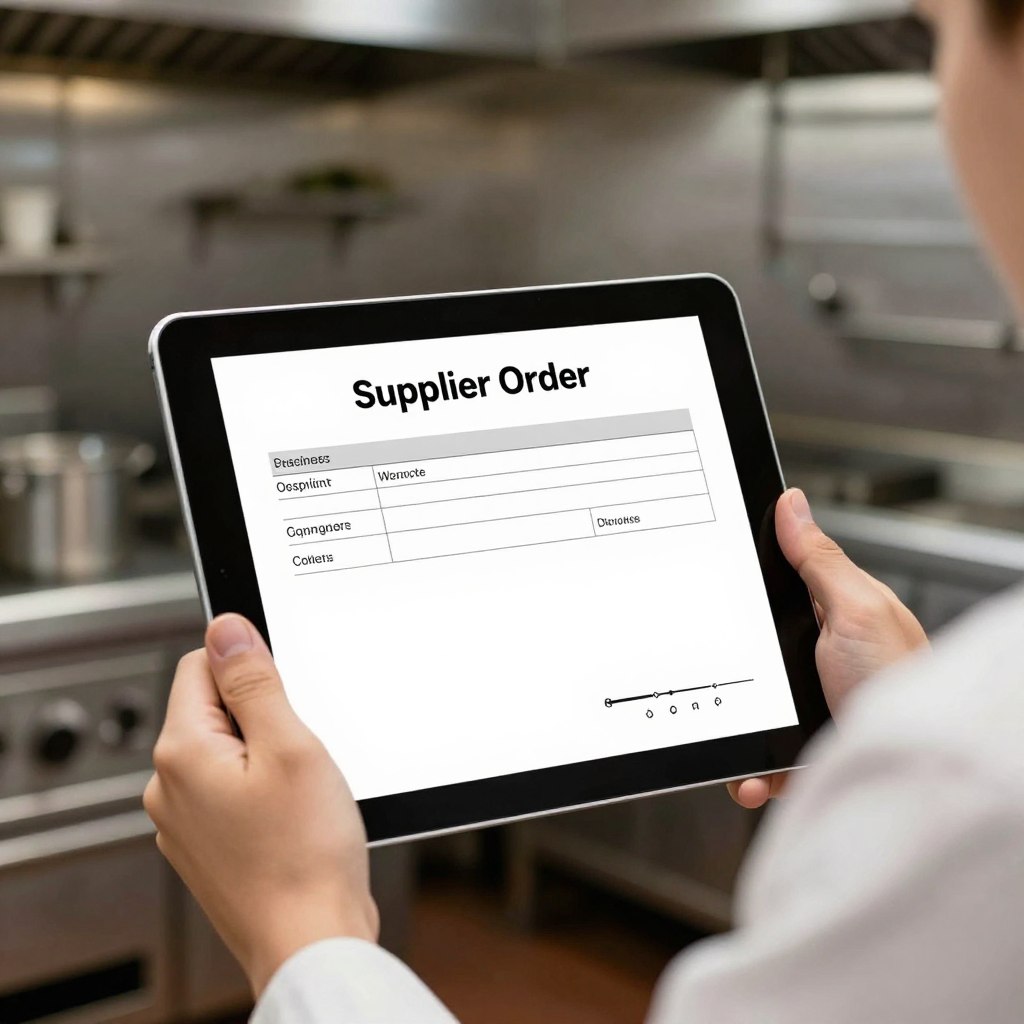
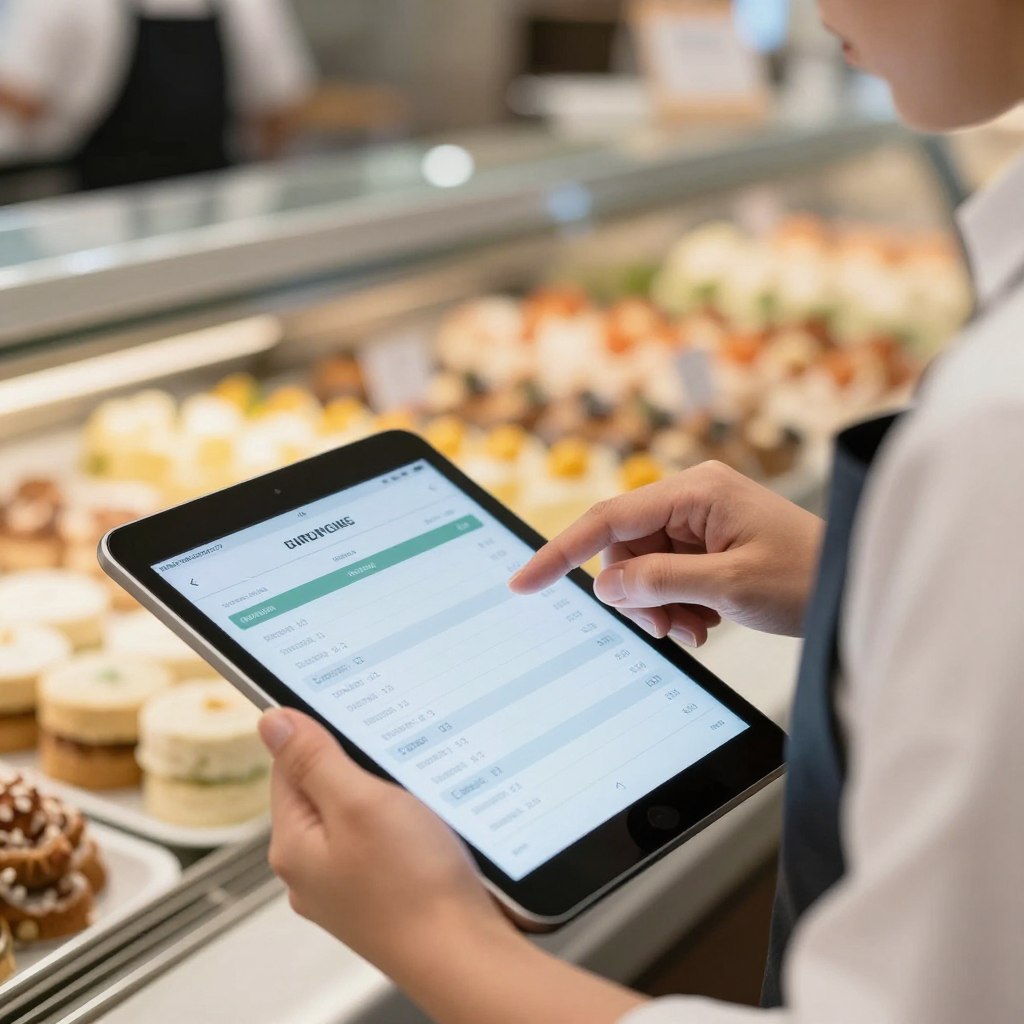
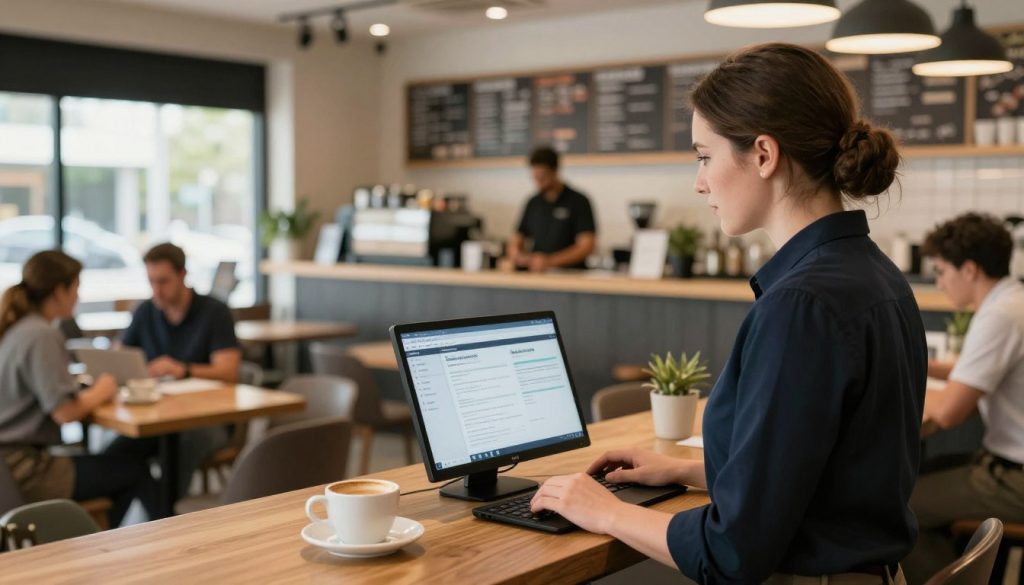
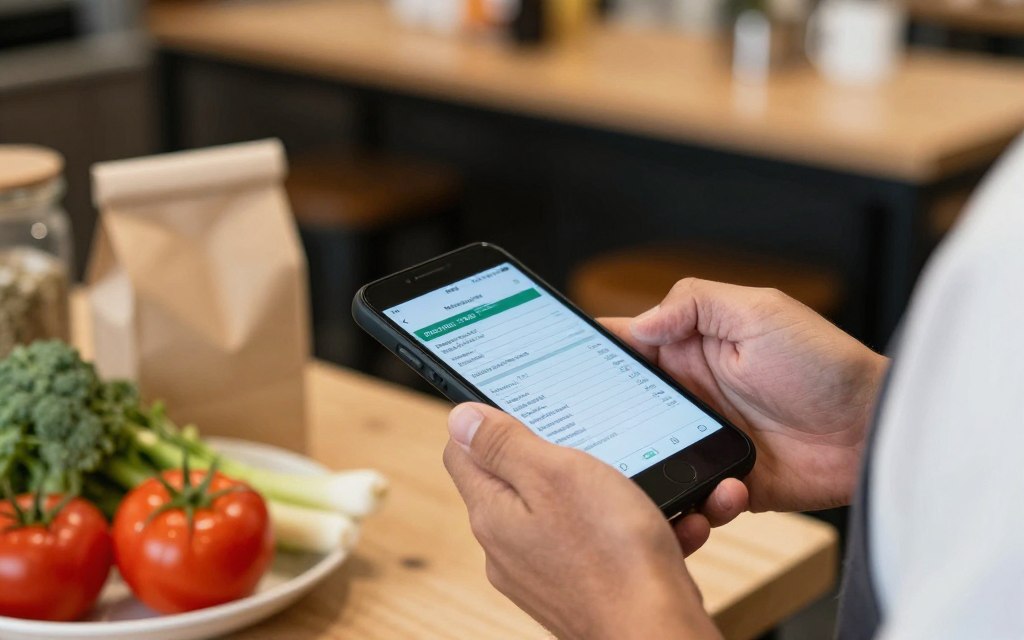
Bring more control to every purchase with high-tech restaurant purchase order software from Hospoware.
Explore how Hospoware can support purchasing workflows for restaurants, cafés, venues, and hospitality groups.
Why restaurant purchase order software matters
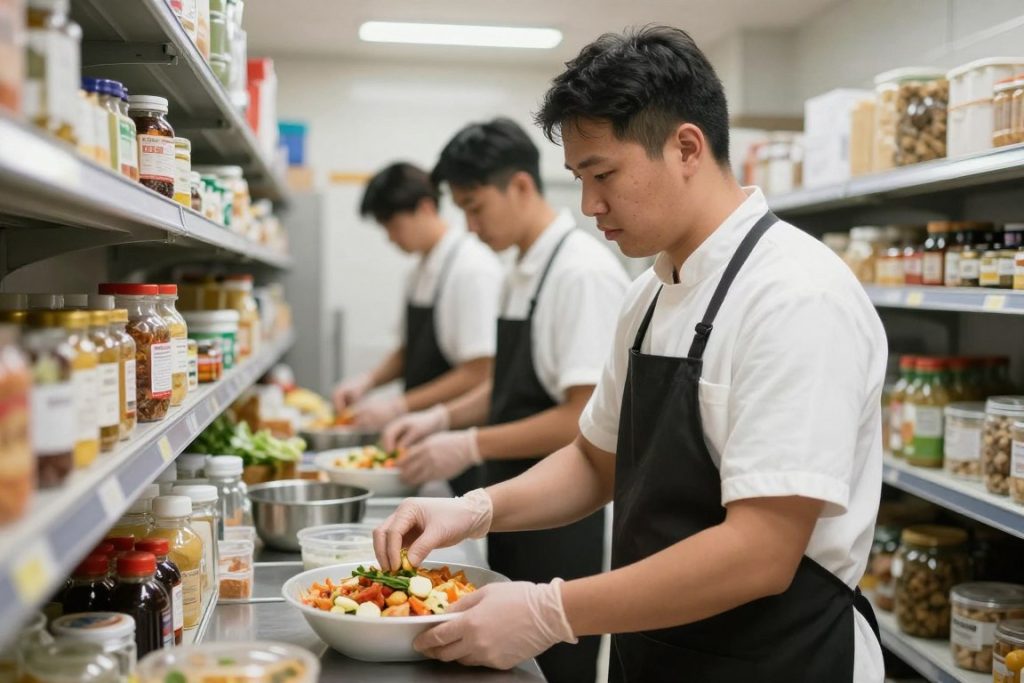
Restaurants purchase food, beverages, packaging, cleaning goods, and operating items from many suppliers. Each order needs accurate quantities, agreed pricing, delivery details, and a clear record.
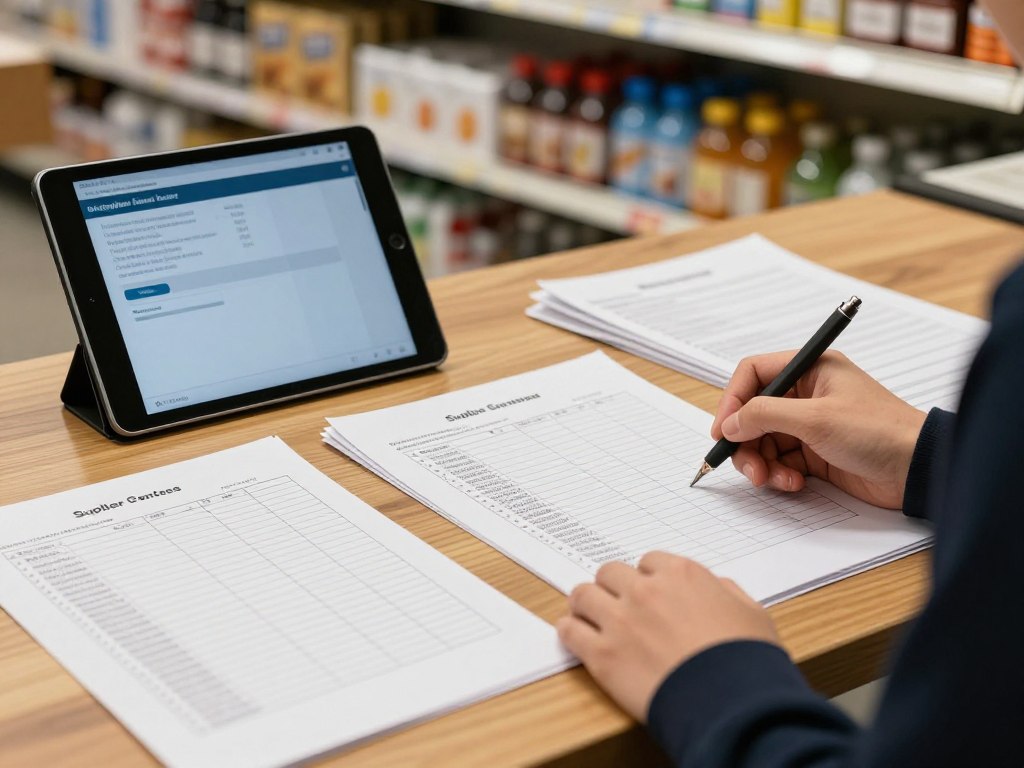
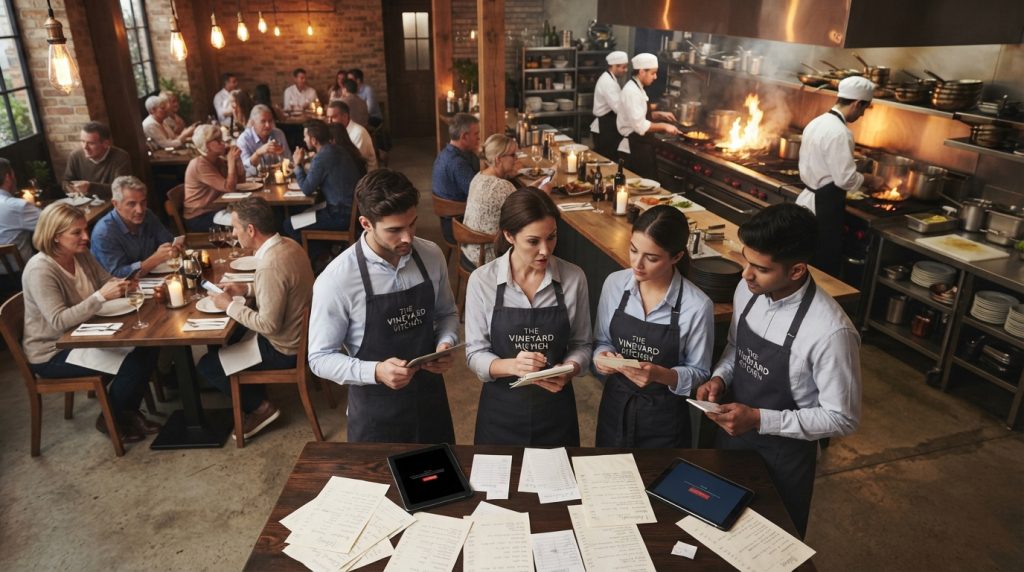
When staff rely on messages, calls, spreadsheets, or paper, information can become scattered. Managers may not know which purchase orders are approved. Suppliers may receive incomplete instructions. Finance teams may spend extra time checking invoices.
Good management software creates a consistent process. It helps your team move from demand to purchase with fewer gaps.
Reduce manual work
Standardise repetitive order tasks and give staff a clearer process.
Improve visibility
Keep supplier, item, pricing, and order information easier to review.
Support better decisions
Use useful data to plan purchasing and respond to changing demand.
Common purchasing problems in a busy restaurant
Restaurant procurement is rarely difficult because of one large issue. It is difficult because many small tasks compete for attention.
- Orders are created differently by each staff member.
- Supplier details sit across email, paper, and separate systems.
- Stock counts are delayed or difficult to compare.
- Price changes are missed during busy service periods.
- Managers lack a clear view across several locations.
- Purchase records are difficult to match with delivery and accounting work.
- Over-ordering increases waste while under-ordering creates service risk.
Restaurant purchasing software should address these process issues first. More features do not automatically create better operations. The workflow must be practical for the people using it each day.
How a better purchase order workflow works
A controlled workflow starts with what the restaurant needs. Staff identify required items from stock, sales patterns, menus, or planned demand. The order is then reviewed before it reaches the supplier.
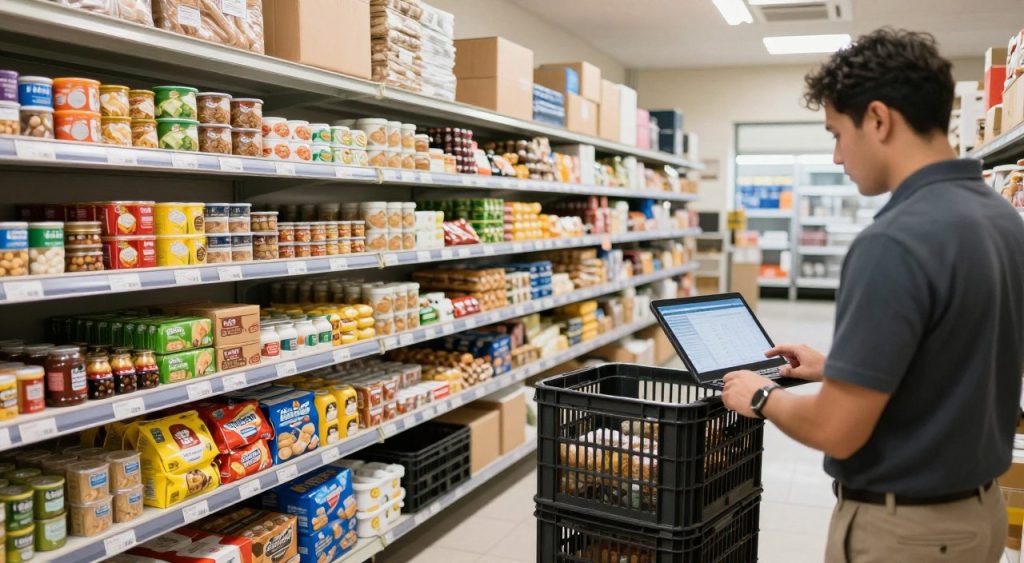
- Check inventory and current stock levels.
- Identify required food, goods, and operating items.
- Prepare a purchase order using consistent item details.
- Review quantities, pricing, supplier information, and delivery timing.
- Send the order to the correct supplier.
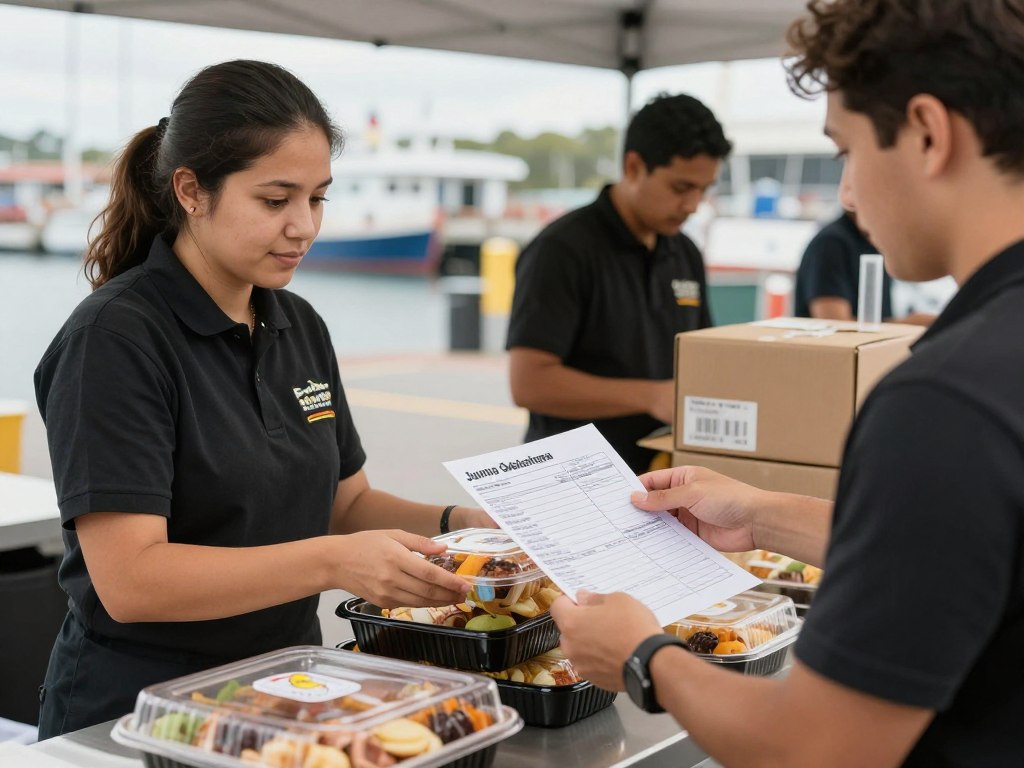
- Record delivery outcomes and investigate differences.
- Use reports and data to improve the next purchasing cycle.
This approach gives operators a stronger link between inventory management, purchasing, and daily operations. It also gives staff a shared source of information.
Capabilities to assess in restaurant procurement software
Compare software against your actual operation. A good product page may look impressive, but your decision should focus on daily use.
Purchase orders
Check whether your team can create, review, send, and track purchase orders without unnecessary steps.
- Clear order status
- Reliable supplier details
- Useful item information
Supplier ordering
Look for a process that reduces confusion when staff order from different vendors and supplier contacts.
- Consistent supplier records
- Fewer duplicate entries
- Better order visibility
Inventory management
Assess how the software supports stock review, purchasing decisions, and item control.
- Visible inventory levels
- Useful purchasing data
- Support for waste control
Connect purchasing with the rest of your operation
Purchasing does not operate alone. Sales influence demand. Inventory affects ordering. POS systems provide operational data. Accounting needs reliable records. Managers need reports they can understand.
Before selecting management software, map the systems already used by your restaurant. List the information your team enters more than once. Identify where errors occur and where delays affect service.
Then ask each vendor to explain how the proposed system fits your process. Request a clear demonstration using real examples, such as a weekly food order, a price change, or a short delivery.
Practical test: ask a staff member who handles supplier ordering to complete the main workflow. Their experience matters as much as the feature list.
Where Hospoware fits
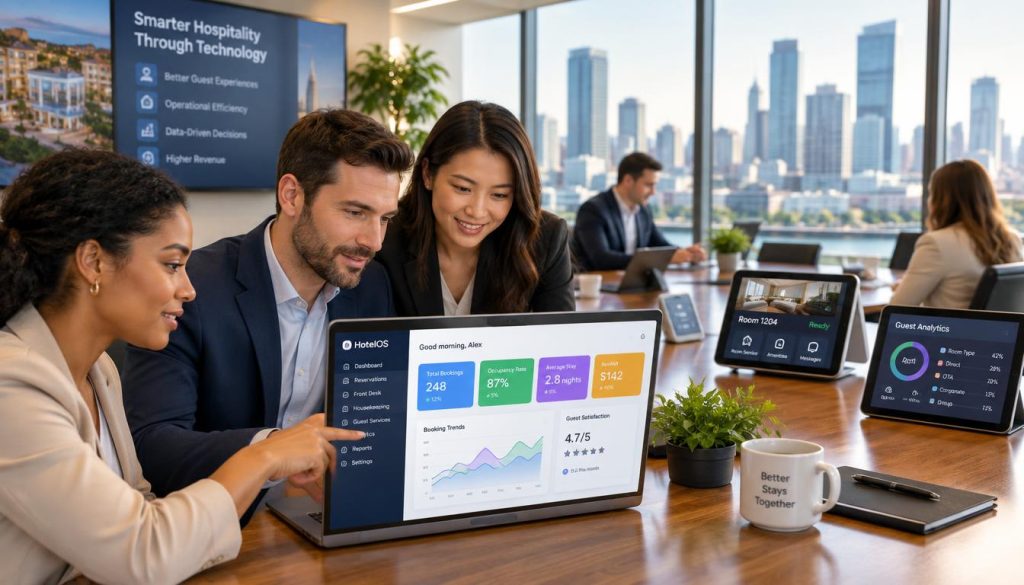
Hospoware is built for hospitality businesses that need clearer operational control. Its connected solution approach is designed to help operators reduce friction between teams, systems, and daily tasks.
For purchasing teams, Hospomarket can be considered as part of the purchasing workflow where verified on the live Hospoware website. Review the current product information before making a decision, and confirm which functions match your required process.
You can also review the wider Hospoware hospitality technology platform to understand how purchasing may fit with other operational needs. Keep the assessment grounded in your restaurant’s people, suppliers, items, locations, and reporting requirements.
See the purchasing approach in context
Start with your current process, then compare it with the capabilities available through Hospoware and Hospomarket.
Who benefits from restaurant procurement management?
Independent restaurants
Owners and managers can create a more repeatable purchasing process without relying on one person’s memory.
Cafés and venues
Teams can manage frequent supplier orders while keeping food, packaging, and other items visible.
Multi-location groups
Operators can assess whether a shared process will improve consistency across restaurants and locations.
The right software should support the size and pace of your business. A small venue may need simplicity. A larger group may need stronger controls across suppliers, vendors, stock, and reports.
Use this checklist before you choose software
Build your shortlist around measurable operational needs. Ask direct questions and record the answers.
Workflow
- Can staff create purchase orders quickly?
- Can managers review orders before sending?
- Can the process handle recurring supplier needs?
Control
- Are supplier and item records clear?
- Can you review order status?
- Can the system support multiple locations?
Adoption
- Is the interface practical during service?
- Can staff learn the core workflow?
- Is support available when questions arise?
Plan implementation around people and process
Implementation works best when it starts with a simple operating map. Document who orders, who approves, who receives deliveries, and who checks records.
Clean supplier and item information before the team begins. Remove duplicate vendors. Confirm units, pack sizes, and agreed pricing. Decide which staff need access and which actions require approval.
Start with one restaurant or one purchasing category if possible. Measure completion time, order accuracy, delivery issues, and staff feedback. Then refine the process before expanding.
Training should use real orders. Show staff what to do when an item is unavailable, a price changes, or the delivered quantity differs from the order.
Restaurant purchase order software FAQs
What is restaurant purchase order software?
It is software that helps hospitality teams prepare, manage, send, and track orders for food, beverages, stock, and operating goods.
Why use software instead of spreadsheets?
Software can create a more consistent process and improve visibility across orders, suppliers, items, inventory, and purchasing records.
Can it support multiple suppliers?
That depends on the product and configuration. Ask the provider to demonstrate your real supplier ordering process before purchase.
Should purchasing connect with inventory?
Yes, connected workflows can help operators compare stock needs with planned purchase orders. Confirm the exact capabilities with the provider.
How should I compare restaurant purchasing software?
Compare workflow speed, supplier control, inventory visibility, reporting, adoption, support, and fit with your existing systems.
Take control of restaurant purchasing
The best purchase process is one your team can follow consistently. Choose software that reflects how your restaurant operates, not just how a feature list looks.
Review your current orders, supplier records, inventory levels, and approval steps. Then use that information to assess Hospoware with practical questions.
Ready to review your purchasing workflow?
Explore Hospoware and take the next step towards clearer hospitality purchasing and more controlled restaurant procurement management.