Plan a clearer workforce operation
Tell us how your business manages staff, shifts and payroll today. We will help you identify the right path forward.
Why hospitality operators review rostering software
Hospitality scheduling changes quickly. Staff availability moves. Bookings fluctuate. Managers cover unexpected absences while protecting service standards.
A manual roster can make each change harder to track. It may also leave managers checking several sources before they know who is working. The result is less time for guests, teams and daily management.
Roster pressure
Last-minute changes can create confusion when staff and managers do not share one current view of the roster.
Payroll pressure
Unclear hours and attendance records can make payroll preparation slower and harder to review.
Management pressure
Without useful workforce data, decisions about coverage, labour and locations rely too heavily on instinct.
What hospitality rostering software should help you control
The right system should make scheduling easier to review and simpler for staff to follow. It should support the way your venues actually operate rather than force every location into the same pattern.
Start with the complete workflow. Ask how the system handles roster creation, employee availability, shift communication, time attendance, payroll preparation and reporting.
Practical test: choose software that reduces repeated administration and gives managers dependable information before, during and after each shift.
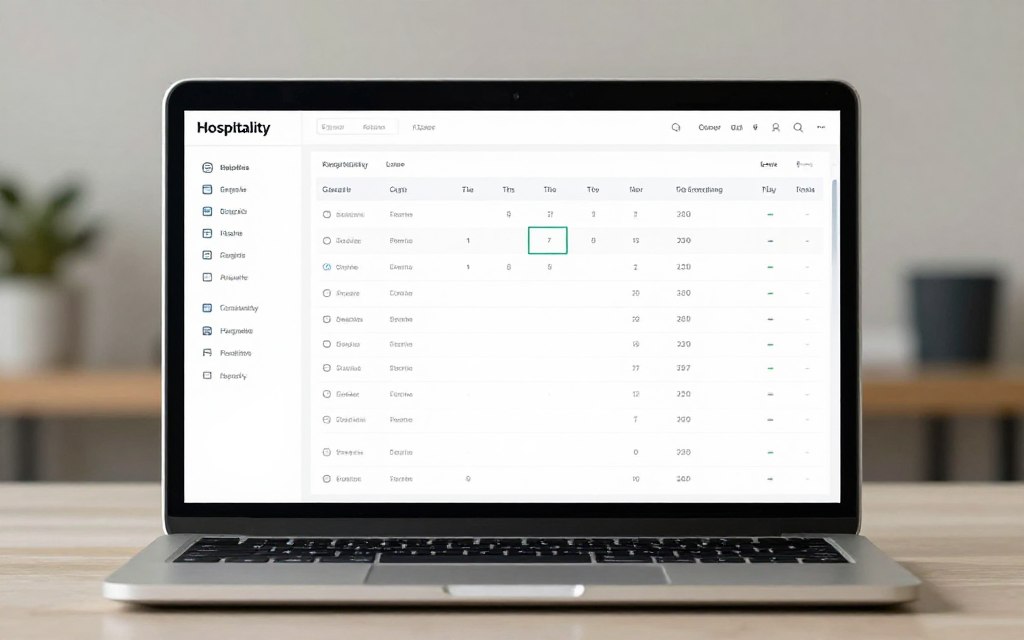
One operating view
Managers need a reliable place to check rosters, changes, hours and team information.
Clear staff access
Staff should be able to view relevant shift information without adding more messages to the manager’s day.

Useful information
Reporting should support practical decisions about hours, coverage, attendance and labour optimisation.
Capabilities to compare before you choose
Feature lists can look similar across products. The important question is how each capability works in your day-to-day operation.
Scheduling
- Roster templates for repeat patterns
- Availability and shift visibility
- Support for changing locations
Payroll preparation
- Accurate hours and attendance records
- Clear approval steps for managers
- Data that is easy to review
Workforce control
- Practical labour reporting
- Role and team information
- Processes that scale with the business
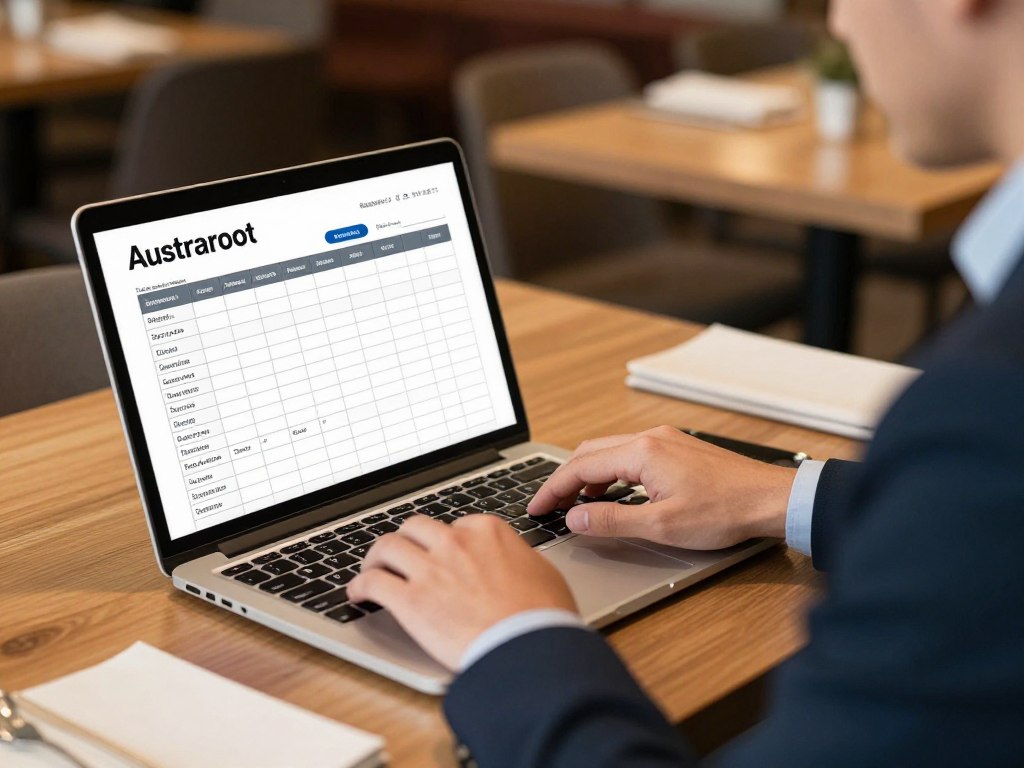
Roster creation
Check whether templates save time without limiting the way managers plan service coverage.
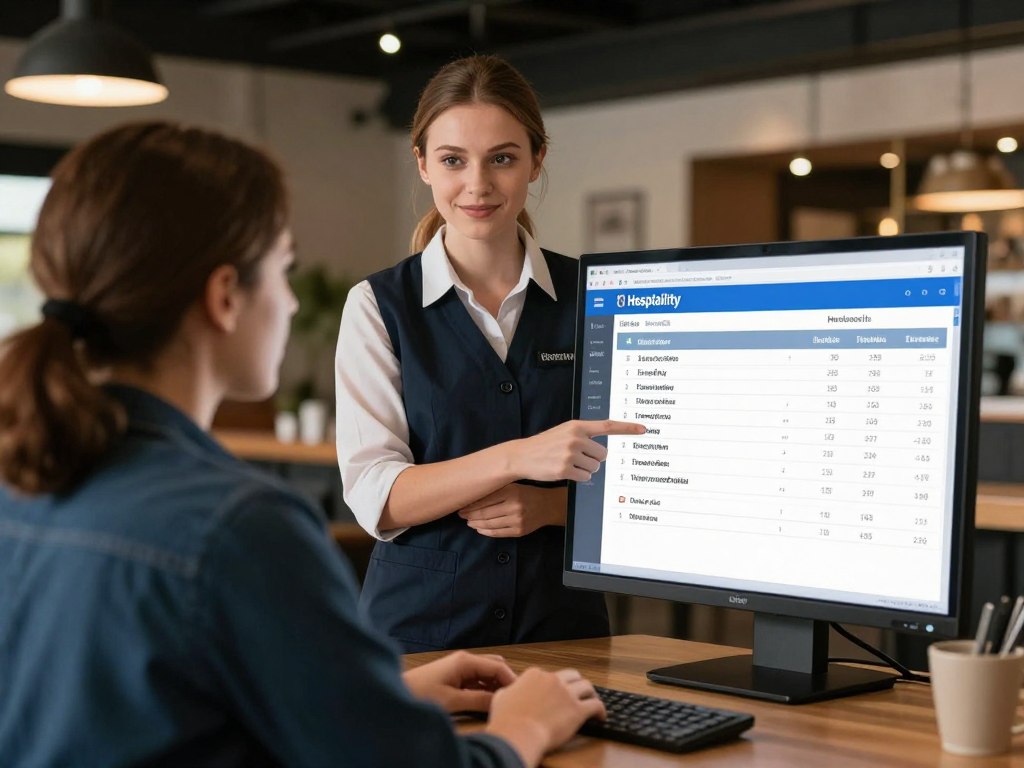
Availability
A useful process should make availability easier to collect, check and apply to rosters.

Time and attendance
Confirm how attendance data is captured, reviewed and prepared for payroll.
Australian award and compliance considerations
Hospitality businesses need a process for checking pay conditions, hours and records against the arrangements that apply to their employees. The Hospitality Award is one source operators may need to consider, but coverage depends on the role and circumstances.
Do not assume that software replaces payroll or employment advice. Ask how award interpretation is supported, what can be configured and where managers remain responsible for review.
For current workplace information, use Fair Work Ombudsman guidance and obtain professional advice when the situation is complex.
Use award interpretation tools as part of a controlled process. Validate pay rules, employee classifications and payroll outcomes before relying on them.

Award interpretation
Ask whether the product supports your award review process and provides a clear audit trail for decisions.

Payroll checks
Build a review point between rostered hours, actual attendance and payroll data.

Manager accountability
Clear approval roles help teams know who checks changes, hours and pay inputs.
Use cases across hospitality operations
Restaurants and cafés
Restaurant staff scheduling must reflect service periods, prep work, close-down tasks and changing demand. Managers need a simple way to see whether every shift has the right coverage.
Hotels, venues and events
Venue teams may work across functions, rooms and service areas. Rosters should make locations, roles and shift times easy to understand.
Franchise and multi-site groups
Multiple locations need consistent management without removing local control. Compare how the platform handles teams, permissions, reporting and operating patterns across sites.

Service coverage
Plan opening, peak, handover and closing shifts with a clear view of staff requirements.

Flexible locations
Keep location and role information clear when employees support more than one venue.

Group visibility
Give leaders the information they need while allowing managers to run their own shifts.
Mobile access for managers and staff
Hospitality work rarely happens at a desk. A mobile app can help employees check shifts and help managers respond while they are on the floor.
Do not judge a mobile app by its existence alone. Test the key actions. Can staff find their roster quickly? Can managers review attendance, changes and coverage without unnecessary steps?
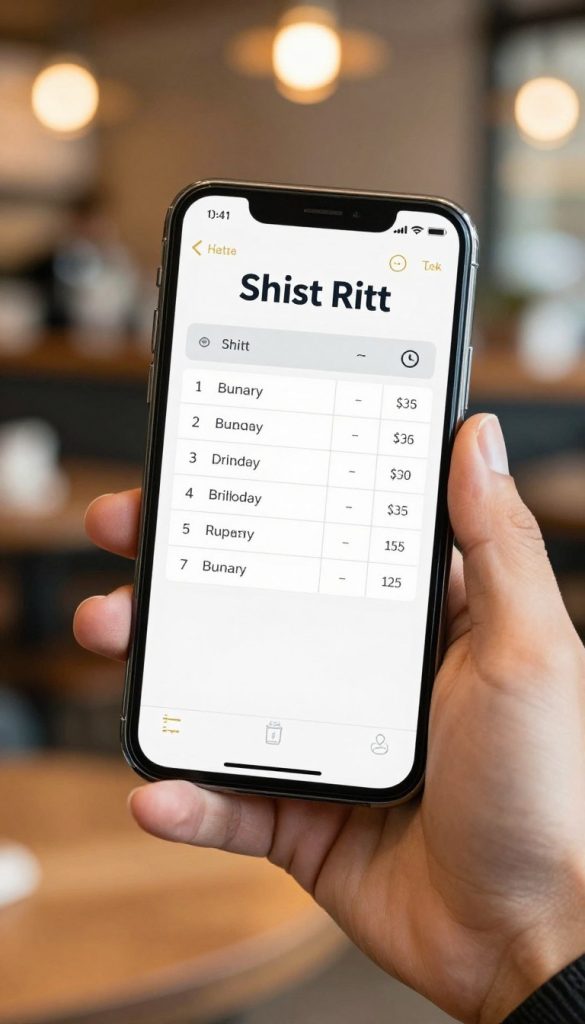
For employees
The best experience is clear, quick and suitable for staff who move between service tasks.

For managers
Managers need fast access to roster changes, attendance information and team communication.

For adoption
A straightforward app can support consistent use across busy teams and locations.
Connect rostering with wider workforce management
Rostering is one part of workforce management. You also need to consider onboarding, training, attendance, payroll processes and operational data.
Hospoware is built around connected hospitality operations. Explore the Hospoware platform to understand how your technology environment can support a more joined-up business.
Where a separate workforce product is involved, confirm its exact scope. Do not assume that Hospoforce provides rostering functionality unless that capability is stated on the current product page.

Connected processes
Map how rostering, onboarding, training and payroll interact before selecting new software.

Employee lifecycle
Look beyond the first roster. Consider what information staff and managers need over time.

Reliable data
Clear data ownership makes management reviews more useful and reduces duplicated entry.
How to compare rostering software
Run a practical test using one real week of hospitality operations. Include a normal shift, a busy period, an absence and a payroll review.
- List the current steps used to create and publish rosters.
- Record where staff availability, attendance and changes are stored.
- Identify the award and payroll checks that managers complete.
- Test the employee and manager experience on desktop and mobile.
- Ask what implementation, support and training your team will need.

Fit
Does the system match your locations, roles, shifts and management structure?

Effort
What must your business prepare before staff can use the software?

Support
Know who will help managers resolve questions during adoption and daily use.
Implement the new system without disrupting service
Implementation should be controlled and staged. Start with a clear owner, a defined pilot group and a short list of operating rules.
Prepare your data
Review employees, roles, locations, availability, pay settings and roster templates. Remove outdated records before launch.
Train the people who manage shifts
Managers need practical training based on real service scenarios. Staff need simple instructions for viewing shifts, confirming information and raising questions.
Review the first weeks
Track adoption, roster changes, attendance issues and payroll questions. Use the findings to improve templates and processes.
Need help defining the right scope?
Start with your current process, locations and workforce goals. Hospoware can help you frame the conversation before you commit to a system.
Who should consider hospitality rostering software?
This category is usually relevant when roster administration is taking too much management time or when the business needs better control across teams.
Growing operators
You are adding staff, service periods or locations and need repeatable scheduling processes.
Busy venues
Your managers handle frequent changes and need a current view of shifts and attendance.
Multi-site groups
You want consistent workforce information without removing local operational control.

Growth
A scalable process can help you manage more complexity with less duplication.

Daily control
Managers can focus on service when routine workforce checks are easier to complete.

Consistency
Standard processes support clearer management across different businesses and locations.
Is this the right next step for your business?
Rostering software is worth investigating when manual scheduling creates repeated work, unclear accountability or limited labour visibility.
It may not be the first priority if your team has a very small operation, stable shifts and no immediate need to change its current process. Even then, documenting your workflow can show when the balance changes.
Good reasons to proceed
- Managers spend too much time building and changing rosters.
- Staff rely on scattered messages for shift information.
- Payroll preparation needs clearer hours and attendance data.
Questions to resolve first
- Who owns implementation and system administration?
- Which award and payroll rules require review?
- What data and training will your teams need?
Talk through your hospitality operation
Give us a practical picture of your business. The more specific you are about locations, staff, shifts and payroll processes, the more useful the first conversation can be.
Hospitality rostering software Australia FAQs
What is hospitality rostering software?
It is software used to plan staff shifts, manage availability, record workforce information and support related payroll or attendance processes. Exact features vary by provider.
Can rostering software support the Hospitality Award?
Some products include award interpretation or compliance tools. Confirm the exact award coverage, configuration options and review responsibilities before relying on the system.
Do hospitality teams need a mobile app?
A mobile app can be useful for teams working away from desks. Test whether staff can view shifts and whether managers can complete key tasks quickly.
How should I compare restaurant staff scheduling products?
Compare the complete process, including roster creation, availability, time attendance, payroll preparation, reporting, implementation and support.
What does labour optimisation mean in hospitality?
It means using workforce information and operational planning to align staff hours with service needs. It should support good service, fair processes and informed management decisions.
Choose control over roster guesswork
The best hospitality rostering software is not simply the product with the longest feature list. It is the system that fits your operating model, supports reliable workforce processes and gives managers information they can use.
Define your current gaps. Test the important workflows. Confirm award and payroll responsibilities. Then choose a partner that can support the wider direction of your hospitality business.
Start with a practical conversation
Explore Hospoware and discuss what your Australian hospitality business needs next.