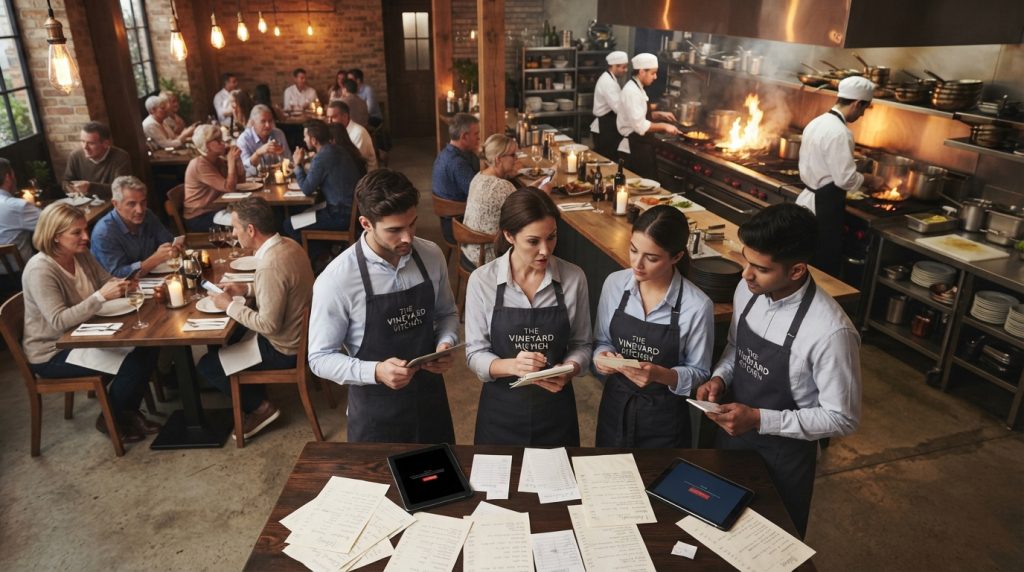
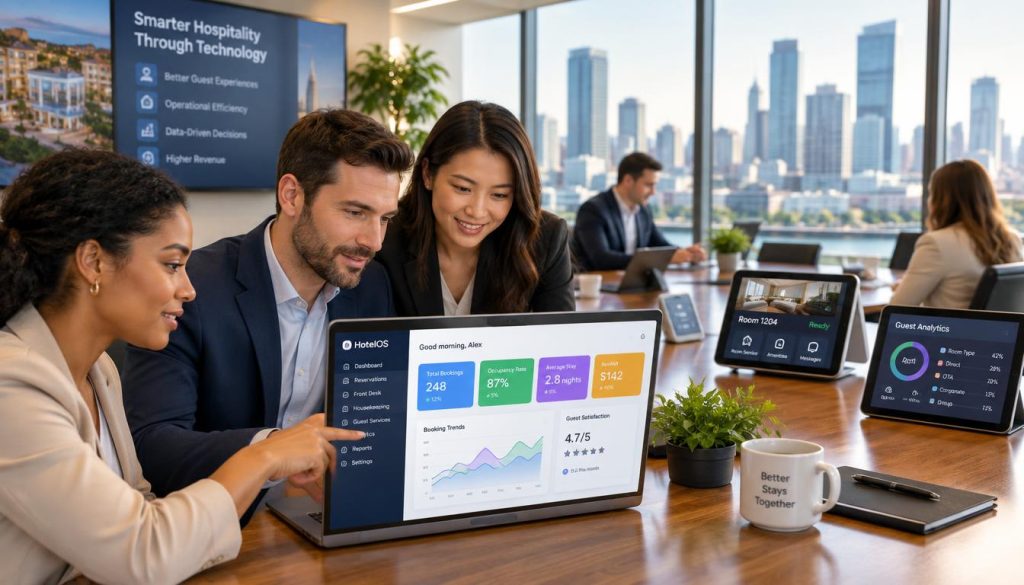
Your POS records sales. Your back office should help you understand and act on what happens next.
Hospoware provides restaurant back office software Australia operators a clearer way to manage reporting, staffing, suppliers, inventory visibility and connected workflows. Use this guide to assess your options and decide what your venue actually needs.
Bring your venue operations into focus
Explore Hospoware and see how a connected approach can support your restaurant, café or hospitality group.
Why a restaurant back office system matters
Running a venue involves more than taking orders and processing payments. You also need to understand sales, manage labour, monitor food costs, work with suppliers and keep every team aligned.
Many businesses rely on separate spreadsheets, messages, emails and reports. That approach can work for a time. As trading volume grows, it becomes harder to see the full picture.
A restaurant back office system connects the information behind daily service. It helps you move from scattered updates to a more consistent operating rhythm.
- Review performance with structured reporting.
- Give managers better access to operational information.
- Improve visibility across stock, suppliers and purchasing.
- Reduce repeated data entry between systems.
- Create clearer workflows for teams and venues.
Important: Your POS remains an important input. The back office layer helps turn POS data and other operational information into useful management activity.
What Australian hospitality operators need to control
The best restaurant technology is not defined by the longest feature list. It is defined by how well it supports the decisions you make every day.
Reporting that supports action
Reports should help you understand sales, performance and operating trends. Look for information that is easy to review and relevant to the way your business works.
A useful reporting process helps you ask better questions. Which venue is performing well? When are sales strongest? Where are costs changing? What needs attention before the next service?
Staffing visibility
Staff costs and team availability affect service quality. Your systems should make it easier to review staffing information alongside trading activity.
Managers need practical visibility, not another complicated screen. The right tool supports planning, accountability and consistent communication.
Supplier control
Supplier information can become difficult to manage when invoices, orders and product details sit in different places. A connected workflow gives your team a clearer operating reference.
Inventory visibility
Inventory decisions affect food cost, waste and availability. A system should help you understand what is moving through the business and where further review is needed.
Before comparing pricing, list the decisions you want your software to improve. This keeps your search focused on operational value rather than surface-level features.
Capabilities to compare before choosing software
When comparing restaurant back office software Australia options, assess the whole workflow. A system may look impressive in a demo but still create extra work if it does not fit your operating model.
Reporting and management
Check how easily managers can access reports and use them during daily, weekly and monthly reviews.
- Clear performance views
- Useful management reports
- Practical access for venue leaders
Connected operations
Review how information moves between your POS, ordering, payments and other business systems.
- Defined data inputs
- Reduced duplicate entry
- Workflows that match your team
Growth and control
Consider whether the software can support one venue, multiple sites, cafés, restaurants or a growing group.
- Consistent operating processes
- Better visibility across locations
- Support for management decisions
Ask suppliers to show the workflow, not just the interface. Request a practical example using a sales review, stock question or staffing decision.
How connected workflows improve daily management
Connected workflows reduce the gap between what happens on the floor and what managers need to know. This does not mean every process must be automated. It means information should be easier to find, understand and use.
From orders to reporting
Restaurant POS systems capture important service activity. Orders, sales and payments can provide the foundation for reporting when the relevant data is available to the wider management process.
From suppliers to inventory
Supplier information and inventory visibility work best when teams follow a clear process. Managers can then review purchasing activity and investigate unusual changes with less manual searching.
From staffing to performance
Staffing decisions should be considered alongside service demand and business performance. A connected view gives managers a stronger basis for planning conversations.
From data to decisions
Software should help your team act. A report that nobody reviews does not improve the business. Build a routine around the information that matters most.
See the workflow in context
Tell Hospoware how your venues operate. Use the conversation to test reporting, staffing, supplier and inventory requirements.
Use cases for restaurants, cafés and venue groups
Different hospitality businesses have different management pressures. Your software choice should reflect the way your team works.
Independent restaurants
Create a stronger routine for sales review, supplier follow-up, stock questions and management reporting.
Cafés and smaller venues
Keep daily information accessible without forcing a small team to manage disconnected systems.
Groups and franchises
Improve consistency across locations by giving central and venue teams a shared operating view.
Where POS fits into your back office
POS is central to service. It supports ordering, menu management, table activity and payments. However, it should not be treated as the entire management solution.
When reviewing restaurant pos systems, ask what information can be used beyond the transaction. Consider how POS data supports reporting, stock review, staff planning and supplier activity.
Some operators compare restaurant POS software, restaurant POS systems and hospitality POS platforms as if the terms mean the same thing. They do not always describe the same scope. A POS system may focus on service and payment. A back office platform may focus on management and connected operations.
Review the full environment before selecting a tool. Ask about data flow, system responsibilities, implementation support and the way your team will work after launch.
| Area | Question to ask | Why it matters |
| POS | What service and sales data is available? | It defines the information available for review. |
| Reporting | Can managers find useful views quickly? | Slow reporting limits daily action. |
| Integration | How do systems exchange information? | Clear responsibilities reduce duplicate work. |
| Support | Who helps during setup and use? | Practical support affects adoption. |

How to evaluate features, support and pricing
Pricing matters, but the cheapest monthly option may not be the lowest-cost choice. Compare the total effort required to operate, maintain and improve your systems.
Review the commercial model
Ask whether pricing is based on users, locations, modules, transactions or other factors. Confirm what is included and what may be charged separately.
Test the user experience
Ask a venue manager to complete common tasks during the demonstration. Can they find a report? Check a supplier detail? Review an inventory question? Understand a performance change?
Confirm implementation expectations
Clarify the steps required to prepare data, train staff and connect existing systems. A realistic plan is more useful than a promise of instant results.
Assess support
Local support can be important when your venue is busy and an operational question cannot wait. Confirm support channels, hours and escalation processes before you commit.
A strong fit may offer
- Clear operational reporting
- Connected management workflows
- Practical support for venue teams
- Room to review multiple locations
Warning signs to investigate
- Unclear pricing assumptions
- Features that do not match your workflow
- Limited explanation of implementation
- Reports that require heavy manual work
Plan your implementation before you sign
Implementation is a business project, not only a software task. Start by naming the operational owner. This person coordinates requirements, decisions and staff feedback.
- Map your current reporting, staffing, supplier and inventory processes.
- List the systems that provide or receive operational information.
- Separate essential requirements from future improvements.
- Confirm data preparation, user access and training needs.
- Set a review date after launch to identify friction and gaps.
Keep the first phase focused. A short list of high-value workflows is easier to test than an ambitious rollout with unclear ownership.
Include venue leaders in the process. They know where service slows down, where information is missed and which reports are actually used.
Who Hospoware can help
Hospoware is for hospitality businesses that want more control over the information and workflows behind service.
Owners
You need a clearer view of performance, costs and operational priorities across the business.
Venue managers
You need accessible information that supports decisions during a busy trading week.
Hospitality groups
You need consistent processes and visibility across restaurants, cafés or multiple venues.
The right solution depends on your current systems, team structure and operating goals. A conversation should begin with those details, not a forced product pitch.
Find the right starting point
Share your venue structure and current systems with Hospoware. Get a clearer basis for your next software decision.
Restaurant back office software Australia FAQs
What is restaurant back office software?
It is software that supports the management work behind hospitality service. Common areas include reporting, staffing, suppliers, inventory visibility and connected workflows. It can use information from your POS without replacing the POS itself.
Is a back office system the same as a POS?
No. A POS mainly supports transactions and service activity. A back office system focuses on management information and operational processes. The two can work together as part of a wider system environment.
Do cafés need venue operations software?
A café may benefit when its team needs better visibility across sales, staffing, suppliers, inventory or reporting. The value depends on the complexity of the business and the amount of manual work involved.
How should I compare pricing?
Compare the full commercial model, including locations, users, modules, implementation, support and integrations. Ask for a clear explanation of what is included before making a decision.
Can Hospoware support multiple venues?
Discuss your venue structure directly with Hospoware. The right setup depends on your business requirements, current systems and preferred workflows.
What should I prepare for a software conversation?
Prepare your venue count, current POS, reporting routines, staffing process, supplier workflow, inventory concerns and key decision-makers. This makes the discussion more practical.
Make your next software decision with clarity
The best restaurant back office software Australia solution is the one that helps your team manage the business with less friction and better information.
Start with your operational priorities. Review the workflows behind reporting, staffing, suppliers, inventory and service. Then assess how a connected platform could support the way you already operate.
Hospoware can help you explore the next step. Bring your questions, current systems and venue goals to the conversation.
Ready to regain control of venue operations?
Explore Hospoware for a practical conversation about your hospitality management requirements.