See how your ordering workflow could work
Book a Free Demo and discuss your restaurant, café, or takeaway operation with the Hospoware team.
What an Online Ordering System for Restaurants Does
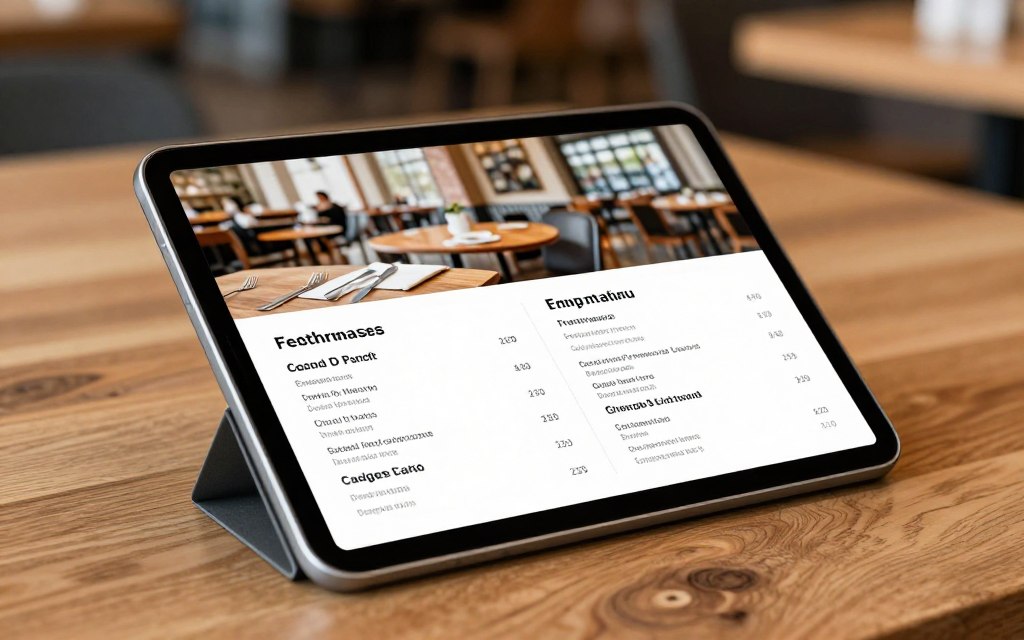
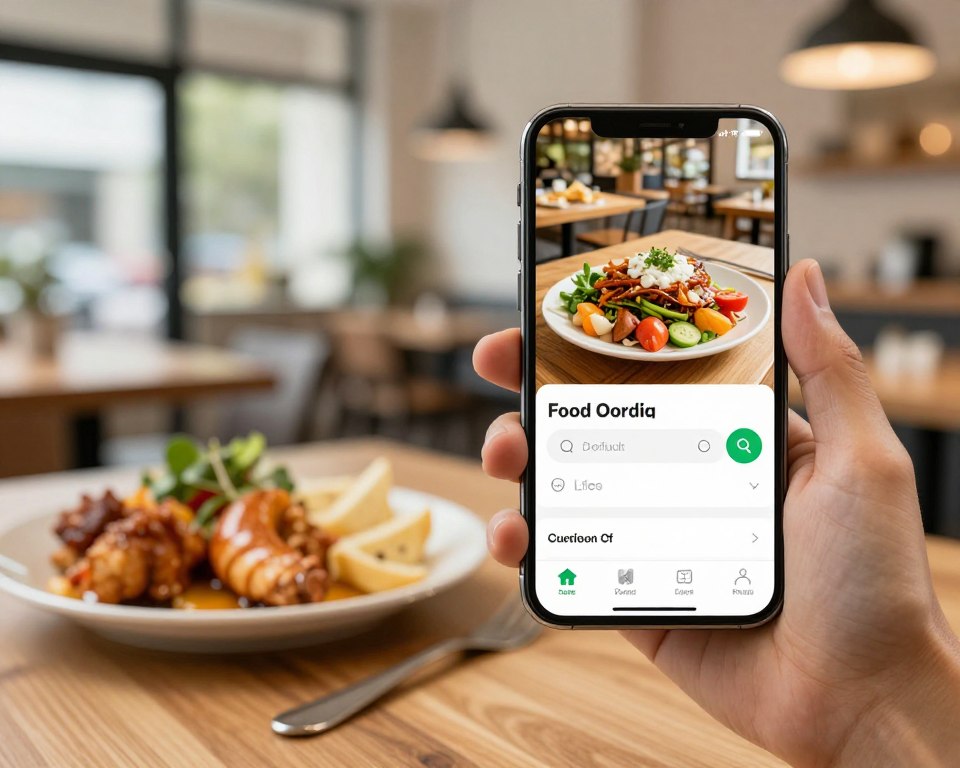
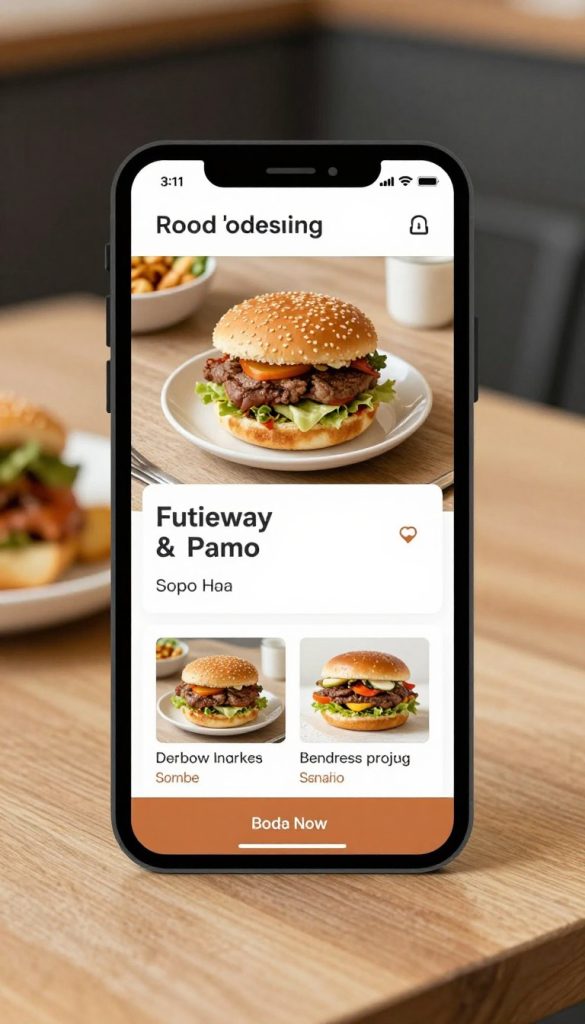
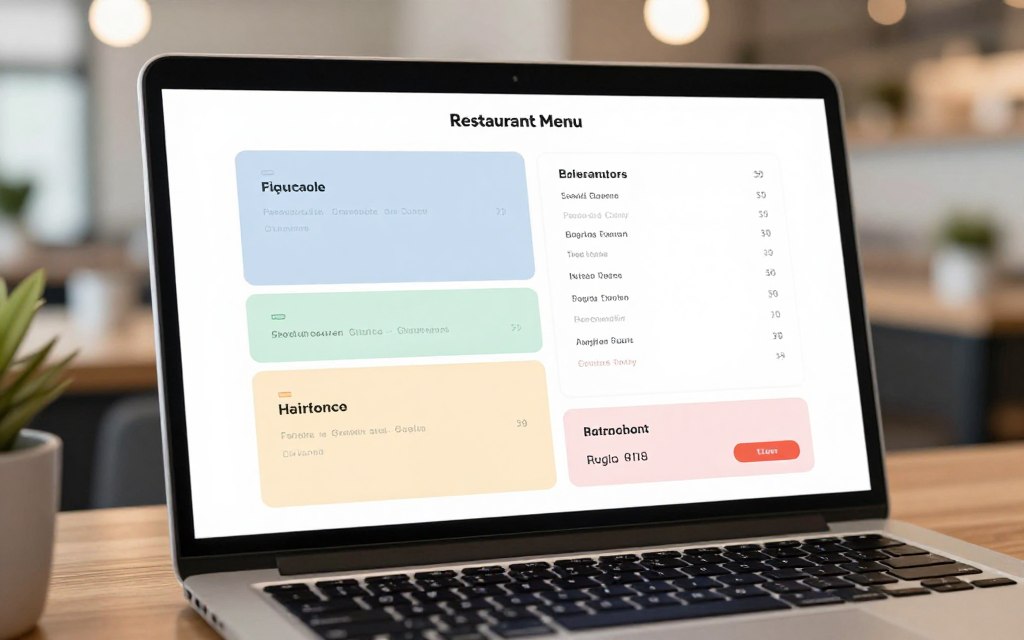
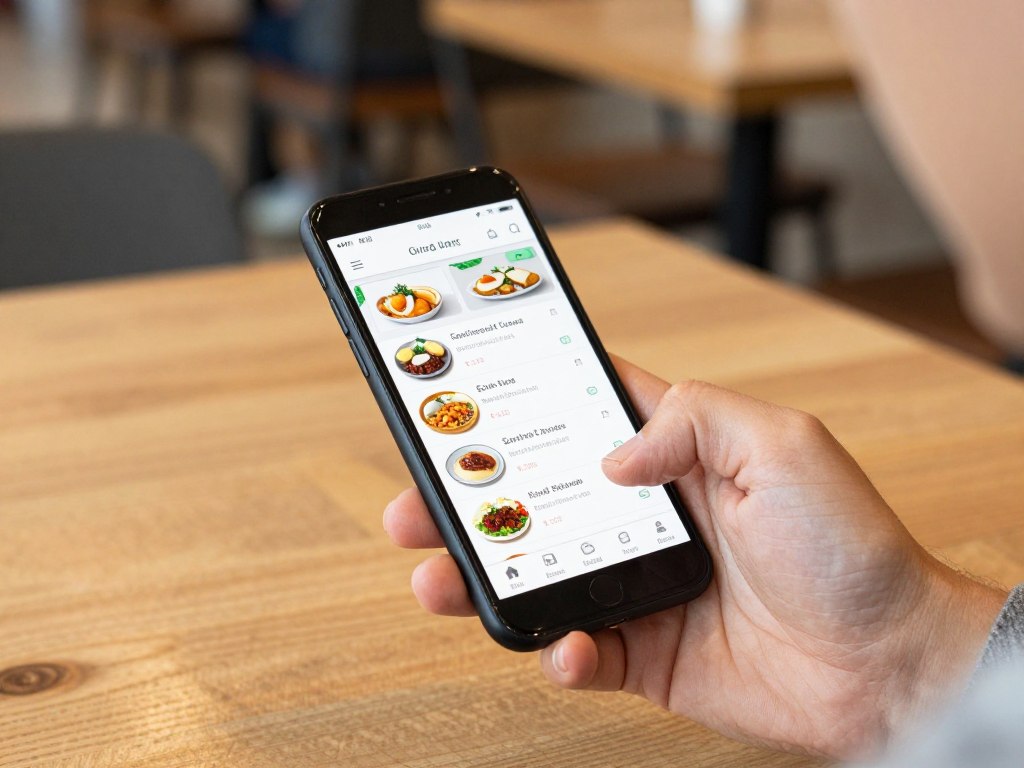
An online ordering system lets customers view a digital menu, select food, choose a service method, and submit an order. Depending on the setup, that method may include pickup, takeaway ordering, delivery, QR code ordering, or dine-in service.
The value is not just the ordering website. The full process matters. Your team must receive accurate orders, manage preparation, confirm payment, and keep customers informed.
A useful food ordering system should support the way your venue already operates. It should also reduce manual entry and make busy periods easier to control.
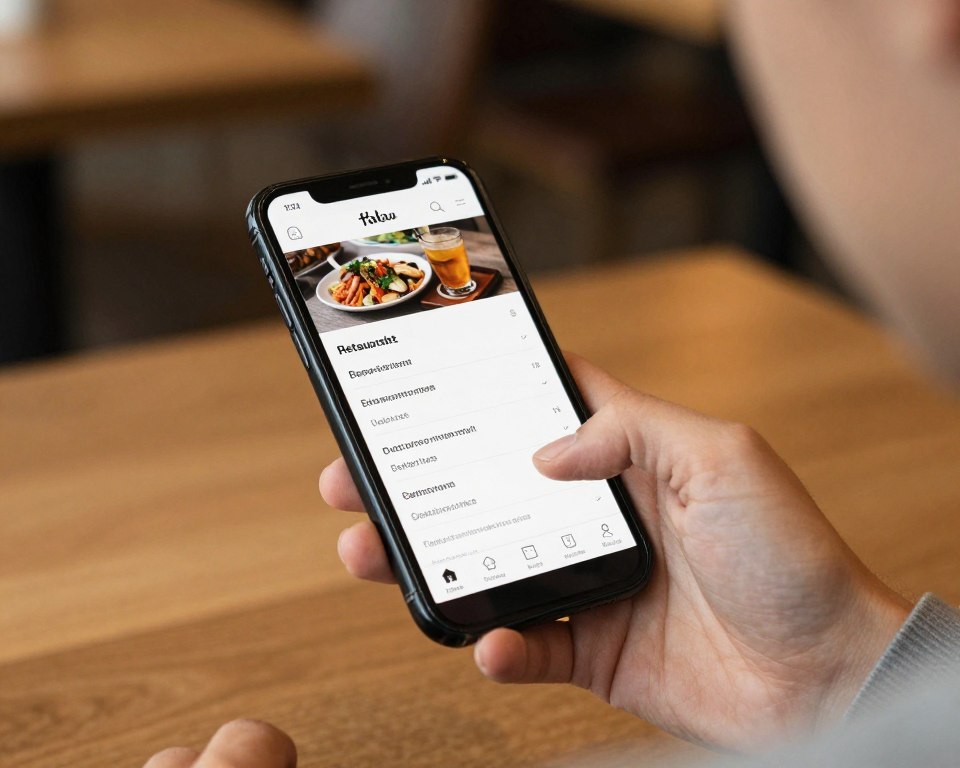
Online food ordering
Give customers a direct digital path to your menu and ordering process.
Pickup and takeaway
Make collection clearer for customers and easier for staff to manage.
Table ordering
Support dine-in orders through QR code and contactless table ordering workflows.
Why Restaurant Ordering Becomes Difficult
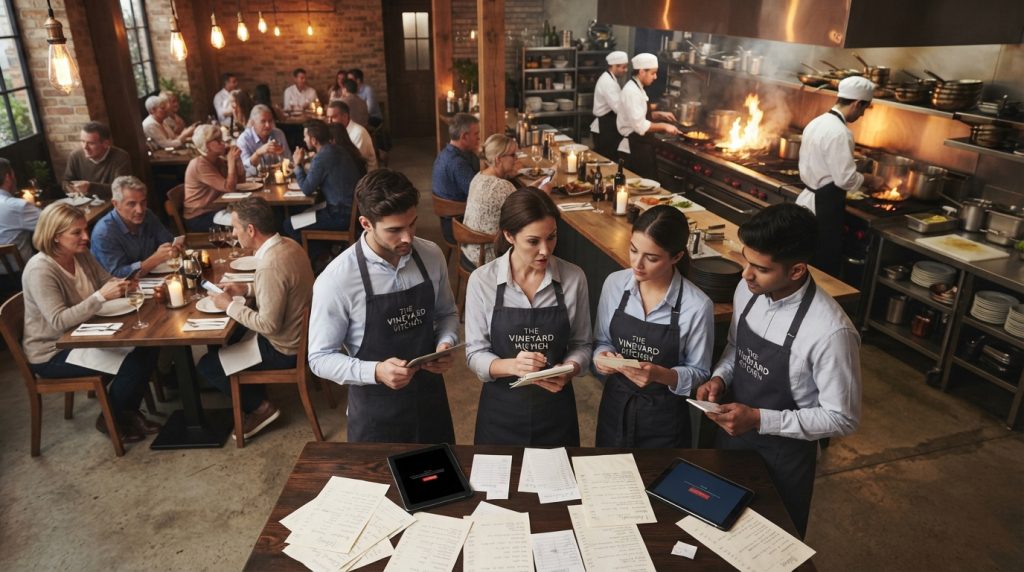
Many venues use several channels at once. Customers order at the table, at the counter, through a website, or by phone. When those channels are disconnected, small errors become daily problems.
- Staff re-enter online orders into a separate POS system.
- Customers wait for confirmation or call to check an order.
- Menus become outdated across different channels.
- Pickup orders crowd the counter during peak periods.
- Managers lack a simple view of order activity.
- Payment and order details are checked by hand.
The right ordering system restaurants use should remove unnecessary steps. It should give staff a consistent process and give customers a clear experience from menu to collection.
Focus on the handover
The strongest system is not the one with the longest feature list. It is the one that makes each handover clear: customer to venue, order to kitchen, payment to reconciliation, and pickup to customer.
Capabilities to Check Before You Choose
Compare each online ordering system against your actual service. A polished ordering website is useful only when it works under pressure.
Customer experience
- Clear menu structure
- Mobile-friendly ordering
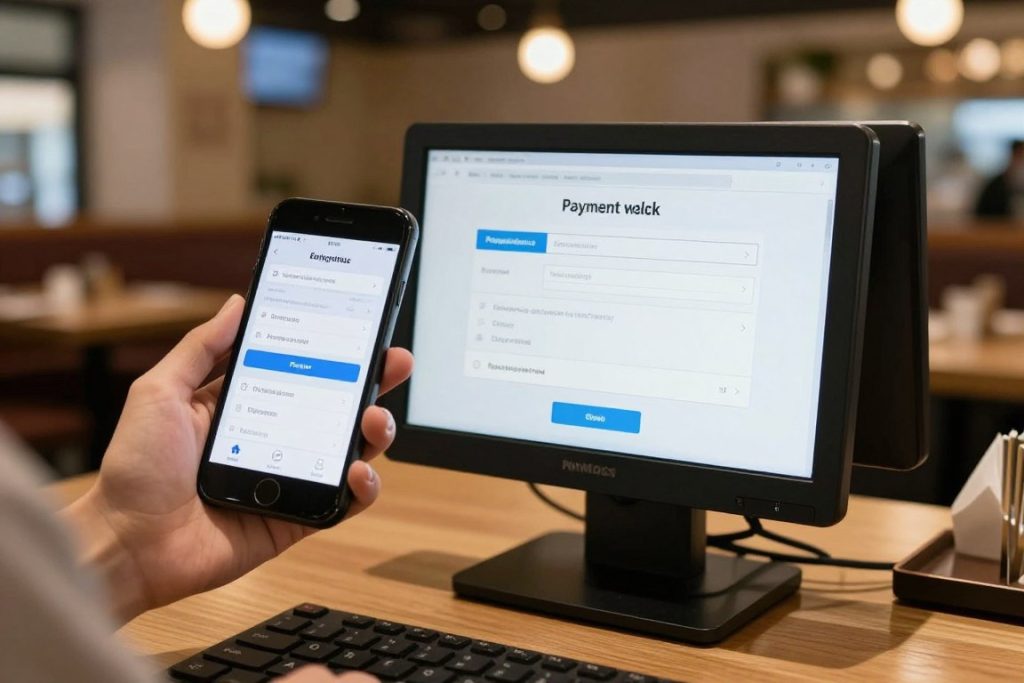
- Simple payment steps
- Pickup or delivery choices
Operational control
- Accurate order capture
- Clear preparation status
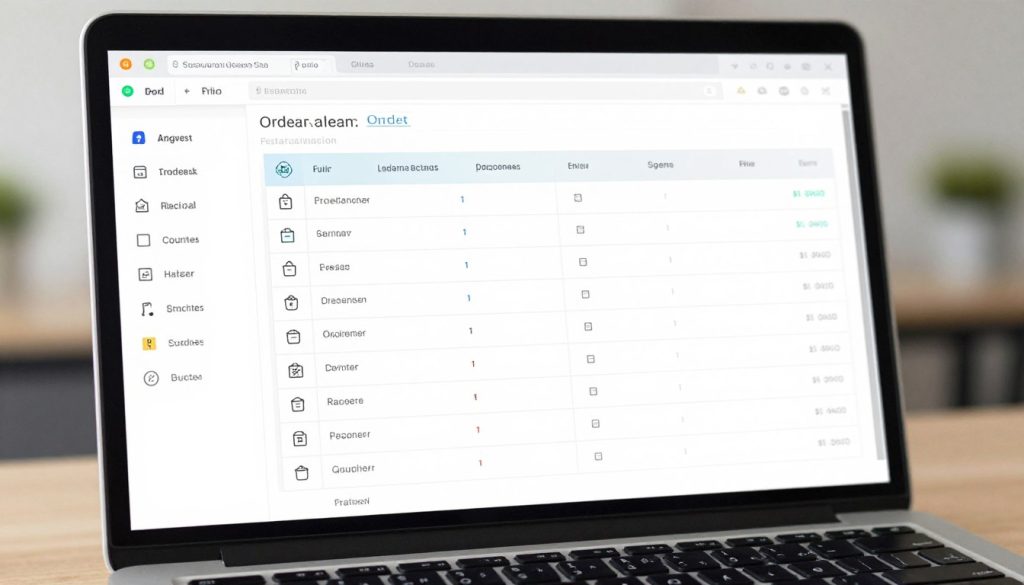
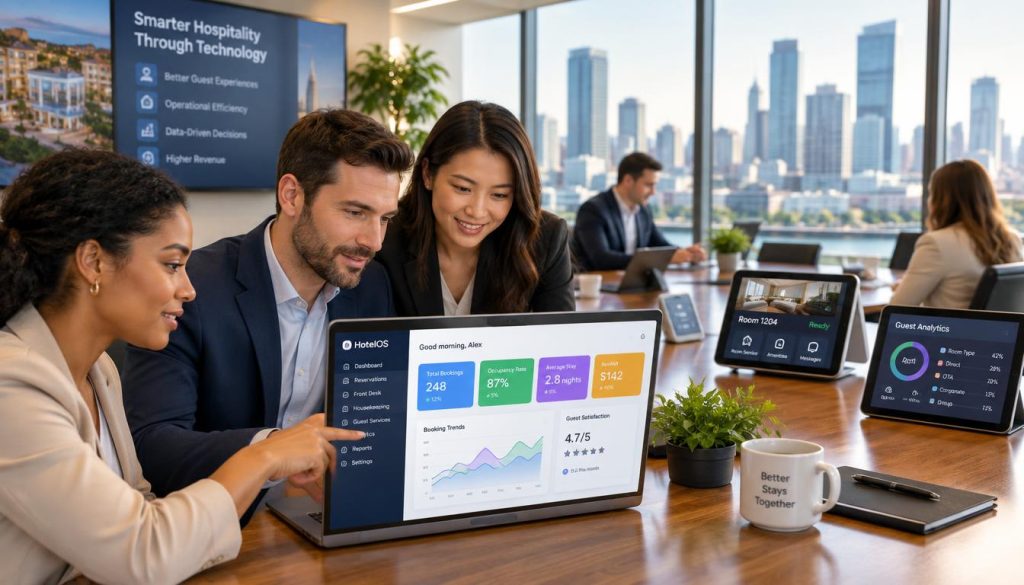
- Useful dashboard visibility
- Support for peak periods
Business fit
- Works with your venue model
- Supports future growth
- Fits existing hardware where possible
- Has a clear onboarding process
Hospoware describes its ecosystem as hardware agnostic and designed to work across platforms. Its homepage also presents integrated data, one support team, and unified onboarding. Confirm the details for your venue during a demonstration.
For ordering, explore Menumiz online ordering and pickup. For wider operations, review the Hospoware hospitality ecosystem.
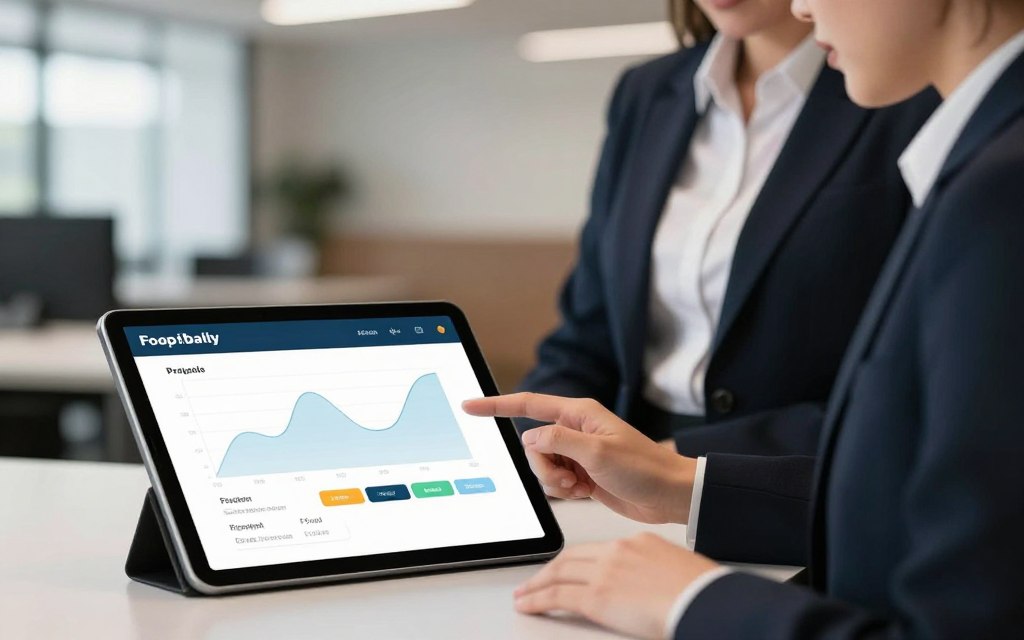
Compare the right capabilities
Use a demo to test your menu, pickup process, table ordering needs, and staff workflow.
Online Ordering for Pickup, Dine-In, and Takeaway
Click and collect restaurants
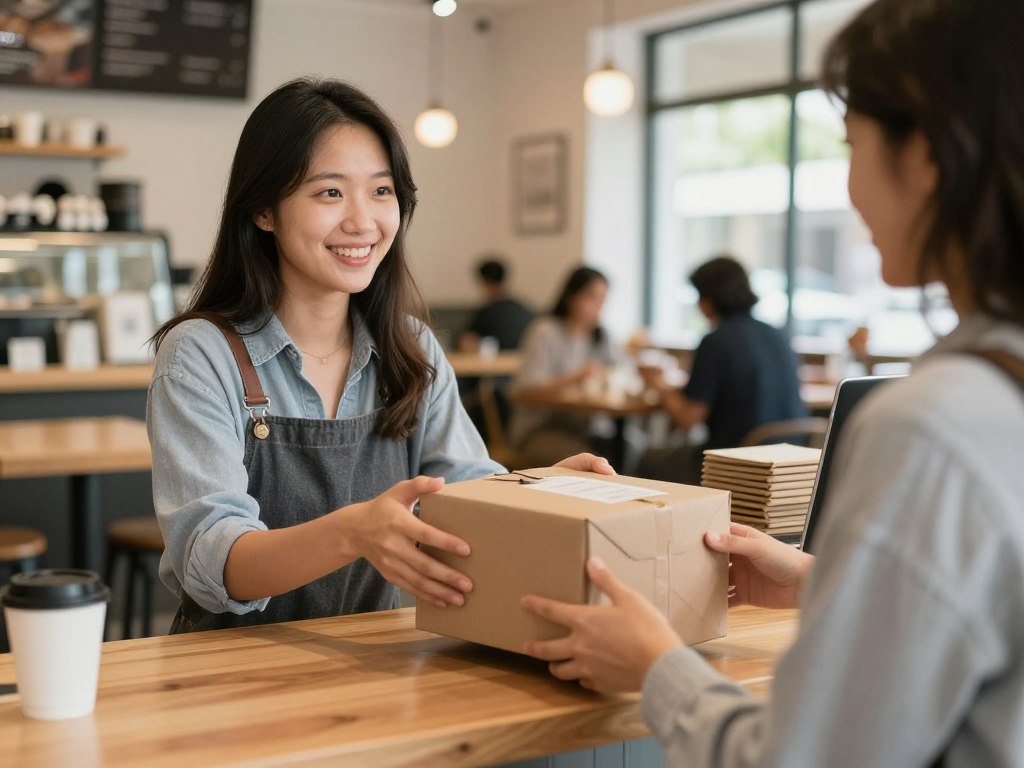
Click and collect restaurants need a reliable path from online order to collection. Customers should know what they ordered, when it will be ready, and where to go.
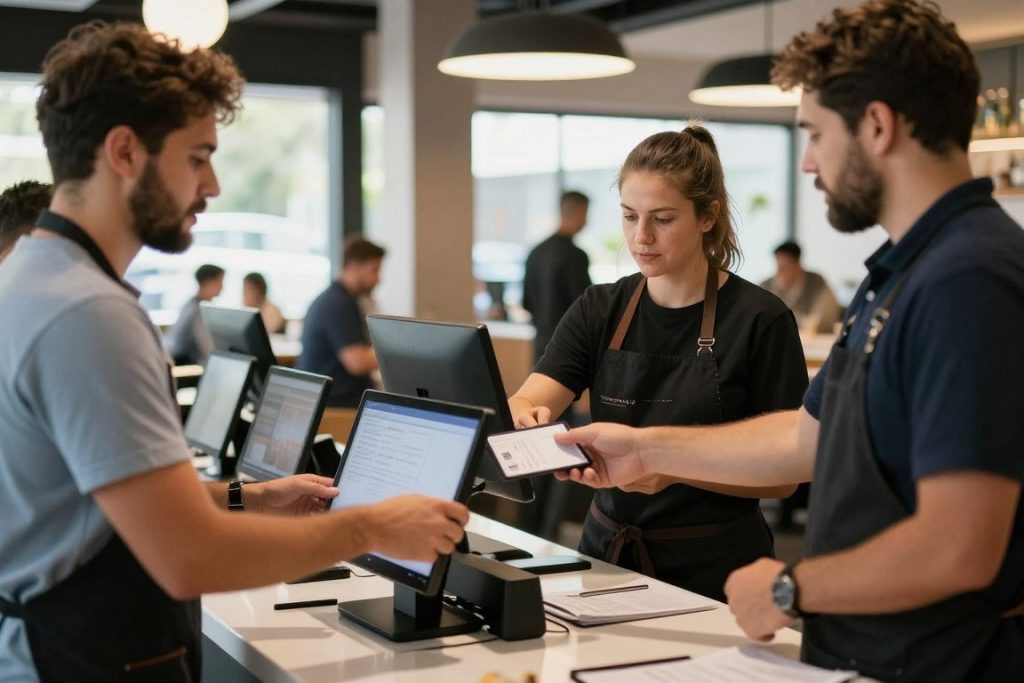
A pickup workflow can help your team separate collection orders from dine-in service. It can also reduce confusion at the counter during busy periods.
Contactless table ordering
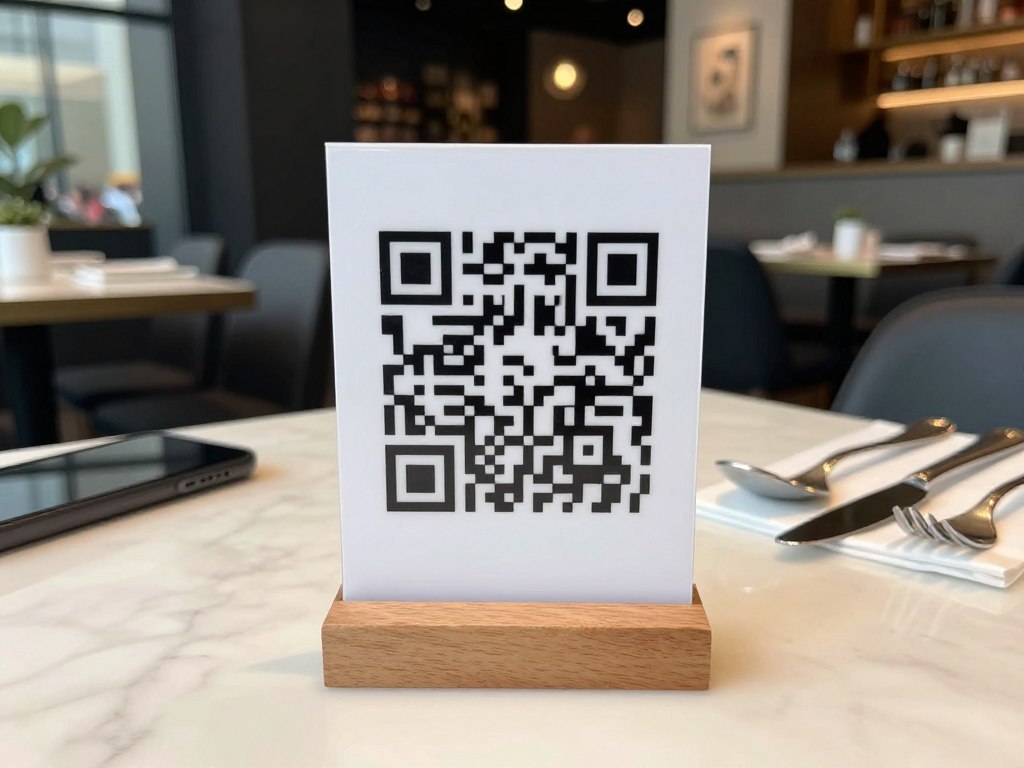
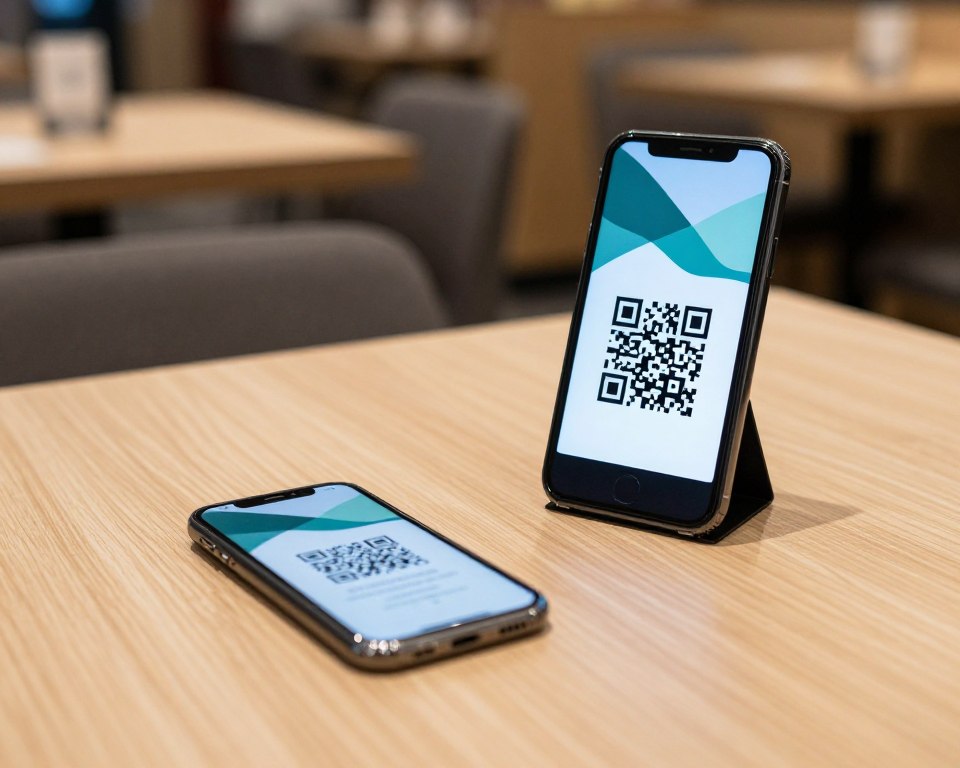
Contactless table ordering lets guests use a code at the table to view the menu and place an order. This can reduce queues and give staff more visibility across the floor.
Hospoware presents QR code ordering, dine-in orders, and pickups as part of its POS and ordering offer. Confirm how the workflow fits your table layout and service style.
Online food ordering for cafés
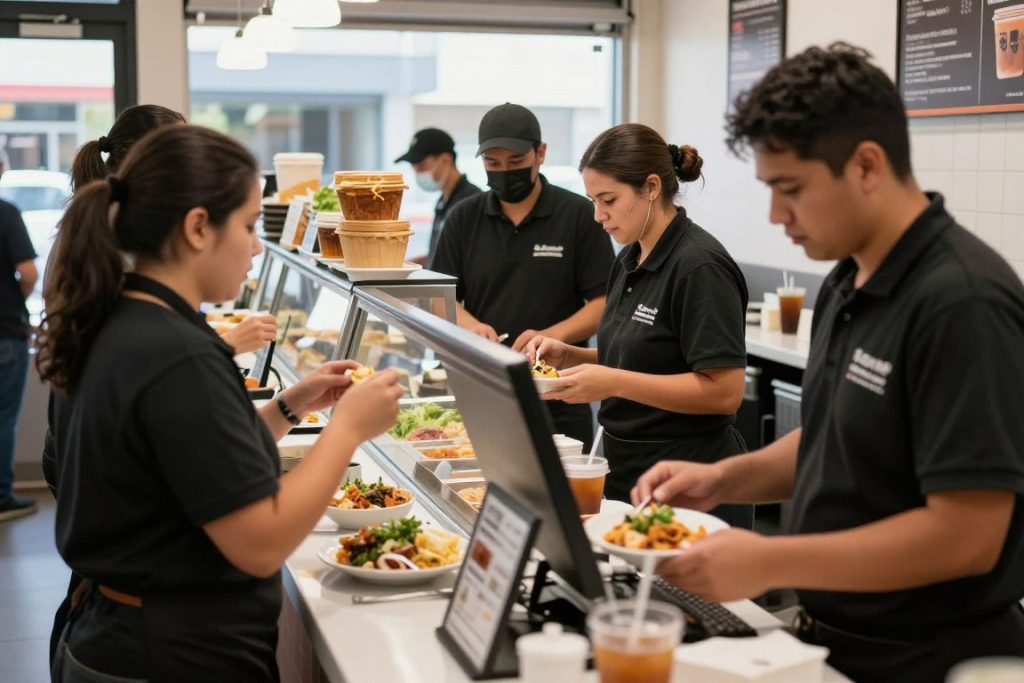
Cafés often handle short service windows and high order volume. An online food ordering process should be quick for customers and easy for staff to read.
Use clear categories, accurate item details, and practical pickup instructions. Keep the customer experience focused on speed.
Pickup
Useful for pre-orders, takeaway food, and customers who want to skip the queue.
Multi-channel service
Useful when one restaurant handles dine-in, online ordering, and delivery.
Who Needs an Online Ordering System?
An ordering system can suit more than one type of hospitality business. The correct setup depends on your menu, service method, order volume, and growth plans.
- Restaurants managing dine-in and takeaway orders.
- Cafés handling busy morning pickup periods.
- Takeaway venues seeking a direct ordering website.
- Hotels managing food and beverage requests.
- Franchise groups seeking consistent processes.
- Hospitality businesses adding digital ordering for the first time.
If staffing is a pressure point, visit Hospoforce to review the workforce solution shown within the Hospoware ecosystem. If supply management is the issue, explore Hospomarket.
For venues that need bookings as well as ordering, ask about a table reservation system from Menumiz. Keep the buying decision tied to your operating model.
How to Choose and Implement Your System
Do not begin with software features. Begin with the customer journey and the staff workflow.
- Map every ordering channel used by your customers.
- List the steps from menu selection to payment.
- Identify where staff re-enter or check information.
- Test pickup, table ordering, and peak-service scenarios.
- Confirm onboarding, support, hardware, and training needs.
- Launch with a focused menu and review the process.
Ask vendors direct questions. Can the system support your menu structure? How are changes managed? What happens when an item is unavailable? How does your team see new orders? What support is available after launch?
Keep the first rollout manageable. Train the team on one clear process. Then use customer feedback and service observations to improve the experience.
Make the demo operational
Do not watch a generic presentation only. Ask the provider to show a real menu, a pickup order, a table order, a payment step, and the staff view. You need evidence that the system suits your service.

Online Ordering System for Restaurants FAQs
What is an online ordering system for restaurants?
It is software that lets customers view a digital menu, place an order, select a service method, and complete payment. It can support pickup, takeaway, delivery, QR code ordering, or dine-in service.
Can an ordering system support click and collect restaurants?
Yes, a suitable system can support online orders for pickup. Check how it handles preparation times, collection instructions, order updates, and busy service periods.
Is online food ordering suitable for cafés?
Yes. Cafés can use online food ordering to manage pre-orders and takeaway demand. The menu and pickup process should be fast and simple.
Can customers use table ordering?
Many systems support table ordering through QR codes. Hospoware presents QR code ordering and dine-in orders within its hospitality platform. Confirm the exact setup during a demo.
How should I compare online ordering software?
Compare the customer journey, staff workflow, menu management, payment process, pickup handling, support, onboarding, and fit with your current operation.
Choose a Better Way to Manage Restaurant Ordering
Your customers want convenience. Your team needs control. The right online ordering system connects those needs without adding avoidable work.
Hospoware gives Australian hospitality operators a place to explore Menumiz ordering, pickup, QR code orders, dine-in service, and connected operational solutions.
Ready to review your ordering setup?
Book a Free Demo. Bring your menu, service model, and operational questions. Get a clear next step.