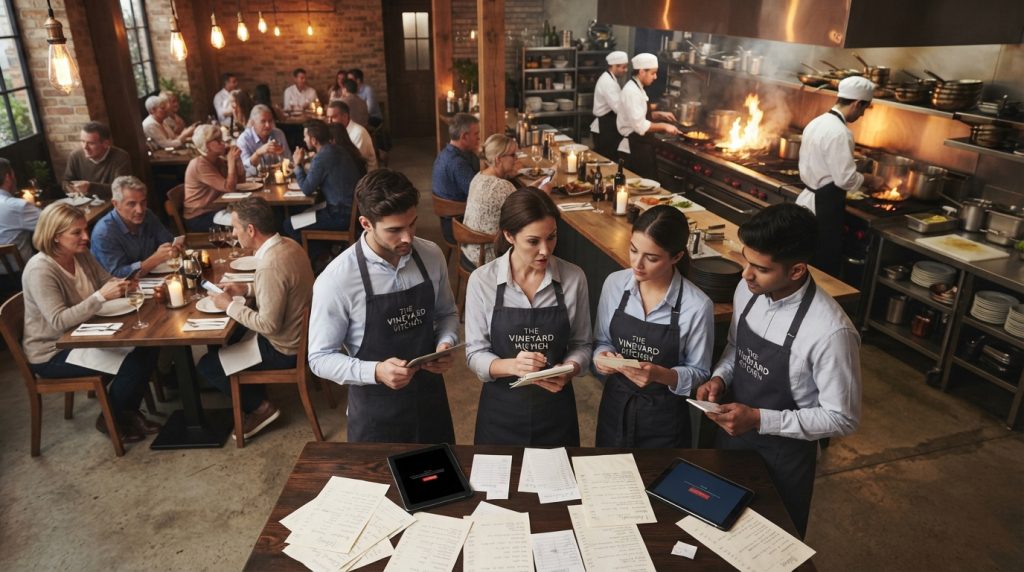
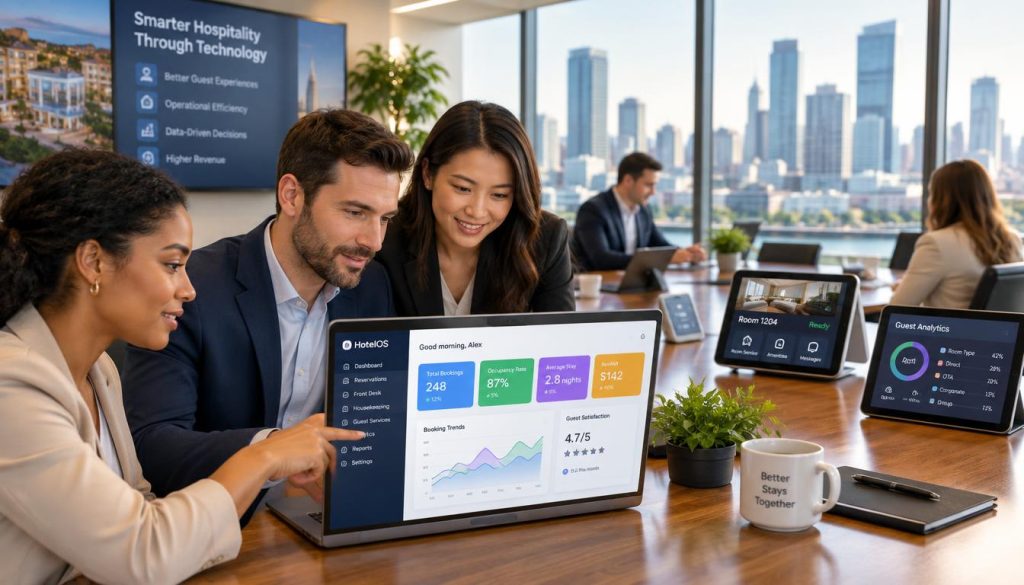
Your operations are bleeding time and money through disconnected systems. Your POS doesn’t talk to your inventory. Your staff roster lives in a spreadsheet. Your procurement happens through phone calls and text messages. You’re running a modern hospitality business with tools from another era.
Hospitality software changes that. Not through magic or marketing promises, but through practical integration of the systems that run your venue. This guide explains how.
We’re talking about property management systems that handle hotel operations. Point of sale systems that process transactions and track sales data. Customer relationship management platforms that turn guest data into repeat bookings. Revenue management systems that optimise pricing decisions. Integration capabilities that connect everything into one tech stack.
For Australian restaurant owners, café operators, venue managers and hoteliers, the right software stack means operational control. You get real time visibility into what’s actually happening across your business. You make decisions based on data, not guesswork.
See How Connected Systems Transform Operations
Hospoware’s integrated ecosystem eliminates disconnected tools and gives you complete operational visibility. Built specifically for Australian hospitality businesses.
What Is Hospitality Software and Why It Matters
Hospitality software is the digital infrastructure that runs your venue operations. It’s not one product. It’s a connected system of tools managing everything from guest bookings to staff schedules to inventory levels. When these systems work together, you get operational efficiency. When they don’t, you get chaos.
The software handles the repetitive tasks that consume your day. Processing bookings. Managing reservations. Tracking inventory. Scheduling staff. Analysing sales. These aren’t glamorous operations, but they’re essential. And they’re exactly what software does best.
Core Components of Modern Hospitality Systems
Modern hospitality software breaks down into functional layers. Each layer handles specific operations. Integration between layers creates the real value.
Guest-Facing Systems
These tools manage direct guest interactions and service delivery across all touchpoints.
- Point of sale for transaction processing
- Digital menus and QR ordering platforms
- Booking and reservation systems
- Guest communication channels
- Feedback and review management
Operational Systems
Back-of-house tools that keep your venue running efficiently behind the scenes.
- Inventory and procurement management
- Workforce scheduling and rostering
- Kitchen display and order management
- Property management for hotels
- Maintenance and facilities tracking
Business Intelligence
Analytics and reporting tools that transform operational data into actionable business insights.
- Sales and revenue reporting
- Labour cost analysis
- Inventory turnover metrics
- Guest behaviour analytics
- Forecasting and trend analysis
Integration Layer
The connective tissue that makes disparate systems function as a unified platform.
- API connections between systems
- Data synchronisation protocols
- Cloud-based accessibility
- Third-party tool integration
- Unified reporting across platforms
The Cost of Disconnected Systems
Running separate systems creates operational friction. Your staff enters the same data multiple times. Your inventory counts don’t match your sales. Your labour costs are estimates, not facts. You’re making decisions with incomplete information.

The Australian hospitality market operates on thin margins. You can’t afford operational waste. Every hour your manager spends reconciling systems is an hour not spent on guest experience or staff development. Every inventory discrepancy is money lost. Every scheduling conflict is a service failure waiting to happen.
Integrated hospitality software eliminates this waste. One system for operations. One source of truth for data. One platform for management decisions.
Property Management Systems for Hotels and Venues
A property management system is the operational backbone for hotels and accommodation venues. It manages room inventory, processes reservations, handles guest check-in and checkout, tracks housekeeping, and coordinates everything that happens across your property. For hotels and resorts, the PMS is non-negotiable infrastructure.

Modern property management systems go beyond basic booking management. They connect to revenue management systems for dynamic pricing. They integrate with customer relationship management tools to personalise guest experiences. They link to housekeeping systems for real time room status. They synchronise with channel managers for distribution across booking platforms.
Essential PMS Functionality
Your property management system needs to handle core hotel operations without friction. These functions determine whether your system helps or hinders operations.
- Reservation management across all booking channels with real time inventory updates
- Guest profile management storing preferences, history, and relationship data
- Room assignment and management optimising occupancy and guest satisfaction
- Housekeeping coordination with status tracking and task management
- Front desk operations including check-in, checkout, and payment processing
- Rate management and yield optimisation for revenue maximisation
- Reporting and analytics for operational and financial performance
- Integration with payment gateways, accounting systems, and other hotel software
Cloud vs. On-Premise Systems
Property management systems come in two deployment models. The choice affects everything from cost structure to operational flexibility.
| Factor | Cloud-Based PMS | On-Premise PMS |
| Initial Investment | Low – subscription model with minimal setup costs | High – significant hardware and licensing costs upfront |
| Ongoing Costs | Predictable monthly or annual subscriptions | Maintenance, updates, IT support, and infrastructure |
| Accessibility | Anywhere with internet access | Limited to property location or VPN access |
| Updates | Automatic, frequent, included in subscription | Manual, infrequent, often additional cost |
| Data Security | Provider-managed with enterprise-grade security | Property-managed requiring internal IT expertise |
| Scalability | Instant scaling up or down as needed | Requires infrastructure investment to scale |
| Integration | API-based connections to modern tools | Limited integration capabilities |
For Australian hotels and resorts, cloud-based property management systems make operational sense. You get enterprise functionality without enterprise IT overhead. You access your system from anywhere. You integrate with modern booking platforms and revenue management tools. You scale as your business grows.

PMS Integration with Revenue Management
Your property management system creates the data foundation for revenue optimisation. It tracks bookings, cancellations, room types, rates, and occupancy patterns. Revenue management systems analyse this data to inform pricing decisions.
Integration between PMS and revenue management creates dynamic pricing capabilities. Your rates adjust automatically based on demand, occupancy forecasts, competitor pricing, and booking pace. You maximise revenue per available room without manual intervention.
This integration matters more during high-demand periods. Events, holidays, and peak seasons create pricing opportunities. Manual rate management misses revenue potential. Automated systems capture it.
Point of Sale Systems: The Heart of Transaction Management
Your point of sale system processes every transaction in your venue. It handles orders, payments, splits, refunds, and modifications. It tracks what sells, when it sells, and how much revenue you generate. For restaurants, cafés, and hospitality venues, the POS is your operational core.
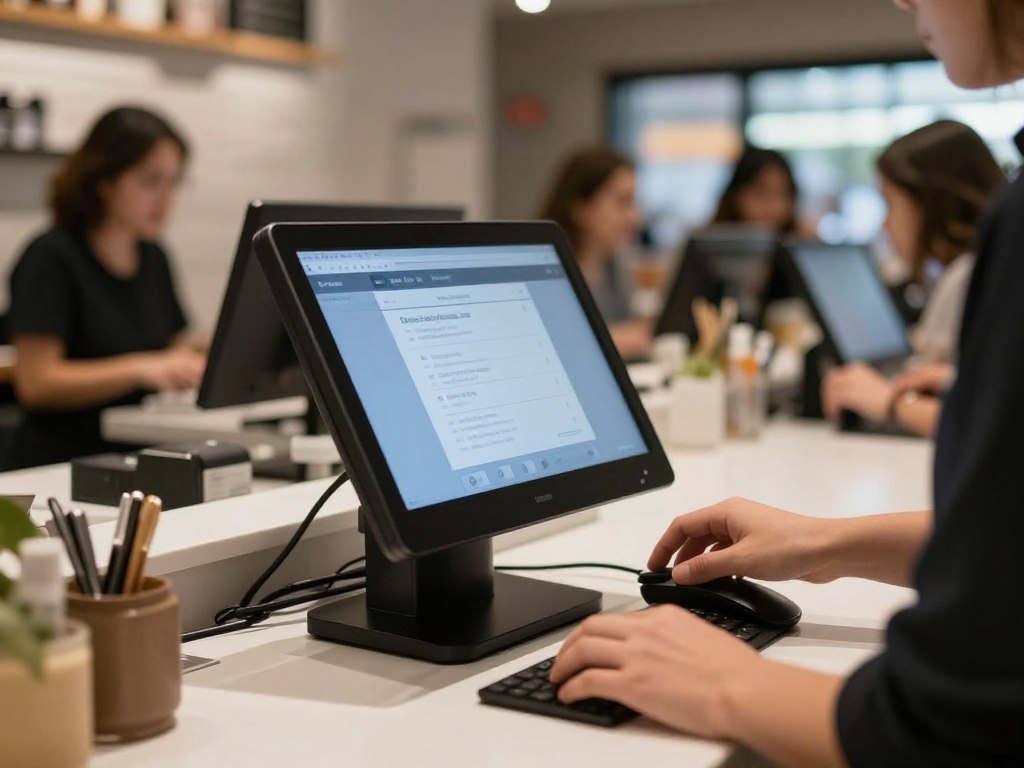
Modern POS systems go far beyond simple transaction processing. They manage inventory in real time. They track staff performance and labour costs. They integrate with kitchen display systems for order management. They connect to accounting software for financial reporting. They provide the data foundation for business decisions.
Essential POS Capabilities
Your POS system needs specific functionality to handle Australian hospitality operations effectively. These features determine operational efficiency and data accuracy.
- Fast order entry with customisable menu layouts for quick service during peak periods
- Multiple payment processing including card, mobile, split bills, and digital wallets
- Table management with visual floor plans and service area organisation
- Order modification handling for special requests, substitutions, and adjustments
- Staff access controls with role-based permissions and accountability tracking
- Real time inventory deduction as sales occur to maintain accurate stock levels
- Kitchen order routing to relevant prep stations and display systems
- Sales reporting by time period, staff member, menu item, and payment method
- Integration with accounting, inventory, and workforce management systems
Cloud-Based vs. Legacy POS
The shift to cloud POS systems represents more than technology change. It’s an operational model shift that affects reliability, cost structure, and capability.
Cloud POS Advantages
- Access from any device with proper credentials
- Automatic software updates without downtime
- Lower upfront hardware investment
- Real time data synchronisation across locations
- Scalable as your business grows
- Built-in backup and disaster recovery
- Modern integrations with current software
- Mobile and tablet operation capability
Legacy POS Limitations
- High initial hardware and licensing costs
- Manual updates requiring system downtime
- Limited to specific terminals and locations
- Integration challenges with modern tools
- Expensive to scale or modify
- Complex backup requirements
- Dated user interfaces reducing efficiency
- Dependence on on-site servers and IT support
Australian venues increasingly adopt cloud POS systems. The operational benefits outweigh the perceived security of local servers. Internet reliability in Australian metro areas supports cloud operations effectively.

POS Integration with Back-of-House Systems
Transaction processing creates valuable operational data. The integration between your POS and other systems determines whether you capture that value.
Connect your POS to inventory management and every sale automatically updates stock levels. You see real time inventory across all locations. You identify fast-moving items and slow movers. You prevent stockouts before they happen.
Integration with workforce management links sales data to labour deployment. You analyse revenue per labour hour. You identify optimal staffing levels for different day parts. You schedule based on actual demand patterns, not estimates.
Connection to accounting systems eliminates manual financial reconciliation. Sales data flows directly into your accounting software. Your end-of-day reconciliation happens automatically. Your financial reporting reflects real time business performance.
Streamline Your POS Operations with Restaurantility
Purpose-built for Australian restaurants and cafés, Restaurantility connects your front and back of house operations. No more disconnected systems or manual reconciliation.
QR Ordering and Digital Menu Systems
QR code ordering shifted from novelty to standard during COVID-19. Now it’s operational infrastructure. Guests scan a code, browse your menu on their phone, place orders, and pay without staff interaction. This isn’t about reducing human contact anymore. It’s about operational efficiency and service speed.
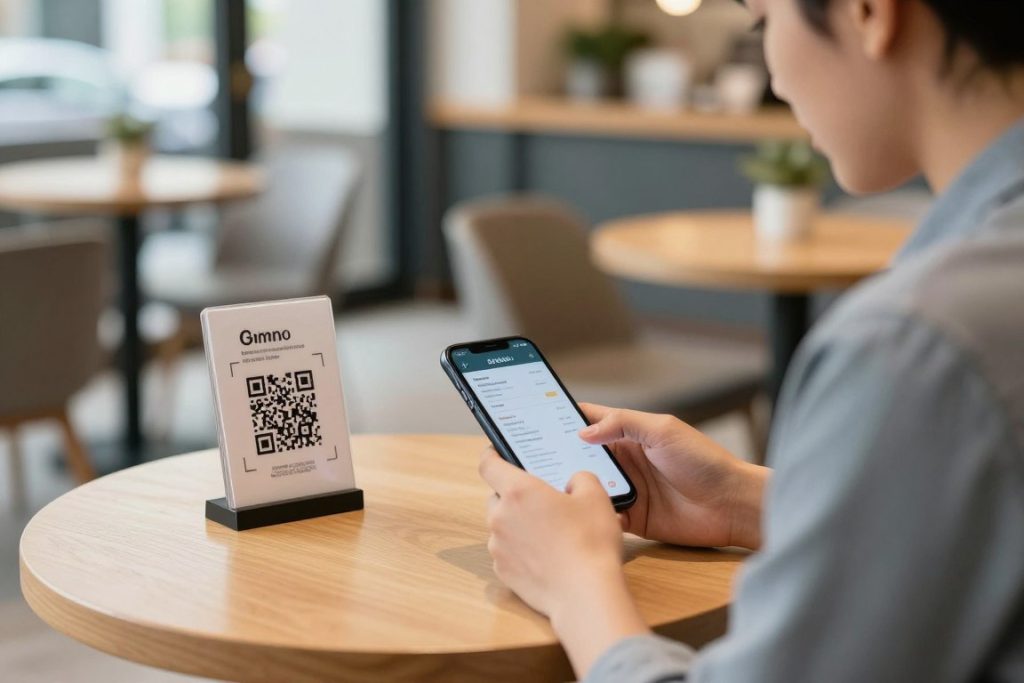
Digital menus on customer devices change service economics. Your staff spends less time taking orders and more time delivering food and creating experiences. Order accuracy improves because guests enter exactly what they want. Kitchen efficiency increases because orders arrive digitally formatted. Table turnover accelerates because payment happens through the device.
Operational Benefits of QR Systems
QR ordering delivers measurable operational improvements across service, efficiency, and revenue metrics.
Service Speed and Efficiency
Order processing accelerates when guests handle entry themselves. No waiting for staff attention during busy periods. No communication errors between guest and server. Orders reach the kitchen faster and more accurately.
Table turnover increases when payment friction disappears. Guests pay directly through their device when ready to leave. No waiting for the bill. No payment processing delays. Faster turnover means more covers per service period.
Labour Optimisation
Staff time reallocates from order-taking to service delivery. Your servers focus on guest experience, special requests, and relationship building. Your labour cost per cover decreases while service quality increases.
Training requirements reduce when technology handles transaction complexity. New staff learn service fundamentals without mastering detailed menu knowledge or POS operation. Onboarding time and training costs decrease.
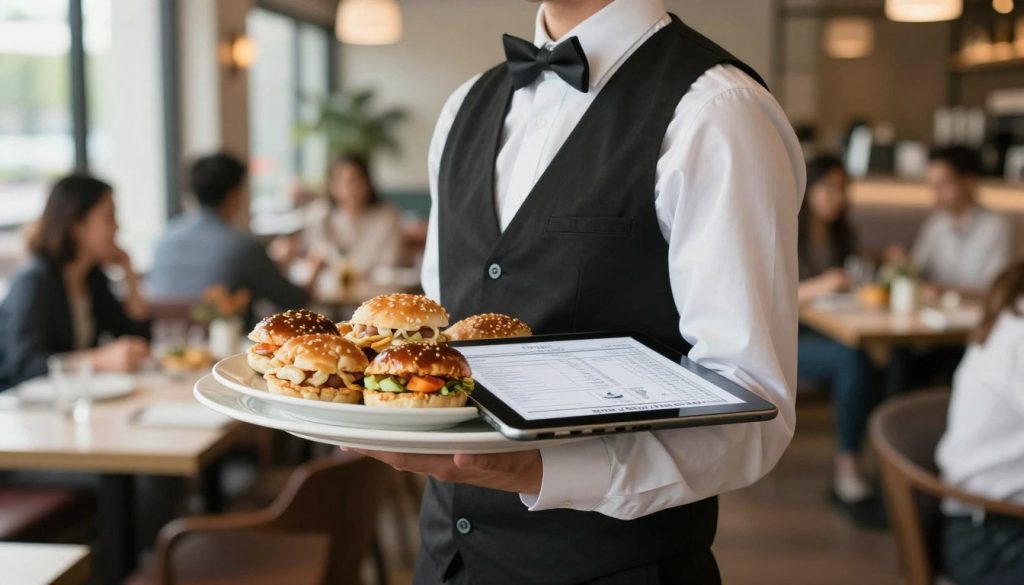
Digital Menu Management Capabilities
Digital menus provide flexibility impossible with printed versions. You update instantly without reprinting costs. You test pricing changes in real time. You adjust availability based on current inventory.
- Instant menu updates across all locations without printing costs or distribution delays
- Dynamic pricing adjustments for happy hours, lunch specials, or demand-based optimisation
- Real time item availability management when ingredients run out during service
- Customisation options allowing guests to modify dishes to their preferences
- Dietary filtering showing vegetarian, vegan, gluten-free, and allergen information
- Visual merchandising with high-quality food photography increasing order value
- Upsell prompts suggesting additions, sides, or premium upgrades
- Multi-language support for diverse customer base without separate menu versions
Integration with POS and Kitchen Systems
QR ordering systems work best when integrated with your operational infrastructure. Orders flow automatically from customer device to POS to kitchen display. No manual re-entry. No order errors. Complete digital order flow.
Payment integration completes the transaction loop. Guest orders, eats, and pays without staff involvement. The transaction processes automatically. Tips can be added digitally. Receipts send electronically. Your staff focuses on service, not transaction processing.
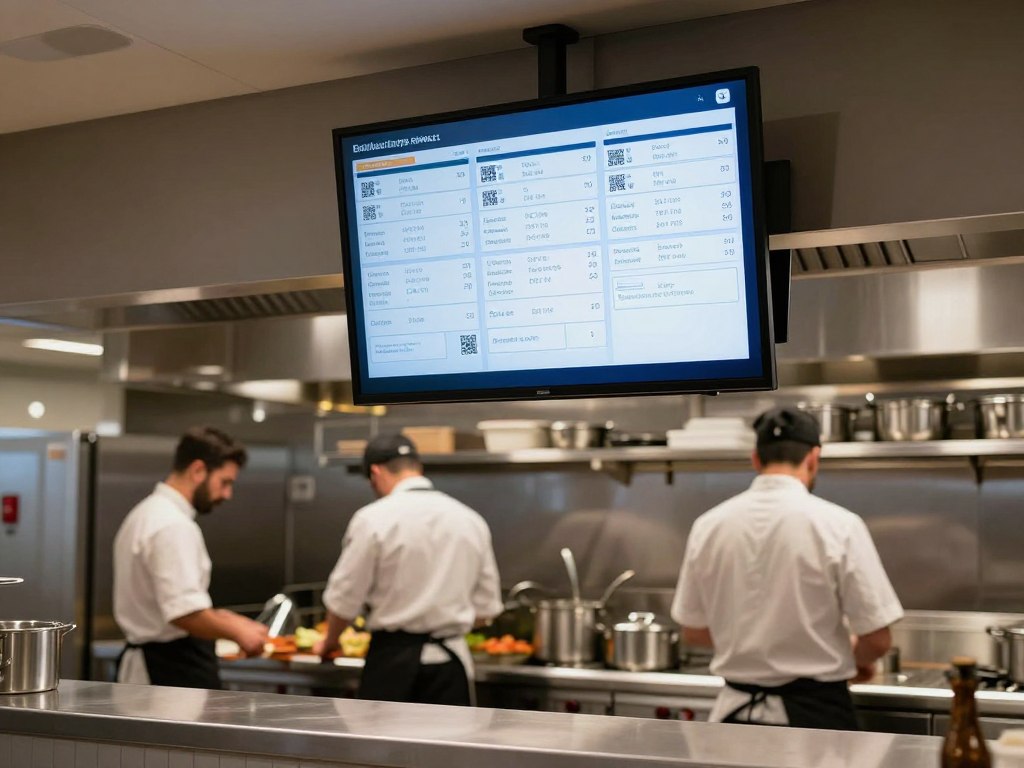
Deploy QR Ordering with menumiz™
MenuMiz gives Australian venues complete digital menu and ordering control. Update menus instantly, process orders automatically, and integrate seamlessly with your POS. No app downloads required for guests.
Workforce Management and Staff Scheduling
Labour costs consume 30-35% of revenue in most Australian hospitality venues. Your workforce management system determines whether that percentage delivers operational efficiency or operational waste. Proper scheduling, time tracking, and labour analytics turn staff costs into strategic advantage.

Manual scheduling on spreadsheets creates operational problems. Overstaffing during slow periods wastes money. Understaffing during busy periods damages service. Scheduling conflicts cause last-minute scrambles. Compliance errors create legal exposure. Modern workforce management software eliminates these problems.
Essential Workforce Management Features
Effective workforce management systems handle the complexity of hospitality scheduling while ensuring compliance and optimising labour costs.
- Demand-based scheduling using historical sales data to predict required staffing levels
- Award interpretation ensuring compliance with Australian award rates and conditions
- Shift templates for quick schedule creation based on proven staffing patterns
- Staff availability management allowing team members to set their available hours
- Shift swapping functionality with manager approval for schedule flexibility
- Time and attendance tracking with clock-in/out verification and location validation
- Labour cost forecasting showing wage costs before finalising schedules
- Skills-based scheduling matching staff capabilities to shift requirements
- Break compliance ensuring legally required rest periods are scheduled
- Mobile access for staff to view schedules and managers to make adjustments remotely
Australian Award Compliance
Australia’s award system creates scheduling complexity. Different pay rates apply based on day of week, time of day, employee classification, and hours worked. Manual compliance management invites costly errors.

Workforce management software built for Australian hospitality includes award interpretation engines. The system calculates correct rates automatically. It flags potential compliance issues before you publish schedules. It tracks penalty rates, overtime, and minimum shift requirements. It ensures you pay correctly while minimising labour costs.
Labour Cost Optimisation
The integration between workforce management and POS data creates labour optimisation opportunities. You analyse revenue per labour hour by day part, day of week, and season. You identify optimal staffing levels that balance service quality with cost efficiency.
| Metric | Definition | Target Range | Action Below Target |
| Revenue per Labour Hour | Total revenue divided by total labour hours | $80-120 for restaurants | Reduce staffing or increase sales per shift |
| Labour Cost Percentage | Total labour costs divided by total revenue | 28-32% for full service | Review scheduling efficiency and wage rates |
| Covers per Labour Hour | Total guests served divided by labour hours | 8-12 for table service | Optimise service procedures or adjust staffing |
| Schedule Adherence | Percentage of shifts worked as scheduled | Above 95% | Address absence patterns and improve accountability |
| Overtime Hours | Hours worked beyond standard before overtime rates apply | Below 5% of total hours | Improve schedule planning and staffing levels |
Forecast-based scheduling uses this data to predict future labour needs. You know exactly how many staff you need for next Friday dinner service based on historical patterns. You schedule precisely, avoiding both over and understaffing.
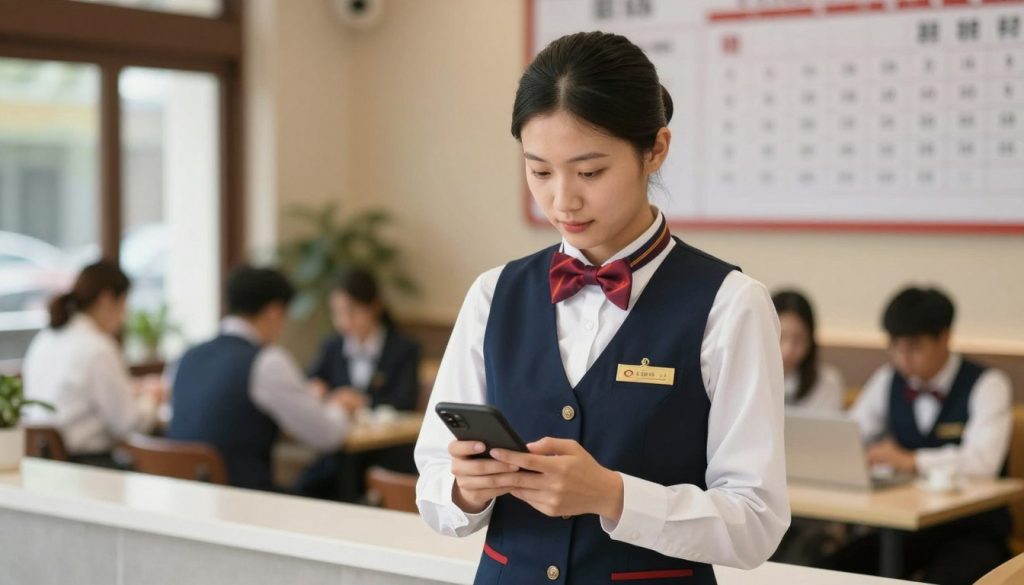
Optimise Labour Costs with HospoForce
HospoForce handles Australian award complexity while optimising your workforce scheduling. Reduce labour costs by up to 8% while improving staff satisfaction and service quality.
Staff Recruitment and Onboarding Systems
Australia’s hospitality sector faces chronic staff shortages. Finding qualified team members, screening candidates, and getting them productive quickly determines operational capacity. Traditional recruitment through job boards and paper applications creates hiring friction. Modern recruitment software streamlines the entire pipeline.

Recruitment software centralises applications, automates screening, schedules interviews, and manages candidate communication. You post to multiple job boards simultaneously. Applications flow into one system. Screening questions filter unqualified candidates automatically. Interview scheduling happens without email chains.
Modern Recruitment Workflows
Effective recruitment systems move candidates through consistent stages while maintaining positive candidate experience and reducing manager time investment.
- Multi-channel Job Posting: Publish positions to Seek, Indeed, LinkedIn, and hospitality-specific boards from one interface. Your job reaches qualified candidates wherever they search.
- Automated Screening: Pre-qualification questions filter candidates based on your requirements. Experience level, availability, certifications, and location screening happen automatically.
- Candidate Communication: Automated emails acknowledge applications, confirm interview times, and update candidates on hiring progress. No candidate falls through communication gaps.
- Interview Scheduling: Candidates select interview times from your available slots. Calendar integration prevents double-booking. Reminder messages reduce no-shows.
- Evaluation Standardisation: Structured interview scorecards ensure consistent candidate assessment. Hiring managers evaluate against defined criteria rather than gut feeling.
- Compliance Documentation: Digital collection of required documents including qualifications, certifications, working rights, and identification. Everything stored securely for audit purposes.
- Offer Management: Digital offer letters with electronic signature. Candidates accept positions immediately rather than waiting for paper processing.
- Onboarding Integration: Accepted candidates automatically transition to onboarding workflows. No manual handoff between recruitment and HR systems.

Digital Onboarding Processes
Getting new staff productive quickly affects operational capacity and training costs. Digital onboarding standardises the process while reducing administrative burden.
New team members complete paperwork digitally before their first shift. Tax file declarations, superannuation choices, bank details, emergency contacts, and policy acknowledgments happen online. Your managers spend first shifts on training, not paperwork.
Training modules deliver consistent information to every new hire. Food safety procedures, customer service standards, POS operation, and venue-specific processes all documented and trackable. You verify that training occurred and test comprehension.
Integration with Workforce Management
The connection between recruitment, onboarding, and workforce management creates seamless employee lifecycle management. A candidate accepts your offer, completes onboarding, and appears in your scheduling system automatically. Their availability, skills, certifications, and pay rates all transfer without re-entry.
This integration reduces time-to-productivity. New hires receive schedules immediately. They access mobile apps for shift information. They clock in and out from day one. Your operational systems treat them like existing staff from their first shift.
Procurement and Inventory Management
Your inventory ties up capital and determines your cost of goods sold. Inefficient procurement creates both problems: too much stock locks up cash, too little stock causes menu unavailability. Manual inventory tracking on spreadsheets leaves you guessing about actual stock levels and usage rates.
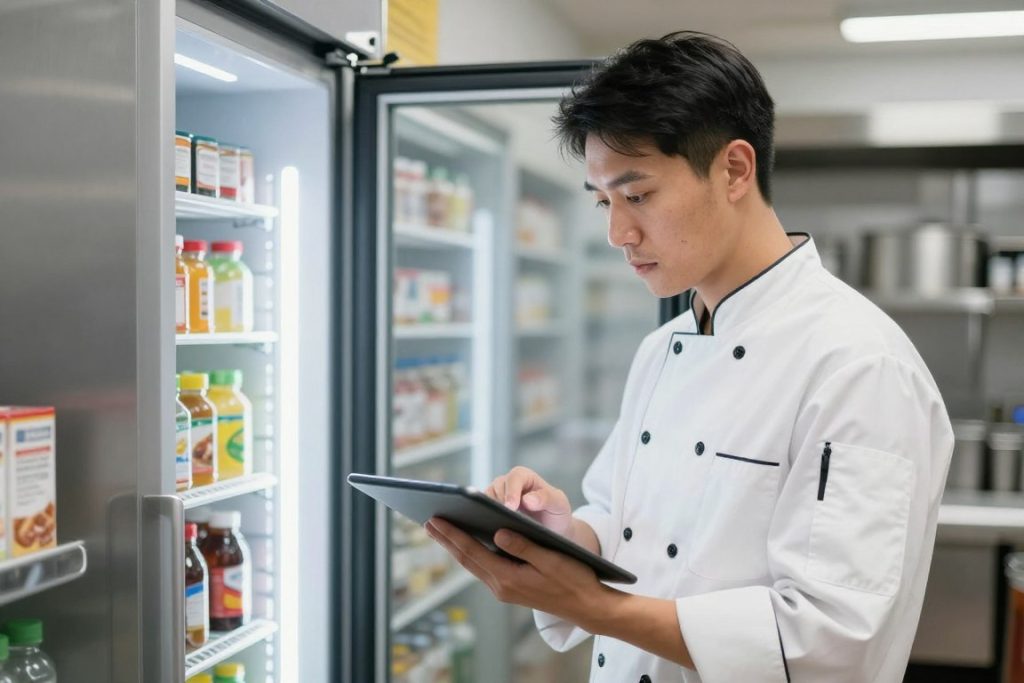
Procurement and inventory management software brings precision to stock control. Real time inventory tracking shows current levels across all storage areas. Automated reordering prevents stockouts. Usage analysis identifies waste and theft. Integration with POS systems ensures accuracy as sales occur.
Core Inventory Management Functions
Effective inventory systems handle the complexity of hospitality stock management including perishables, recipe costing, and supplier management.
- Real time stock level tracking across multiple storage locations and venues
- Automatic inventory deduction as POS records sales of menu items
- Recipe costing calculating exact ingredient costs for each menu item
- Variance reporting identifying discrepancies between theoretical and actual inventory
- Par level management with automated low-stock alerts and reorder triggers
- Supplier catalogue integration for streamlined ordering with current pricing
- Purchase order creation and tracking through delivery and invoice reconciliation
- Stock transfer management between multiple locations or storage areas
- Waste tracking recording spoilage, damage, and other inventory losses
- FIFO management ensuring first-in-first-out rotation of perishable stock
Procurement Optimisation
Smart procurement balances order frequency, delivery costs, and storage capacity while maintaining freshness and availability. Software automates this optimisation.

Order guide management stores your regular purchases by supplier. You review suggested orders based on current stock levels and historical usage. You adjust for upcoming events or menu changes. You submit orders directly to suppliers electronically.
Supplier price comparison shows cost variations for the same products across multiple suppliers. You identify opportunities to reduce costs without changing specifications. Your food cost percentage improves through better purchasing decisions.
Food Cost Control and Analysis
Understanding actual food costs requires accurate data on usage, waste, and pricing. Integration between inventory and POS systems provides this visibility.
| Cost Control Metric | Calculation Method | Target Range | Action if Outside Target |
| Food Cost Percentage | Cost of Goods Sold ÷ Food Revenue × 100 | 28-35% depending on concept | Review pricing, portions, waste, and theft |
| Inventory Turnover | COGS ÷ Average Inventory Value | 12-24 times per year | Adjust ordering frequency and quantities |
| Variance Percentage | (Theoretical – Actual) ÷ Theoretical × 100 | Below 3% variance | Investigate waste, theft, portioning errors |
| Menu Item Profitability | Item Revenue – Item Cost | 65-72% contribution margin | Adjust pricing or remove low-margin items |
| Waste as Percentage of COGS | Total Waste Value ÷ COGS × 100 | Below 4% of COGS | Improve inventory management and preparation |
These metrics identify where profit leaks from your operation. High variance suggests theft or portioning problems. Low inventory turnover means capital tied up in stock. Poor menu item profitability indicates pricing or recipe issues.
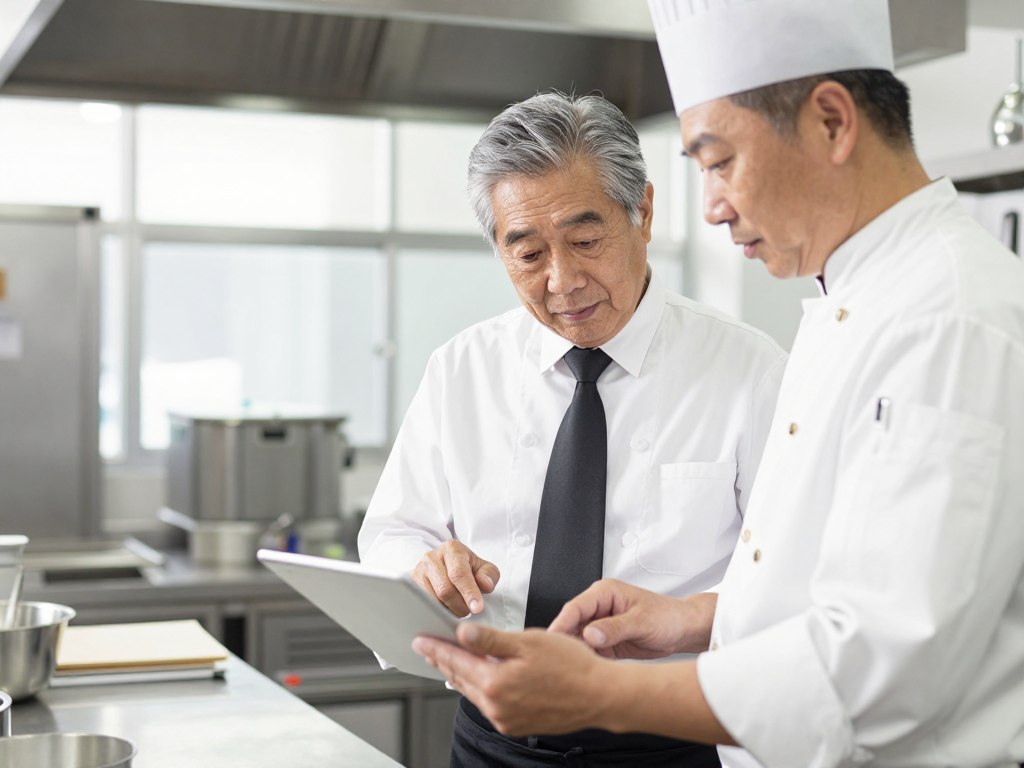
Control Food Costs with HospoMarket
HospoMarket connects your inventory, procurement, and POS systems for complete visibility into food costs. Reduce waste, optimise ordering, and improve profitability through integrated management.
Reporting, Analytics, and Business Intelligence
Data without analysis is just noise. Your hospitality systems generate massive amounts of operational data. Sales by hour, day, menu item. Labour costs by shift and staff member. Inventory usage and waste. Guest behaviour and preferences. This data only creates value when transformed into actionable business intelligence.
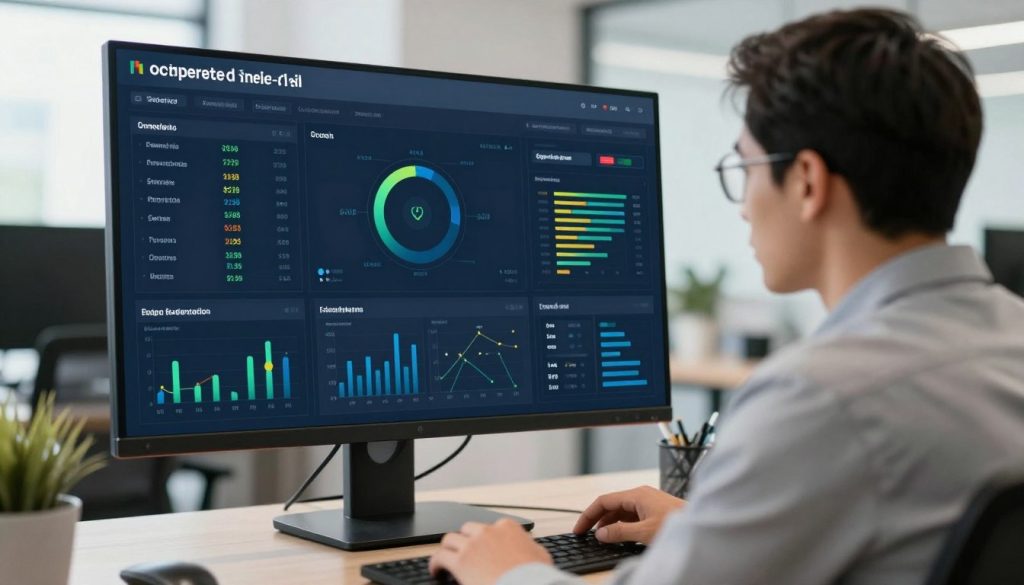
Business intelligence systems aggregate data from your entire tech stack. They identify patterns, trends, and anomalies. They present information through dashboards, reports, and alerts. They answer the questions that determine profitability: What sells best and when? Which staff are most productive? Where does profit leak from your operation?
Essential Reporting Categories
Comprehensive reporting covers financial performance, operational efficiency, guest behaviour, and staff productivity across your entire operation.
Financial Reports
- Daily sales summaries with variance to budget and prior year
- Revenue by category, menu item, and service period
- Cost of goods sold with food and beverage breakdown
- Labour cost analysis by role, shift, and department
- Profit and loss statements with drill-down capability
- Cash flow projections based on booking and sales trends
Operational Reports
- Covers per hour showing service period demand patterns
- Table turnover rates identifying service efficiency
- Average transaction value and guest spend analysis
- Menu item performance ranking bestsellers and slow movers
- Kitchen preparation times and order accuracy rates
- Inventory turnover and stock level optimisation
Guest Analytics
- Customer frequency and visit patterns over time
- Average guest value and lifetime revenue potential
- Booking source attribution and channel effectiveness
- Guest satisfaction scores and review sentiment analysis
- Demographic data and preference tracking
- Marketing campaign response and conversion rates
Staff Performance
- Sales per labour hour by individual staff member
- Average transaction value by server showing upsell effectiveness
- Attendance and punctuality tracking for reliability
- Training completion and compliance verification
- Customer feedback specifically mentioning staff members
- Tip earnings and guest satisfaction correlation

Predictive Analytics and Forecasting
Historical data enables future prediction. Analytics systems use past performance to forecast demand, revenue, and resource requirements. You plan based on probable outcomes rather than hopeful guesses.
Revenue forecasting predicts expected sales based on bookings, historical patterns, events, and seasonal factors. You adjust labour scheduling, inventory ordering, and marketing spend based on anticipated demand. You maximise profitability during high-demand periods and control costs during slow periods.
Labour demand forecasting shows required staffing levels by day part and day of week. You schedule precisely to meet predicted demand. You avoid costly overstaffing while ensuring service quality through adequate coverage.
Real-Time Dashboard Monitoring
Dashboards present key performance indicators in real time. You monitor current performance against targets throughout service periods. You identify problems as they develop, not days later during weekly review meetings.
- Live sales tracking showing current day performance versus forecast and prior year
- Labour cost percentage updating as staff clock in and sales accumulate
- Table status overview showing occupied, available, and soon-to-turn tables
- Kitchen order queue displaying preparation times and order accuracy
- Inventory alerts warning of low stock levels requiring immediate reorder
- Booking pace showing current reservation volume versus historical patterns
- Average transaction value tracking upsell effectiveness during current service
- Guest satisfaction monitoring through real-time review and feedback collection
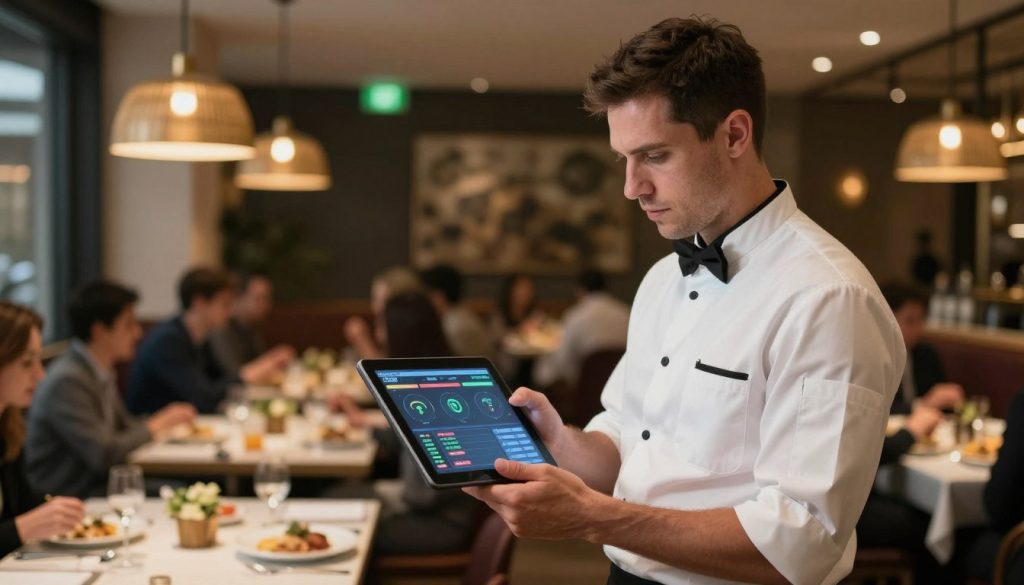
Custom Report Building
Every hospitality business has unique questions. Custom reporting tools let you build analyses specific to your operation. You define the data points, comparison periods, and visualisation formats. You answer your specific questions without waiting for software vendors to build standard reports.
Export functionality moves data into spreadsheets for additional analysis. You combine hospitality system data with financial data from accounting systems. You create board presentations and investor reports. You maintain control over your business intelligence.
Customer Relationship Management and Guest Engagement
Guest data sits across your reservation system, POS, review platforms, and email marketing tools. Scattered data can’t drive personalised experiences or targeted marketing. Customer relationship management systems unify guest information into actionable profiles.
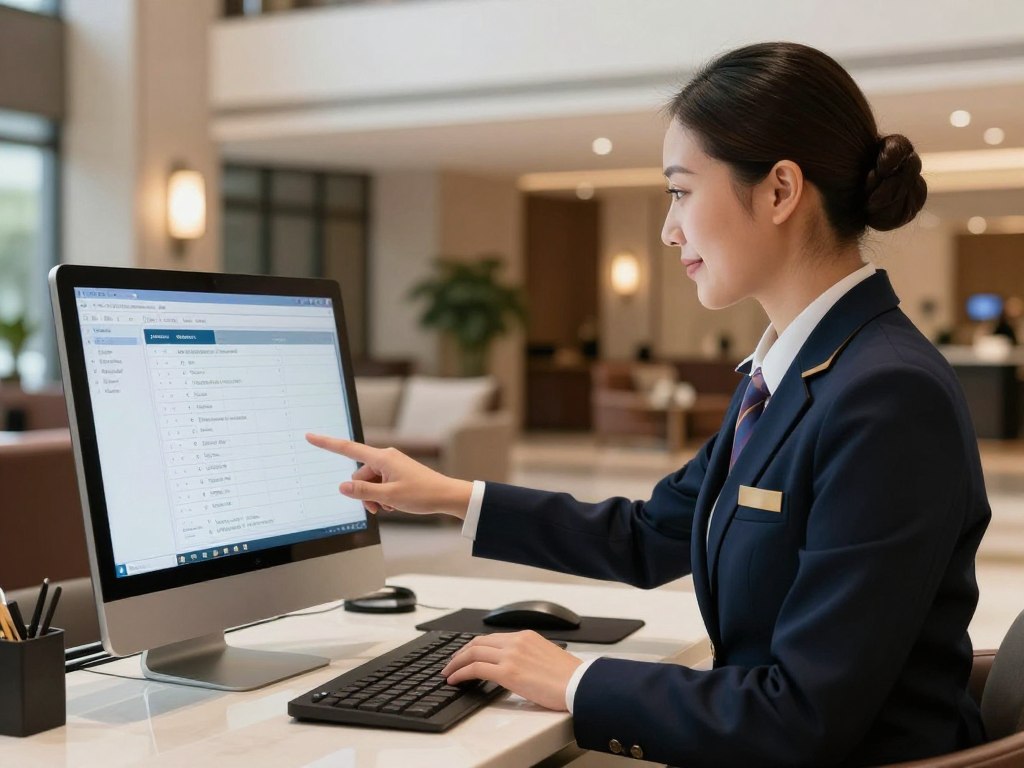
CRM for hospitality tracks every guest interaction. Bookings, visits, orders, preferences, feedback, and special occasions. You see complete guest history when they make their next reservation. You personalise service based on known preferences. You create marketing campaigns targeting specific guest segments.
Guest Profile and Preference Management
Comprehensive guest profiles transform anonymous transactions into relationship opportunities. Your CRM becomes the single source of truth for guest information.
- Contact information including email, phone, and communication preferences
- Visit history showing frequency, recency, and lifetime value across all locations
- Order preferences tracking favourite menu items and typical spend patterns
- Special requirements documenting dietary restrictions, allergies, and accessibility needs
- Occasion tracking remembering birthdays, anniversaries, and celebration dates
- Feedback and review history including both positive and negative experiences
- Booking behaviour analysing advance booking timeframes and party sizes
- Channel attribution showing how guests discover and book your venue
- Marketing engagement tracking email opens, clicks, and campaign responses
- Loyalty program participation with points balance and reward redemption history
Automated Marketing Campaigns
CRM systems enable automated marketing based on guest behaviour and preferences. You reach the right guests with relevant offers at optimal times without manual campaign management.
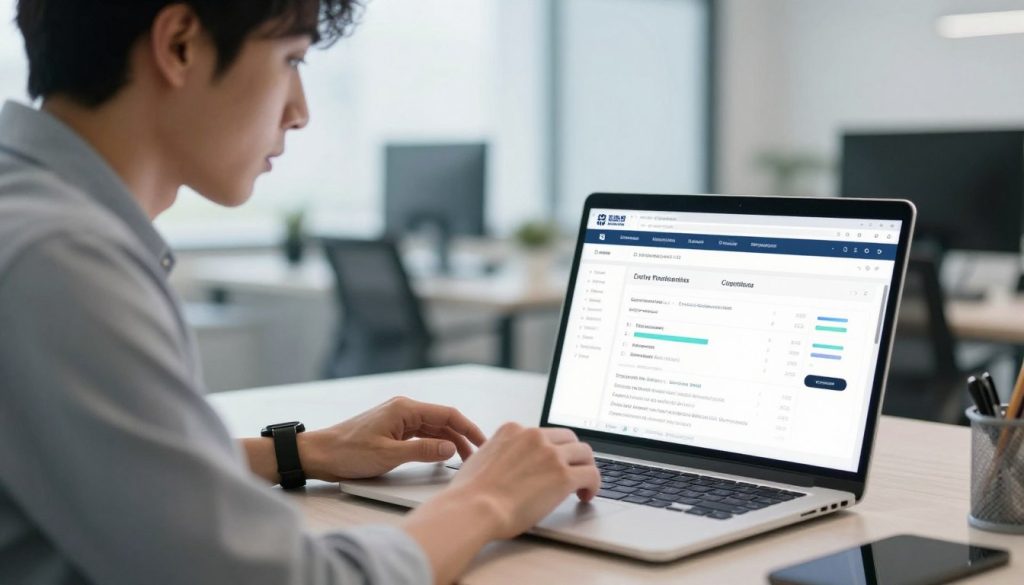
Triggered campaigns respond to specific guest actions. A booking confirmation triggers a pre-arrival email. A completed visit triggers a review request. An upcoming birthday triggers a celebration offer. These automated touchpoints maintain engagement without staff time investment.
Segmented campaigns target specific guest groups with relevant messaging. You send lunch special promotions to nearby business contacts. You advertise weekend brunch to families. You promote special events to your high-value repeat guests. Relevance improves engagement and conversion rates.
Loyalty Program Management
Loyalty programs drive repeat visits when managed effectively. CRM systems track points, manage rewards, and identify your most valuable guests automatically.
Effective Loyalty Program Elements
- Points earning on every transaction encouraging repeat visits
- Tiered membership levels recognising and rewarding top guests
- Experiential rewards offering unique experiences beyond discounts
- Birthday and anniversary bonuses creating celebration occasions
- Referral incentives turning satisfied guests into advocates
- Mobile app access providing convenient point tracking and redemption
- Personalised offers based on individual preferences and history
- Surprise and delight rewards for unexpected positive experiences
Loyalty Program Pitfalls to Avoid
- Complex earning rules that confuse guests and reduce participation
- Points expiration creating negative experiences and distrust
- Insufficient reward value failing to motivate repeat visits
- Limited redemption options frustrating guests trying to use points
- Poor communication leaving guests unaware of their balance
- Manual management consuming excessive staff time
- Inconsistent application across locations damaging brand trust
- Discount-only focus training guests to wait for deals
Review and Reputation Management
Online reviews directly impact booking decisions. CRM systems aggregate reviews from Google, TripAdvisor, Facebook, and industry platforms. You monitor reputation across all channels from one interface.
Review response workflows ensure timely engagement. Negative reviews trigger alerts to management. Templates speed response while maintaining personalised communication. You demonstrate that feedback matters and problems get addressed.

Integration with Operational Systems
CRM effectiveness depends on data integration. Guest profiles automatically update as transactions occur in your POS. Reservations in your booking system create or update CRM records. Email marketing responses feed back into guest profiles. This integration creates complete, current guest intelligence without manual data entry.
Revenue Management and Dynamic Pricing
Fixed pricing leaves money on the table. Your rooms or tables command premium rates during high-demand periods. Yet you offer the same prices regardless of demand. Revenue management systems optimise pricing based on demand forecasts, competitor rates, and booking pace.
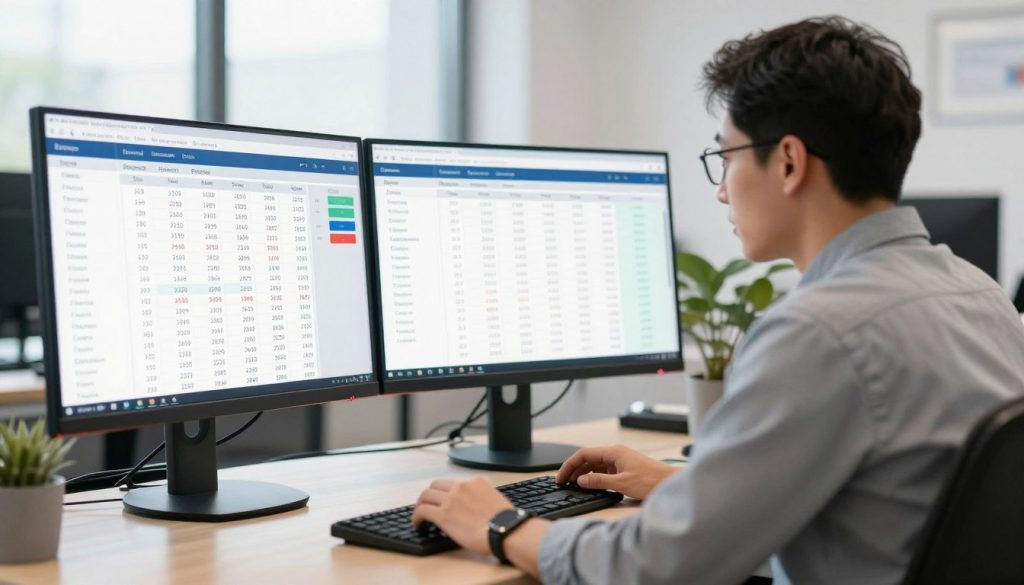
Dynamic pricing adjusts rates automatically as market conditions change. Strong demand drives rates up, maximising revenue per available room or table. Weak demand triggers strategic discounting to maintain occupancy and cash flow. The system continuously optimises for total revenue rather than fixed rates.
Core Revenue Management Principles
Effective revenue management balances occupancy and rate to maximise total revenue. Understanding these fundamentals guides system configuration and pricing strategy.
- Supply and Demand Balance: Your inventory is perishable. An empty room tonight or an unfilled table during dinner service represents lost revenue forever. Dynamic pricing captures demand when it exists and creates it when it doesn’t.
- Market Segmentation: Different guest segments accept different price points. Business travellers book last minute and pay premium rates. Leisure travellers book early and seek value. Your pricing strategy accommodates both.
- Booking Window Management: Early bookings at lower rates fill baseline occupancy. Later bookings at higher rates capture premium demand. Length of stay restrictions and minimum stay requirements optimise high-demand periods.
- Competitive Intelligence: Your pricing exists in market context. Rates significantly above competitors require justified value differentiation. Rates below competitors suggest revenue opportunity loss.
- Forecasting Accuracy: Revenue optimisation depends on demand prediction. Historical patterns, booking pace, events, seasonality, and market trends all inform forecasts. Better forecasts drive better pricing decisions.
Dynamic Pricing Strategies
Revenue management systems implement various pricing strategies based on your business model and market position.
| Strategy | Application | Best For | Implementation Approach |
| Demand-Based Pricing | Rates increase as occupancy rises | Hotels during events and peak seasons | Set rate increases at occupancy thresholds |
| Time-Based Pricing | Rates vary by booking timeframe | Restaurants with variable demand by service | Premium pricing for prime time slots |
| Length of Stay Pricing | Discounts for extended stays | Hotels encouraging longer bookings | Progressive discounts by night count |
| Last Room Pricing | Maximum rates for final inventory | High-demand periods with guaranteed sellout | Escalating rates as inventory depletes |
| Segment-Based Pricing | Different rates by customer type | Properties serving multiple market segments | Qualified rates with booking restrictions |

Revenue Management for Restaurants
Restaurant revenue management applies similar principles to table inventory. You optimise revenue per available seat hour rather than revenue per available room. Dynamic table management and strategic reservation pricing maximise yield.
Table inventory management treats different table sizes and locations as distinct products. A four-top window table during Friday dinner service commands different value than a two-top by the kitchen during Tuesday lunch. Your pricing and availability management reflects this reality.
Reservation deposits and dynamic pricing for high-demand time slots reduce no-shows while capturing value. Premium time slots on Friday and Saturday nights justify premium rates or minimum spend requirements. Off-peak periods offer incentive pricing to build demand.
Performance Measurement
Revenue management effectiveness shows in specific metrics. These indicators determine whether your pricing strategy optimises revenue or leaves money on the table.
- RevPAR (Revenue Per Available Room) for hotels comparing total room revenue against capacity
- RevPASH (Revenue Per Available Seat Hour) for restaurants measuring table yield
- ADR (Average Daily Rate) tracking actual rates achieved versus available rates
- Occupancy percentage showing capacity utilisation across time periods
- Yield percentage comparing actual revenue to potential maximum revenue
- Booking conversion rate measuring quote-to-booking success across rate levels
- Rate positioning showing your rates relative to competitive set
- Cancellation rates by rate type identifying risky booking patterns
Marketing Automation and Guest Communication
Manual marketing doesn’t scale. Sending individual emails, posting to social media, managing promotions, and tracking campaign performance consume massive time. Marketing automation handles repetitive tasks while maintaining personalised communication at scale.
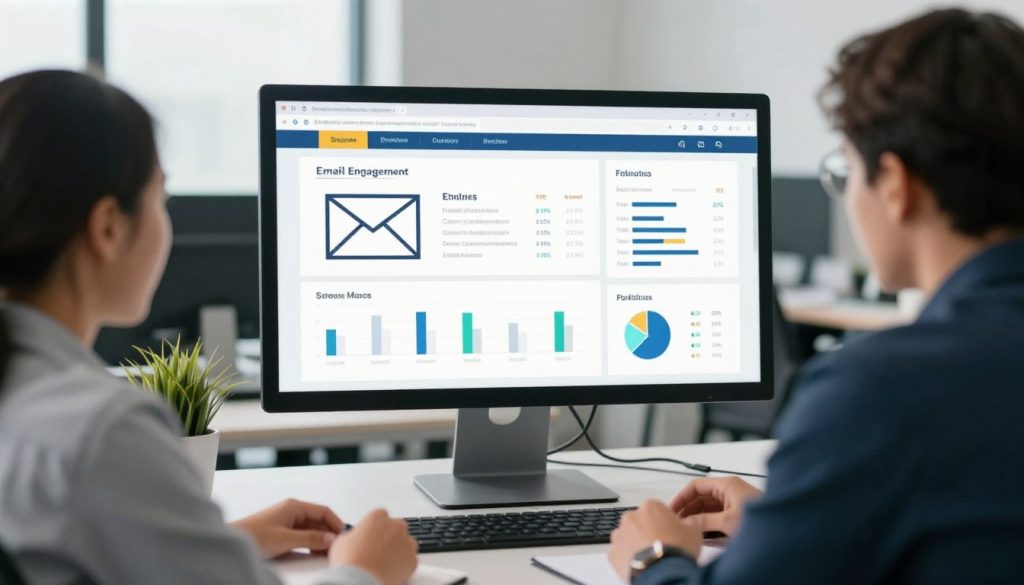
Automation triggers marketing actions based on guest behaviour and business conditions. A new reservation triggers a welcome sequence. An upcoming booking triggers a pre-arrival message. A completed visit triggers a review request. A lapsed guest triggers a win-back offer. These communications happen automatically, maintaining engagement without constant manual effort.
Email Marketing Automation
Email remains the highest-ROI marketing channel for hospitality businesses. Automation makes email marketing consistent, personalised, and measurable.
Transactional Email Sequences
Transactional emails respond to specific guest actions. They deliver expected information while creating marketing opportunities.
- Booking confirmation with arrival details and upsell opportunities
- Pre-arrival communication with venue information and add-on offers
- Post-visit thank you with review request and return incentive
- Birthday and anniversary messages with celebration offers
- Loyalty milestone recognition celebrating program achievements
Promotional Campaign Automation
Promotional emails drive revenue through targeted offers sent to specific guest segments at optimal times.
- Weekly specials to nearby guests and frequent visitors
- Event promotion to guests with relevant booking history
- Seasonal campaigns tied to holidays and local occasions
- Last-minute offers to fill unexpected availability
- Win-back campaigns targeting guests with lapsed visits
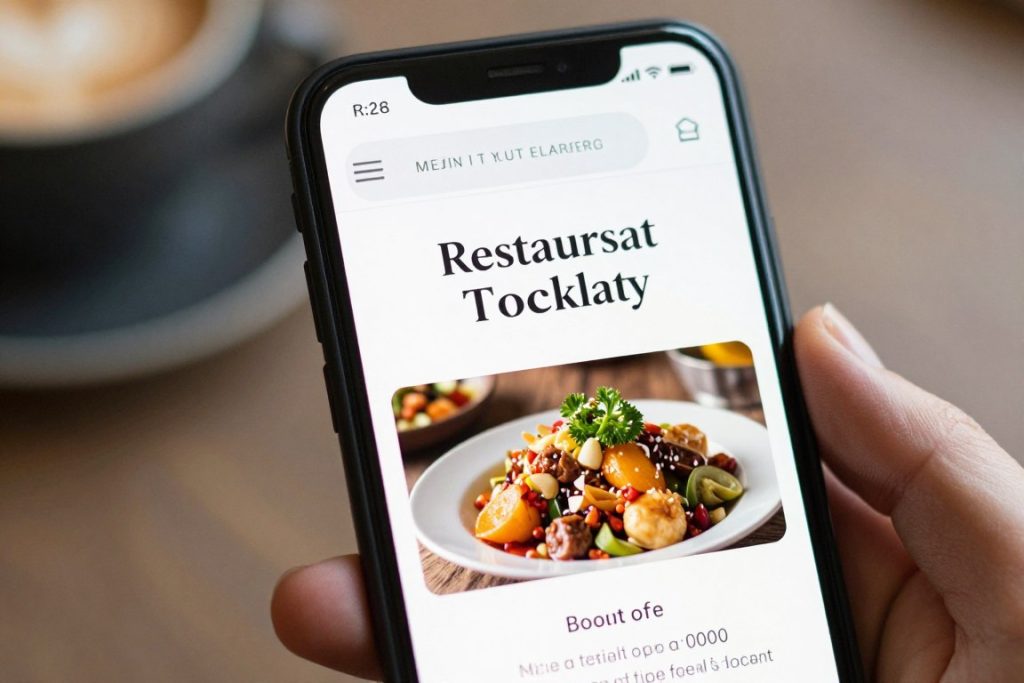
SMS and Push Notification Marketing
Mobile messaging delivers immediate engagement. SMS open rates exceed 95% within minutes. Push notifications reach app users instantly. These channels work for time-sensitive communication.
Reservation reminders via SMS reduce no-shows. Guests receive confirmation 24 hours before their booking. They confirm or cancel with a simple reply. Your no-show rate drops while last-minute cancellations create opportunities to fill tables.
Flash promotions through mobile channels fill quiet periods. Your Monday lunch service runs slow. You send an instant offer to nearby guests. Bookings increase within hours. Mobile marketing drives immediate action.
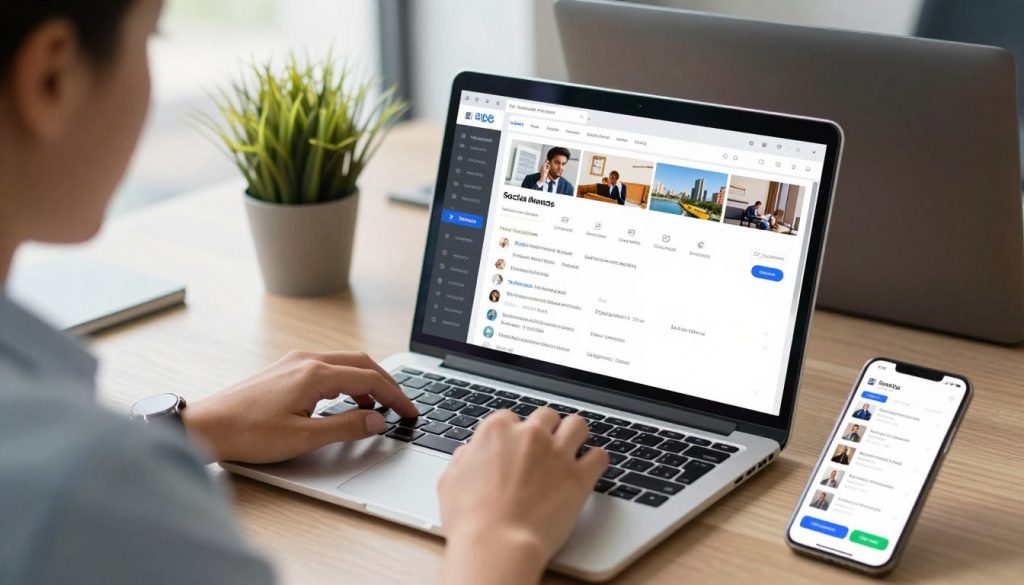
Social Media Management
Social media presence requires consistent content. Automation tools schedule posts across platforms, maintain regular engagement, and track performance without constant manual posting.
- Content calendar planning with scheduled posts across multiple platforms simultaneously
- User-generated content curation showcasing guest photos and experiences
- Engagement monitoring tracking mentions, comments, and direct messages
- Response management ensuring timely replies to guest inquiries and feedback
- Performance analytics measuring reach, engagement, and conversion by platform
- Influencer coordination managing partnerships and tracking campaign results
- Advertising campaign management across Facebook, Instagram, and Google platforms
Campaign Performance Tracking
Marketing automation provides detailed performance data. You see open rates, click rates, conversion rates, and revenue attribution by campaign. You identify what works and what doesn’t. You optimise based on evidence, not assumption.
A/B testing compares different subject lines, offers, and creative approaches. The system sends variations to different segments and measures performance. Winning versions automatically deploy to larger audiences. Your marketing improves continuously through testing.
AI and Automation in Hospitality Operations
Artificial intelligence moves beyond marketing buzzwords into practical hospitality applications. AI analyses patterns in operational data that humans can’t spot. It predicts outcomes before they occur. It automates decisions that previously required manual analysis. The technology delivers measurable operational improvements, not futuristic promises.

AI applications in hospitality focus on prediction, personalisation, and automation. Demand forecasting predicts covers for optimal staffing. Guest preference analysis personalises service. Chatbots handle routine inquiries. Dynamic pricing optimises revenue. These aren’t theoretical applications. They’re deployed systems delivering results.
Demand Forecasting and Predictive Analytics
AI forecasting analyses multiple variables simultaneously to predict future demand. Historical sales, booking pace, local events, weather forecasts, social media sentiment, and competitor activity all feed prediction models. Accuracy exceeds simple historical averaging by significant margins.
Restaurant demand forecasting predicts covers by day part with high accuracy. You know expected lunch volume for next Thursday based on historical patterns, current booking pace, local events, and weather forecast. You schedule staff precisely to meet predicted demand. Labour costs align with revenue without sacrificing service quality.
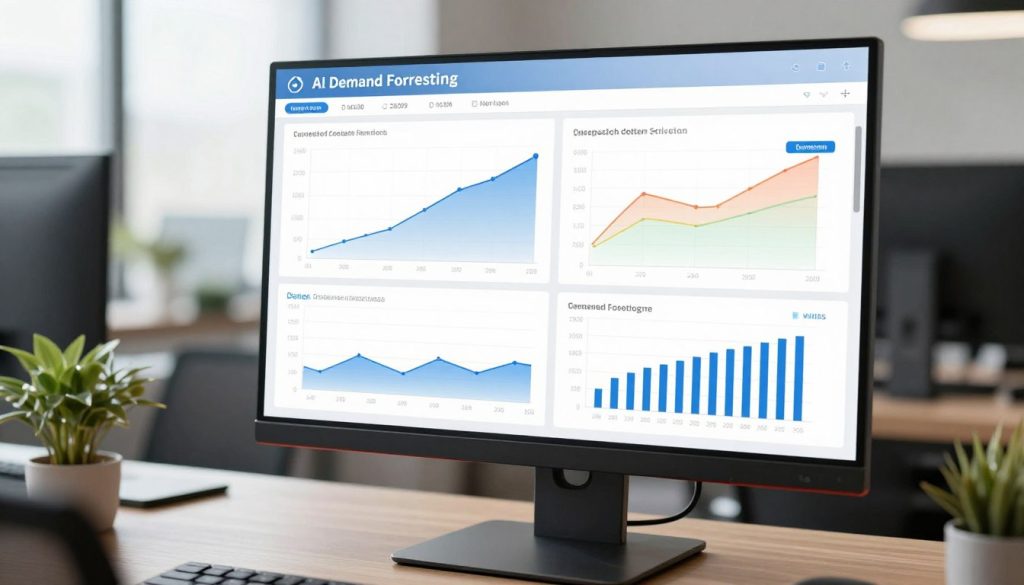
Hotel occupancy forecasting informs pricing decisions. The system predicts booking pace and final occupancy for future dates. Revenue management responds automatically, adjusting rates to maximise yield based on predicted demand patterns.
Guest Personalisation and Recommendation Engines
AI analyses guest behaviour to recommend relevant products and experiences. The system identifies patterns across thousands of guests to predict individual preferences.
Menu recommendation engines suggest items based on past orders and similar guest preferences. Your digital menu highlights dishes you’re likely to enjoy. Upsell prompts suggest complementary items that frequently sell together. Average transaction value increases through relevant recommendations.
Hotel room and package recommendations match guests with appropriate offerings. The system considers booking history, stay patterns, travel purpose, and stated preferences. Upgrade offers target guests most likely to accept. Package recommendations align with individual interests. Conversion rates improve through relevance.
Chatbots and Conversational AI
AI-powered chatbots handle common guest inquiries automatically. They answer questions about hours, location, menu items, booking process, and policies. They operate 24/7 without staff time investment. Complex inquiries escalate to human staff.
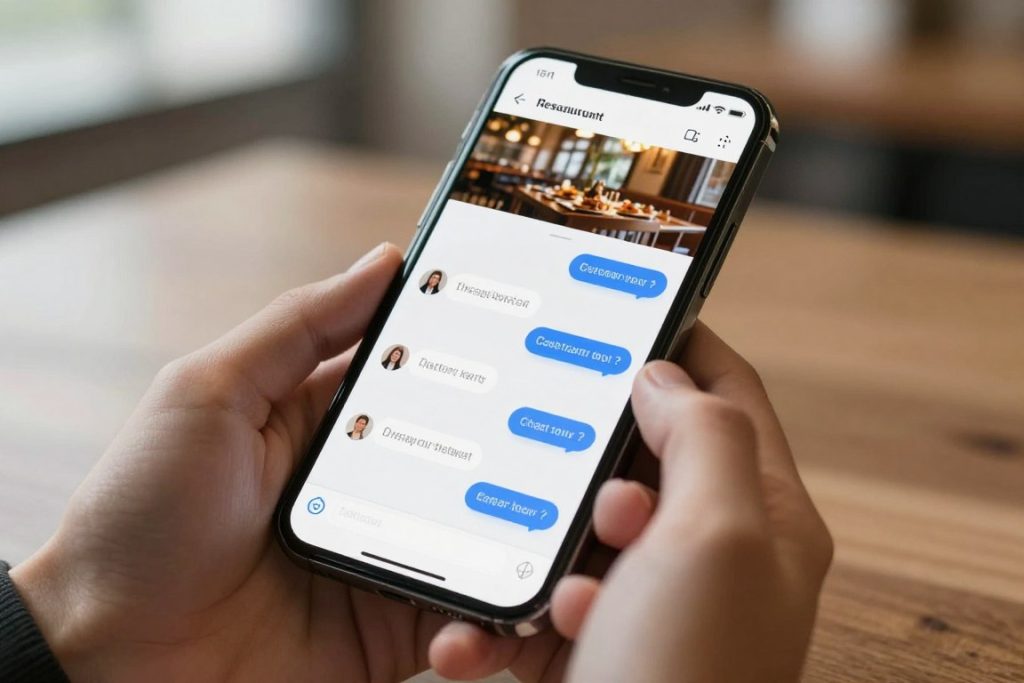
Booking chatbots guide guests through reservation process conversationally. They check availability, suggest alternative times, collect guest information, and confirm bookings. The experience feels natural while eliminating phone calls and email exchanges.
Review response automation drafts personalised responses to guest feedback. The AI analyses review sentiment and content, then generates appropriate response drafts. Managers review and approve before posting. Response time decreases while maintaining quality and personalisation.
Operational Automation Applications
AI automates operational decisions that previously required human analysis. These systems continuously optimise based on real time conditions.
- Automated inventory reordering based on usage patterns, lead times, and predicted demand
- Dynamic staff scheduling optimising labour deployment against forecasted demand
- Energy management adjusting HVAC and lighting based on occupancy and weather
- Maintenance prediction identifying equipment likely to fail before breakdowns occur
- Quality control monitoring recipe execution and identifying preparation inconsistencies
- Fraud detection flagging suspicious transactions and payment patterns
- Price optimisation adjusting rates continuously based on demand signals
- Supply chain optimisation identifying best suppliers and order quantities
Implementation Considerations
AI effectiveness depends on data quality and quantity. Systems require historical data to identify patterns. Garbage in creates garbage out. Your existing systems need clean, consistent data before AI adds value.
Start with specific, measurable applications rather than broad AI initiatives. Implement demand forecasting for staffing optimisation. Add menu recommendation engines. Deploy chatbots for common inquiries. Prove value in focused areas before expanding AI deployment.
Cloud-Based Software and Mobile Accessibility
Cloud software changed hospitality operations fundamentally. You access systems from anywhere. Your staff works from mobile devices. Updates deploy automatically. Integration happens through APIs. Scaling requires no hardware investment. The operational model shifted from locally installed, individually managed systems to centrally managed, universally accessible platforms.
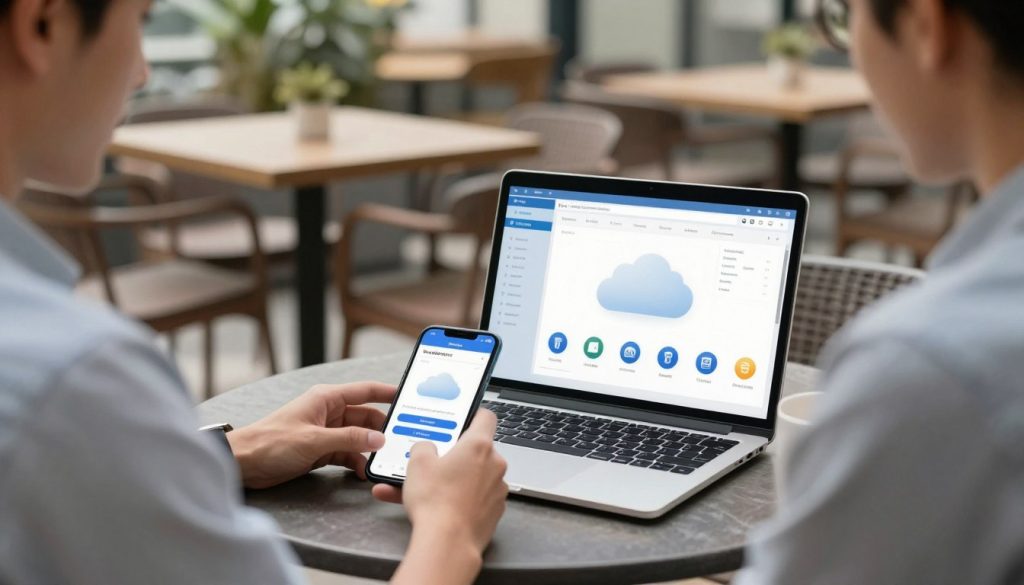
For Australian hospitality businesses, cloud adoption eliminates IT infrastructure requirements. You don’t need servers, backup systems, or in-house technical staff. You pay subscription fees for enterprise capabilities previously requiring enterprise budgets. You focus on operations while software vendors handle technology infrastructure.
Cloud Software Advantages
Cloud deployment creates operational benefits beyond cost reduction. Accessibility, reliability, and integration capabilities improve simultaneously.
- Access from any device with internet connection
- Work remotely without VPN or special setup
- Manage multiple locations from single interface
- Mobile apps provide full functionality on tablets and phones
- Real time data synchronisation across all access points
Accessibility Benefits
- Enterprise-grade infrastructure with 99.9% uptime
- Automatic backups without manual intervention
- Disaster recovery handled by provider
- Redundant systems preventing data loss
- Security patches applied automatically
Reliability Advantages
- Subscription pricing with predictable monthly costs
- No upfront hardware investment required
- Included updates and feature additions
- Scale pricing with business growth
- Reduce or eliminate IT staff requirements
Cost Structure Benefits
Mobile-First Operations
Mobile devices changed how hospitality staff work. Servers take orders on tablets. Managers approve requests from phones. Kitchen staff view orders on displays. Housekeeping updates room status from mobile apps. Operations happen where work occurs, not at fixed terminals.

Mobile POS systems let servers process transactions tableside. Guests order, modify, and pay without moving. Service speed increases. Table turnover improves. Payment security strengthens because cards never leave guest sight.
Management mobile apps provide operational visibility anywhere. You review real time sales, check labour costs, approve schedule changes, and monitor inventory from your phone. Location independence doesn’t mean you lose operational control. Mobile access increases control.
Internet Reliability and Offline Functionality
Cloud systems require internet connectivity. Australian metro areas have reliable internet. Regional areas face connectivity challenges. Your software needs offline functionality for internet disruptions.
Modern cloud POS systems cache data locally. Transactions process during internet outages. The system synchronises when connectivity returns. You maintain service continuity despite network problems.
Backup internet connections through mobile data provide redundancy. Your primary internet fails, your systems failover to mobile backup automatically. Business continuity doesn’t depend on single infrastructure provider.
Data Security in Cloud Environments
Cloud security concerns focus on data control and access management. Your data sits on provider servers, not your local systems. This raises legitimate security questions that cloud providers address through specific measures.
- Data encryption in transit and at rest protecting information from interception
- Multi-factor authentication preventing unauthorised account access
- Role-based access controls limiting data access to authorised staff
- Regular security audits and compliance certifications by independent firms
- Automated threat detection identifying suspicious access patterns
- Data residency options keeping information in Australian data centres
- Activity logging tracking all system access and changes for audit purposes
- Payment card compliance (PCI DSS) for transaction processing security
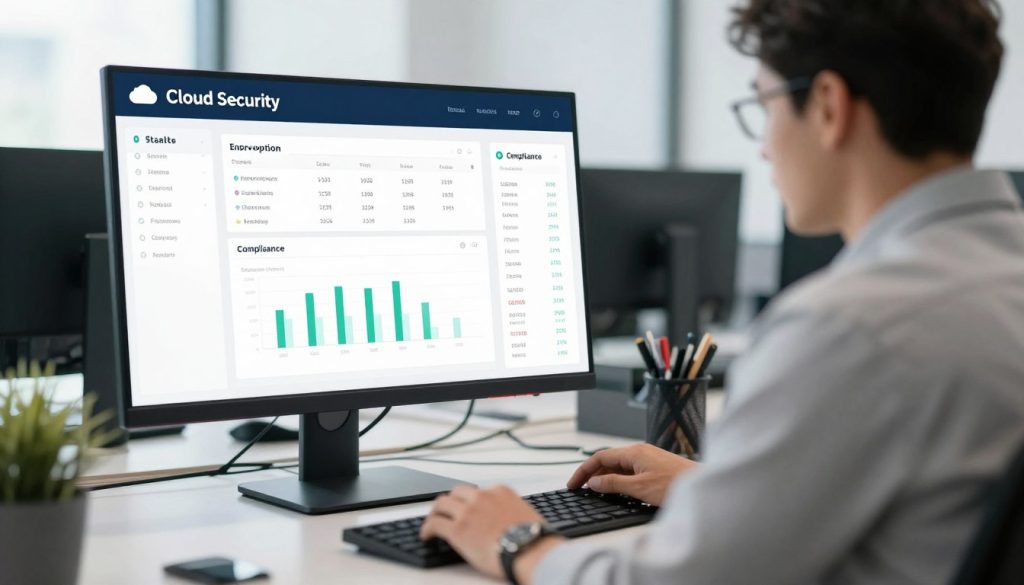
Enterprise cloud providers invest more in security than individual hospitality businesses can. Dedicated security teams, advanced threat detection, and compliance frameworks protect data better than local servers managed by non-specialists.
Integrated Hospitality Business Systems
Integration separates functional software from strategic advantage. Isolated systems create data silos. Your POS doesn’t talk to inventory. Your booking system doesn’t connect to CRM. Your workforce management exists separately from sales data. Each system works individually but they don’t work together. You lose visibility, efficiency, and control.
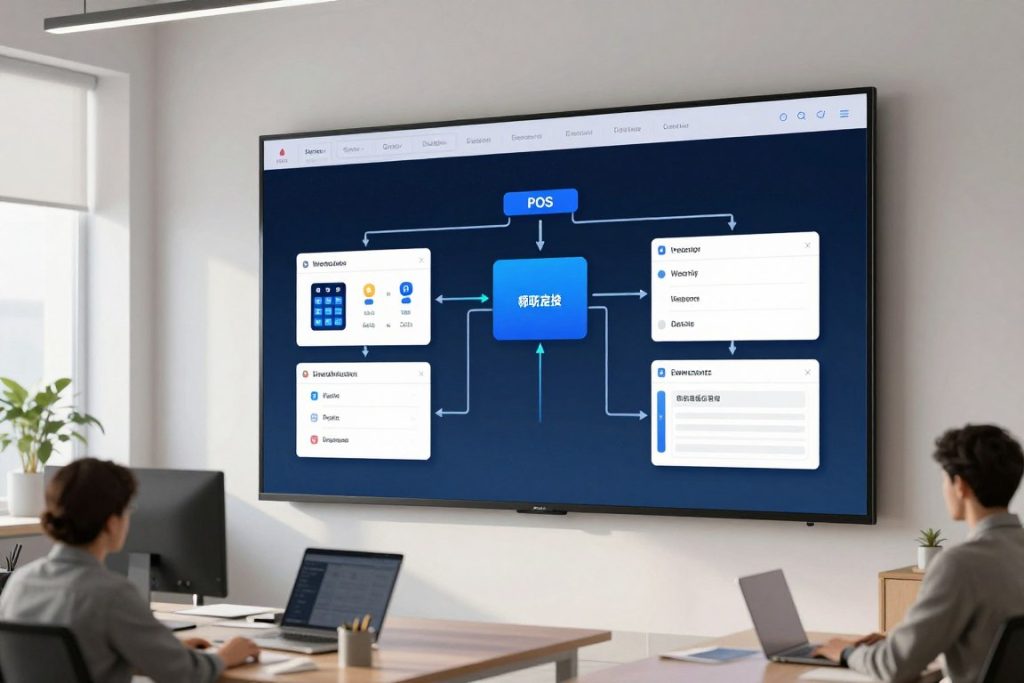
Integrated systems share data automatically. Sales transactions update inventory instantly. Bookings create CRM records automatically. Staff clock-ins affect labour cost calculations immediately. Customer orders flow from digital menu to POS to kitchen display without manual intervention. Information moves seamlessly across your entire operation.
The Connected Hospitality Ecosystem
Modern hospitality operations require multiple software systems working as one platform. Integration creates this unified experience while maintaining specialised functionality.
Core System Integrations
Essential connections that form the foundation of operational efficiency.
- POS to inventory for automatic stock deduction and cost tracking
- POS to accounting for financial reconciliation and reporting
- Booking system to CRM for guest profile management
- Workforce to POS for labour cost analysis by sales period
- Payment processing to POS for transaction completion
- Kitchen display to POS for order routing and timing
Extended Integrations
Additional connections that enhance capability and competitive advantage.
- Email marketing to CRM for segmented campaigns
- Review platforms to reputation management systems
- Online ordering to POS and kitchen systems
- Delivery platforms to order management systems
- Accounting to procurement for financial tracking
- Analytics to all systems for comprehensive intelligence
API-Based Integration Architecture
Modern integrations use APIs (Application Programming Interfaces) to connect systems. APIs allow different software to communicate and exchange data automatically without custom development.
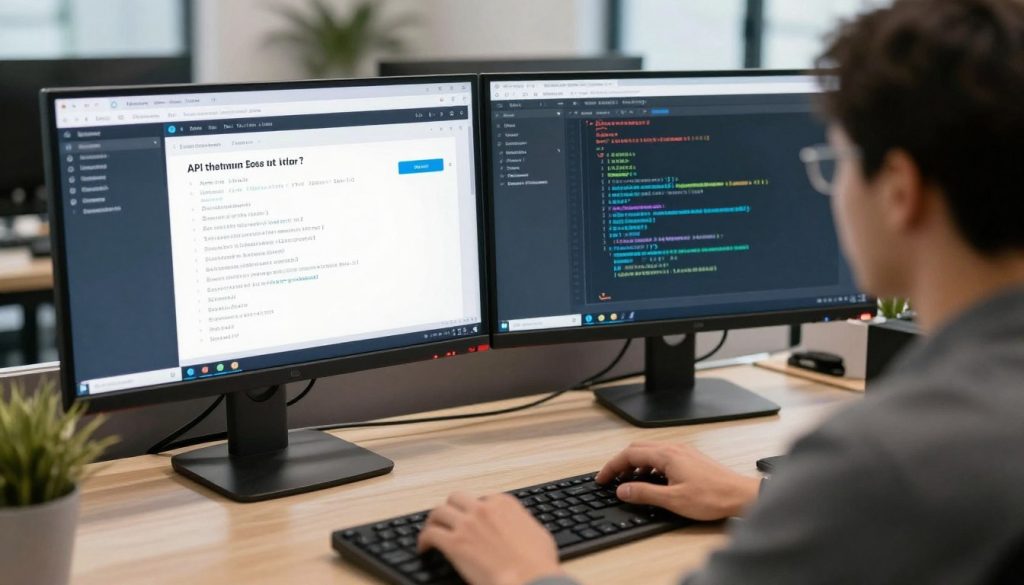
API integrations offer several advantages over legacy connection methods. They’re standardised, making them easier to implement and maintain. They’re secure, with authentication and encryption built in. They’re scalable, handling high transaction volumes without performance degradation. They’re flexible, allowing new integrations without disrupting existing connections.
Pre-built integrations between common hospitality systems reduce implementation complexity. Your POS vendor provides integrations to major accounting, inventory, and workforce management systems. You configure connections without custom programming. Implementation time drops from months to days.
Benefits of System Integration
Integration delivers operational benefits that justify implementation effort and cost. These advantages compound as you connect more systems.
- Eliminated double data entry reducing labour costs and human error rates
- Real time operational visibility across all business functions simultaneously
- Improved decision making based on complete, current information from all systems
- Faster processes through automated workflows eliminating manual handoffs
- Enhanced guest experience via personalised service using unified guest data
- Better compliance through automated processes and complete audit trails
- Reduced IT complexity managing one integrated platform instead of separate systems
- Scalability supporting business growth without exponential complexity increase
Implementation Approach
Integration projects require planning and phased implementation. Attempting to connect everything simultaneously creates complexity and risk. A structured approach ensures success.
- Audit Current Systems: Document all existing software, data flows, and pain points. Identify which systems must integrate first based on operational impact.
- Prioritise Integrations: Start with highest-value connections. POS to inventory typically delivers immediate benefit. POS to accounting reduces reconciliation time. These foundational integrations prove value quickly.
- Select Integration Approach: Use pre-built integrations where available. Consider integration platforms (iPaaS) for complex environments. Custom development should be last resort, not first option.
- Test Thoroughly: Validate data accuracy across systems before going live. Verify edge cases and error handling. Ensure backup processes exist if integration fails.
- Train Staff: Integration changes workflows. Staff need training on new processes. Clear communication about changes prevents resistance and errors.
- Monitor Performance: Track integration reliability, data accuracy, and business impact. Address issues immediately before they compound.
- Expand Systematically: Add integrations incrementally. Prove value at each stage before increasing complexity. Build confidence through progressive success.
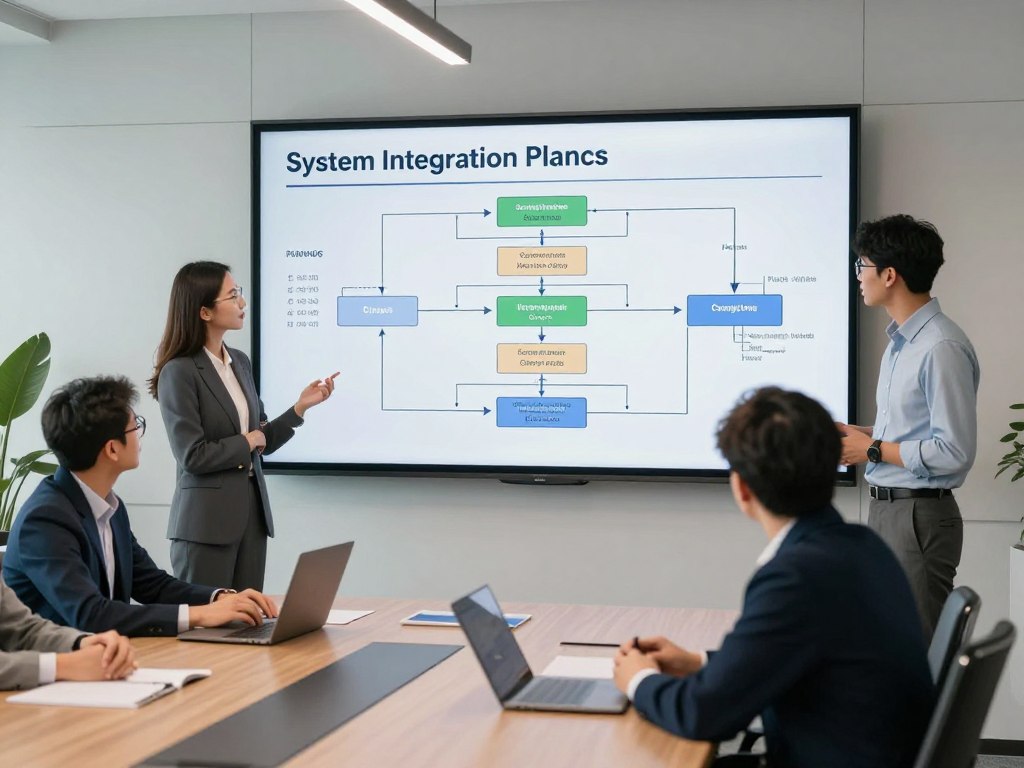
Experience True Integration with Hospoware
Hospoware isn’t just connected systems. It’s a purpose-built ecosystem where POS, workforce management, procurement, and digital ordering work as one platform. Built for Australian operators who need operational clarity, not technical complexity.
Choosing the Right Hospitality Software for Your Venue
Software selection determines operational capability for years. Choose well and you gain competitive advantage. Choose poorly and you’re locked into systems that constrain growth. The decision requires careful analysis of your requirements, vendor capabilities, and long-term scalability.

Australian hospitality businesses face specific requirements. Award interpretation for workforce management. GST handling in accounting integrations. Australian payment processing with local bank support. Local customer support during Australian business hours. Your software must meet these requirements, not just generic hospitality needs.
Requirements Analysis Framework
Start with your operational requirements, not vendor features. Define what you need before evaluating what vendors offer. This prevents feature-driven decisions that ignore actual business needs.
Operational Requirements
- Transaction volume and complexity your venue processes daily
- Menu complexity including modifiers, variations, and special requests
- Service model including table service, counter service, or quick service
- Staff count and scheduling complexity across multiple shifts
- Inventory management needs for food, beverage, and supplies
- Reporting requirements for financial and operational metrics
- Integration needs with existing systems and tools
Business Requirements
- Budget for upfront costs and ongoing subscription fees
- Growth plans affecting scalability requirements
- Multiple locations requiring centralised management
- Compliance needs including tax, labour, and health regulations
- Support requirements including training and technical assistance
- Timeline for implementation and staff training
- Risk tolerance for new vendors versus established providers
Vendor Evaluation Criteria
Once you understand requirements, evaluate vendors systematically. Use consistent criteria across all options to enable objective comparison.
| Evaluation Factor | Key Considerations | Red Flags to Avoid |
| Product Functionality | Meets core requirements, suitable for your service model, appropriate complexity level, room for growth | Missing essential features, over-complicated for your needs, limited customisation options |
| Australian Suitability | Award compliance, GST handling, local payment processing, AUD pricing, Australian support hours | No Australian presence, overseas-only support, unclear compliance capabilities |
| Integration Capability | Pre-built integrations with your existing tools, API availability, integration marketplace, data export options | Closed system with no integrations, expensive custom development requirements, data lock-in |
| Vendor Stability | Years in business, customer base size, financial stability, product roadmap transparency, regular updates | New vendor with limited track record, stagnant product development, acquisition rumours |
| Support Quality | Response time commitments, support channel options, training resources, documentation quality, implementation assistance | No phone support, offshore-only support, extra cost for basic assistance, poor online reviews |
| Pricing Structure | Clear pricing with no hidden fees, scalable cost as you grow, contract flexibility, included features versus add-ons | Opaque pricing, excessive add-on charges, long-term lock-in contracts, surprise fees |
| User Experience | Intuitive interface, mobile responsiveness, speed and reliability, staff training time required, customer satisfaction scores | Complicated workflows, slow performance, dated interface, extensive training requirements |
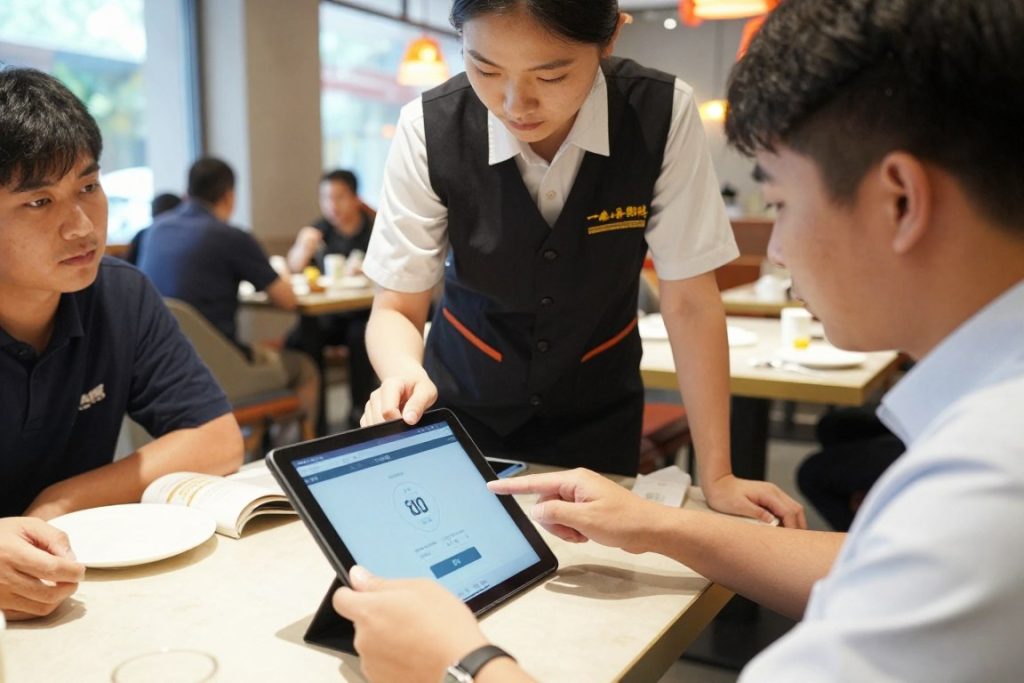
Trial and Testing Process
Vendor demonstrations show ideal scenarios. Trials reveal actual performance. Insist on trial periods with your data, your workflows, and your staff. Test edge cases and challenging scenarios. Verify performance under realistic conditions.
- Load representative menu data including complex items and modifiers
- Process typical transaction volumes during busy service simulation
- Test integration with your existing systems using real data
- Have multiple staff members use the system across different roles
- Verify reporting provides required insights and financial data
- Test support responsiveness by asking questions during trial
- Simulate failure scenarios including internet outages and system errors
- Calculate total cost including all fees, add-ons, and integration costs
Implementation Planning
Software selection is just the beginning. Implementation determines whether potential becomes reality. Plan thoroughly before switching systems.
Data migration transfers existing information into new systems. Menu data, inventory records, customer profiles, and historical sales all need migration. Clean your data before migration. Bad data creates bad results regardless of software quality.
Staff training determines adoption success. Train thoroughly before going live. Ensure everyone understands their tasks in the new system. Provide reference materials and ongoing support. Resistance comes from uncertainty, not change itself.
Parallel operation running old and new systems simultaneously provides safety net. You verify accuracy before fully committing to new software. Extend parallel operation long enough to catch problems but not so long that staff avoid learning new systems.
Implementation Best Practices and Change Management
Software implementation fails more often from poor change management than technical problems. Your staff determines success. Resistant staff sabotage new systems through workarounds and minimal adoption. Engaged staff maximise system value through effective utilisation and feedback.
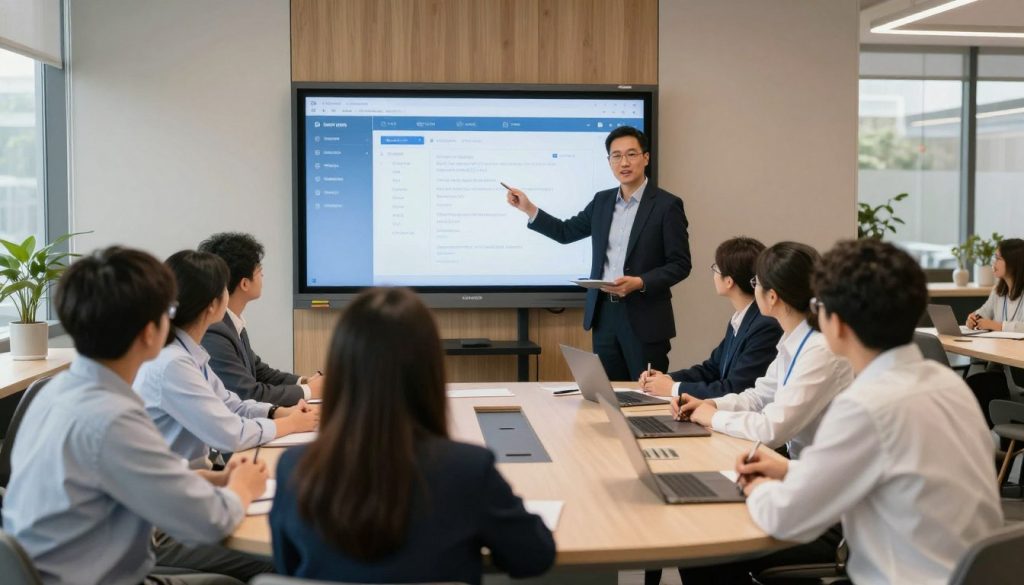
Change management starts before software selection. Involve staff in requirements gathering. Explain why change is necessary. Address concerns openly. Create champions who advocate for new systems. Build momentum for change before implementation begins.
Communication Strategy
Clear, consistent communication prevents rumours and resistance. Staff need to understand what’s changing, why it’s changing, how it affects them, and when changes occur.
- Announce Early: Inform staff about software changes as soon as decisions firm up. Early communication prevents surprise and allows mental preparation for change.
- Explain the Why: Staff need to understand business reasons for change. Operational efficiency, better guest service, easier workflows. Clear benefits increase acceptance.
- Address Concerns: Host Q&A sessions allowing staff to voice concerns and ask questions. Address objections honestly. Acknowledge challenges while emphasising support.
- Share Timeline: Provide clear implementation schedule including training dates, go-live date, and support availability. Remove uncertainty about when changes occur.
- Identify Champions: Recruit enthusiastic staff as system champions. They receive extra training and support other staff during implementation. Peer support drives adoption.
- Maintain Updates: Regular progress updates keep staff informed and engaged. Share milestones achieved and next steps coming. Consistent communication maintains momentum.
- Celebrate Success: Recognise early wins and staff who excel with new systems. Positive reinforcement encourages continued learning and adoption.
Training Approach
Effective training matches learning styles, job roles, and experience levels. One-size-fits-all training creates gaps and confusion. Structured, role-specific training ensures everyone learns what they need.
Training Methods
- Hands-on sessions with practice transactions and scenarios
- Video tutorials for self-paced learning and reference
- Quick reference guides for common tasks and workflows
- One-on-one coaching for staff needing extra support
- Train-the-trainer approach building internal expertise
- Ongoing refresher sessions addressing emerging questions
Training Content by Role
- Servers: Order entry, modifications, payments, table management
- Kitchen: Order viewing, preparation tracking, inventory usage
- Managers: Reporting, staff oversight, system administration
- Administration: Accounting integration, payroll, compliance
- Executives: Dashboard access, business intelligence, strategic reporting
Go-Live Support
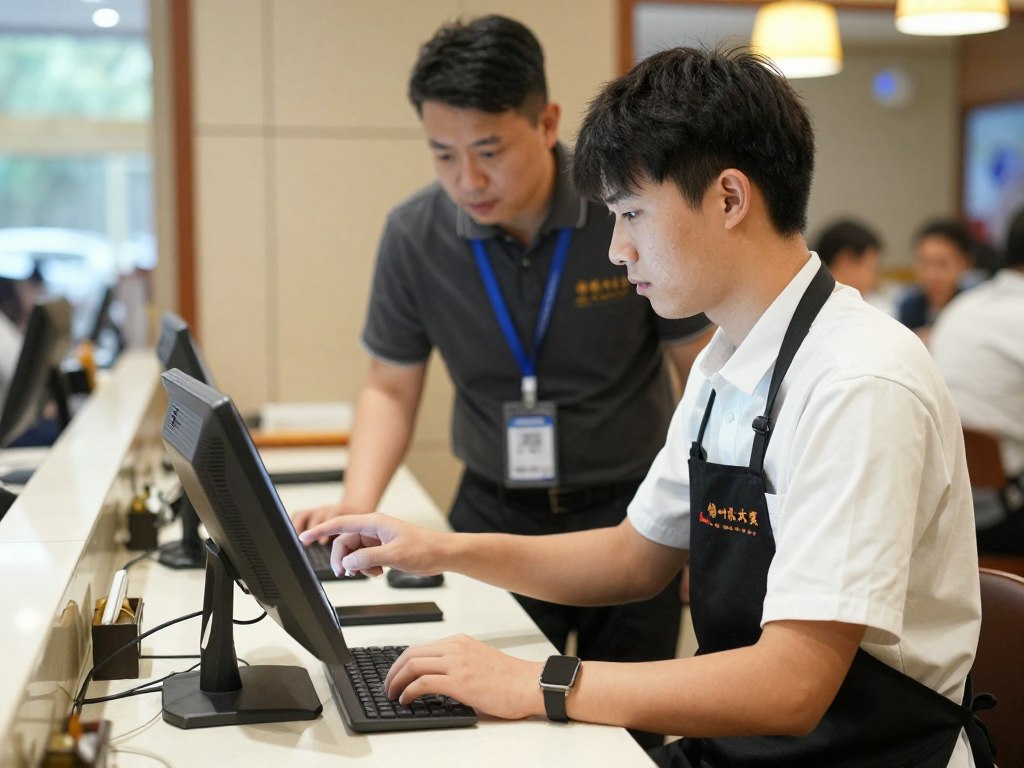
Go-live day tests preparation. Extra support during initial operation prevents problems from becoming crises. Plan for challenges rather than hoping for perfection.
Schedule vendor support presence during first service periods. Technical expertise onsite resolves issues immediately rather than through remote troubleshooting. This support justifies software costs more than any feature list.
Maintain backup processes for critical functions. If new POS fails, you need alternative payment processing. If online ordering breaks, you need phone order capability. Backup processes provide confidence to push forward despite initial problems.
Reduce operational complexity during go-live. Don’t launch new systems during your busiest periods. Don’t combine software changes with menu changes or staff changes. Control variables to isolate problems.
Post-Implementation Optimisation
Initial implementation establishes baseline functionality. Optimisation unlocks full value. Most venues use 30-40% of purchased software capabilities. Post-implementation focus should maximise utilisation.
- Review unused features that could improve operations or eliminate other tools
- Analyse reports and identify gaps in information needed for decisions
- Gather staff feedback on friction points and workflow improvements
- Explore additional integrations that could eliminate manual processes
- Optimise configurations based on actual usage patterns and business needs
- Schedule refresher training on advanced features and capabilities
- Measure results against pre-implementation benchmarks to quantify value
- Document processes and best practices for onboarding new staff
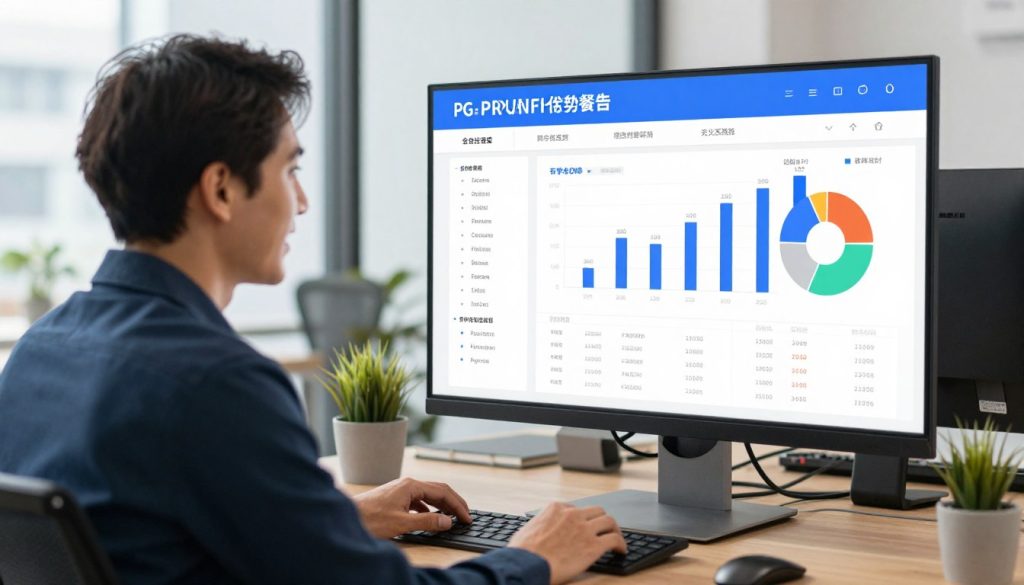
Measuring Software ROI and Performance Impact
Software vendors promise operational transformation. Some deliver. Many don’t. Measuring actual impact separates marketing from reality. You need quantifiable metrics showing whether investment delivers promised returns.

ROI measurement requires baseline data before implementation. If you don’t know where you started, you can’t measure improvement. Document current performance across key metrics. Track these same metrics post-implementation. Compare results objectively.
Key Performance Indicators to Track
Focus measurement on areas where software should improve performance. Different systems affect different metrics. Your measurement framework should match your software deployment.
| Software Category | Primary KPIs | Expected Improvement Range | Measurement Timeframe |
| Point of Sale | Transaction speed, order accuracy, payment processing time, daily reconciliation time | 20-30% faster transactions, 40-50% fewer errors | 30 days post-implementation |
| Workforce Management | Labour cost percentage, scheduling time, overtime hours, schedule adherence | 3-8% labour cost reduction, 75% less scheduling time | 90 days post-implementation |
| Inventory Management | Food cost percentage, inventory variance, waste percentage, stockout frequency | 2-5% food cost improvement, 50% less variance | 60 days post-implementation |
| QR Ordering | Table turnover rate, order accuracy, average transaction value, labour per cover | 15-25% faster turnover, 10-15% higher average check | 45 days post-implementation |
| Customer Relationship | Repeat visit frequency, marketing ROI, review ratings, direct booking percentage | 20-30% increase in repeat guests, 200-400% marketing ROI | 120 days post-implementation |
| Revenue Management | RevPAR or RevPASH, average daily rate, occupancy percentage, revenue per seat | 5-12% revenue increase, 3-7% rate improvement | 90 days post-implementation |
Cost Analysis Framework
Software costs extend beyond subscription fees. Complete cost analysis includes implementation, training, integration, and opportunity costs during transition.
Total Cost Components
- Monthly or annual subscription fees for all users
- Implementation and setup charges from vendor
- Data migration costs for existing information transfer
- Integration development or configuration expenses
- Hardware purchases including tablets, terminals, printers
- Training time cost for all staff across learning period
- Productivity loss during initial transition and learning
- Ongoing support and maintenance fees beyond base subscription
Benefit Quantification
- Labour cost reduction from efficiency and optimisation
- Food cost improvement from waste reduction and control
- Revenue increase from better pricing and upselling
- Time savings for managers on administrative tasks
- Error reduction preventing costly mistakes and comps
- Guest satisfaction improvement driving repeat business
- Compliance improvement reducing risk and penalties
- Scalability enabling growth without proportional cost increase
ROI Calculation Methodology
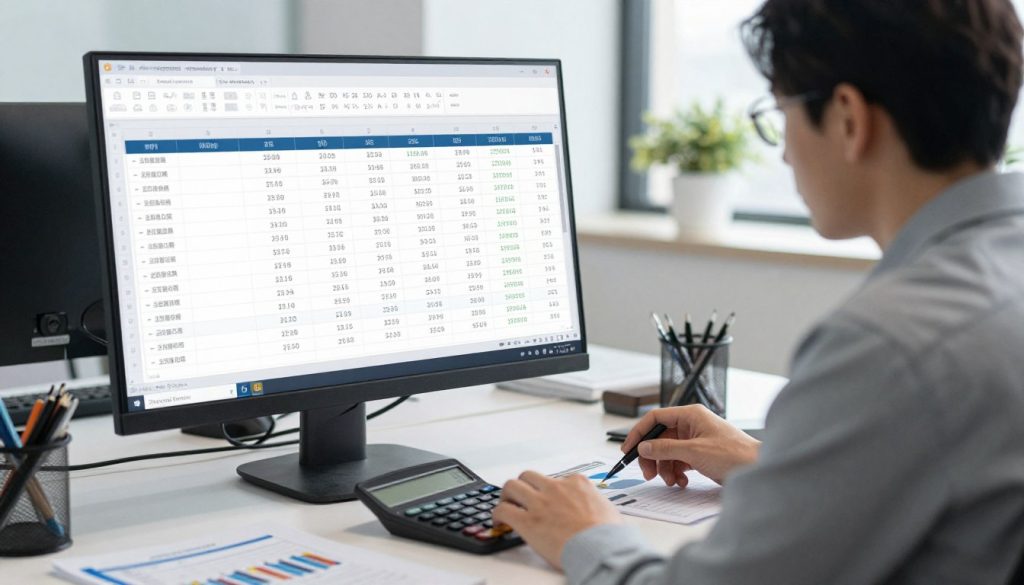
ROI calculation compares total benefits against total costs over specific timeframe. The formula is straightforward. Accurate inputs require careful measurement.
ROI Formula: (Total Benefits – Total Costs) ÷ Total Costs × 100 = ROI Percentage
Example calculation for restaurant POS implementation:
- Annual subscription cost: $12,000
- Implementation and training: $8,000
- Hardware investment: $5,000
- Total Year 1 Costs: $25,000
- Labour savings (5% of $300,000): $15,000
- Food cost improvement (3% of $400,000): $12,000
- Revenue increase (2% of $1,000,000): $20,000
- Time savings valued at: $8,000
- Total Year 1 Benefits: $55,000
- ROI: ($55,000 – $25,000) ÷ $25,000 × 100 = 120% first-year ROI
Payback period calculates how quickly software costs are recovered through benefits. Using the example above, with total first-year costs of $25,000 and monthly benefits of approximately $4,583, payback occurs in approximately 5.5 months.
Ongoing Performance Monitoring
ROI measurement isn’t one-time analysis. Continuous monitoring ensures sustained value and identifies optimisation opportunities.
Monthly dashboard reviews track key metrics against targets. You identify performance trends early. Declining metrics trigger investigation and corrective action before problems compound.
Quarterly business reviews with software vendors assess performance and roadmap alignment. You discuss challenges, explore underutilised features, and plan for upcoming changes. Vendors gain feedback for product improvement. You gain commitment for ongoing support.
Future Trends in Hospitality Technology
Hospitality technology continues evolving. Understanding emerging trends helps you plan strategically rather than react tactically. You invest in platforms with growth trajectory rather than legacy systems approaching obsolescence.
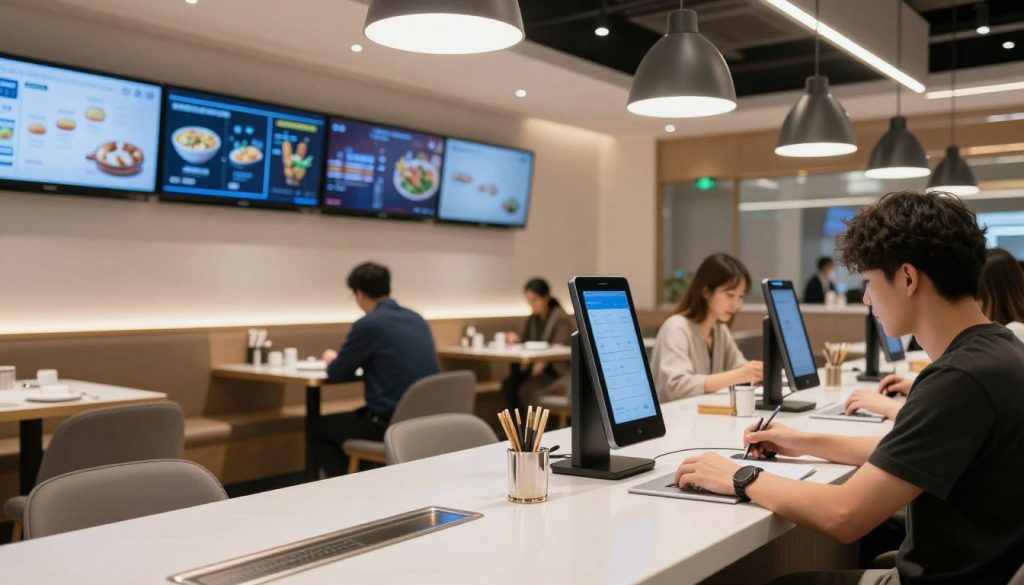
Several technology trends show clear momentum. Artificial intelligence deployment expands beyond chatbots into operational optimisation. Contactless technology becomes permanent rather than pandemic response. Sustainability tracking and carbon footprint management gain importance. Data privacy and security requirements tighten. These trends shape software development and vendor priorities.
Artificial Intelligence Expansion
AI moves from experimental to operational. Current applications prove value. Future applications expand scope and sophistication.
- Voice ordering systems processing guest orders through natural language
- Computer vision monitoring food quality and portion consistency
- Predictive maintenance preventing equipment failures before they occur
- Personalised menu generation based on guest preferences and dietary needs
- Automated recipe development optimising taste, cost, and nutrition
- Dynamic staffing optimisation adjusting schedules in real time based on demand
- Sentiment analysis across reviews and social media for reputation insights
- Fraud detection identifying suspicious patterns across transactions and bookings
Contactless and Touchless Technology
Pandemic accelerated contactless adoption. Benefits beyond health safety ensure permanence. Guests appreciate convenience. Operators value efficiency.
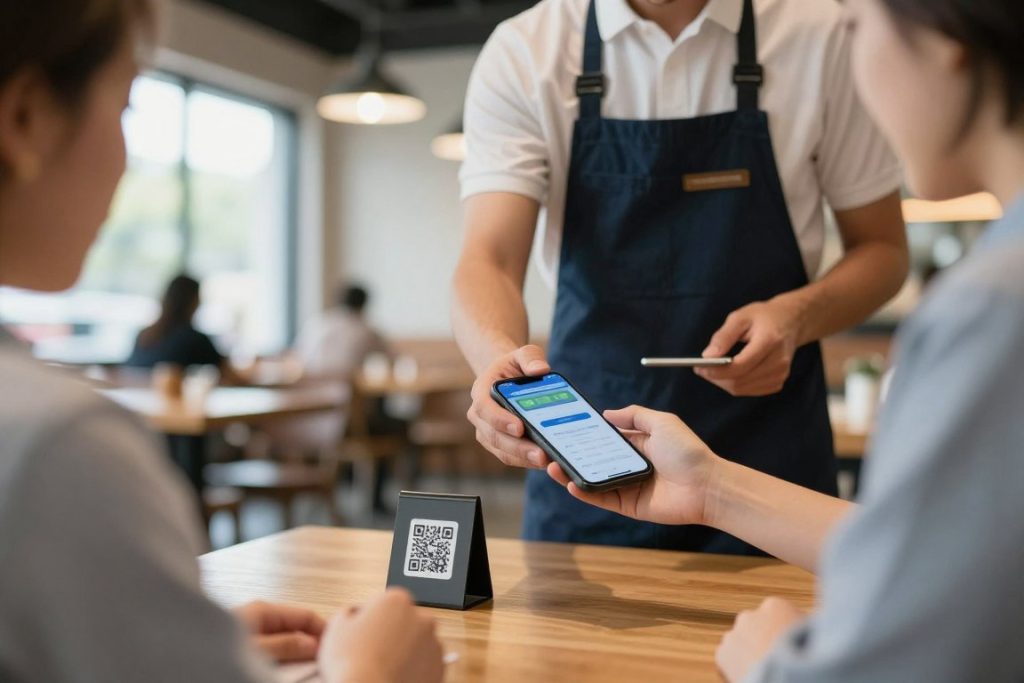
Mobile payment expansion continues. Guests pay directly from phones without physical cards or terminals. Split payments happen digitally without server intervention. Tipping occurs through apps with customisation options.
Contactless check-in and room access eliminate front desk interaction for hotel guests. Mobile apps serve as room keys. Digital registration completes before arrival. Guest experience improves through friction reduction.
Sustainability and Carbon Tracking
Environmental impact measurement becomes operational requirement. Guests increasingly choose venues based on sustainability credentials. Regulations mandate emissions reporting. Software needs sustainability tracking integrated with operational management.
Food waste tracking moves beyond simple weight measurement. Systems track waste by menu item, preparation stage, and cause. They identify opportunities to reduce waste through smaller portions, better forecasting, or menu changes. Carbon footprint calculation connects to waste reduction efforts.
Supply chain transparency shows environmental impact of ingredient sourcing. Carbon emissions from transportation, water usage, packaging waste. This visibility informs procurement decisions balancing cost, quality, and environmental impact.
Blockchain for Supply Chain and Loyalty
Blockchain technology brings transparency and security to hospitality applications. Supply chain tracking verifies ingredient origin and handling. Loyalty programs operate across brands with interoperable points. Smart contracts automate complex agreements.
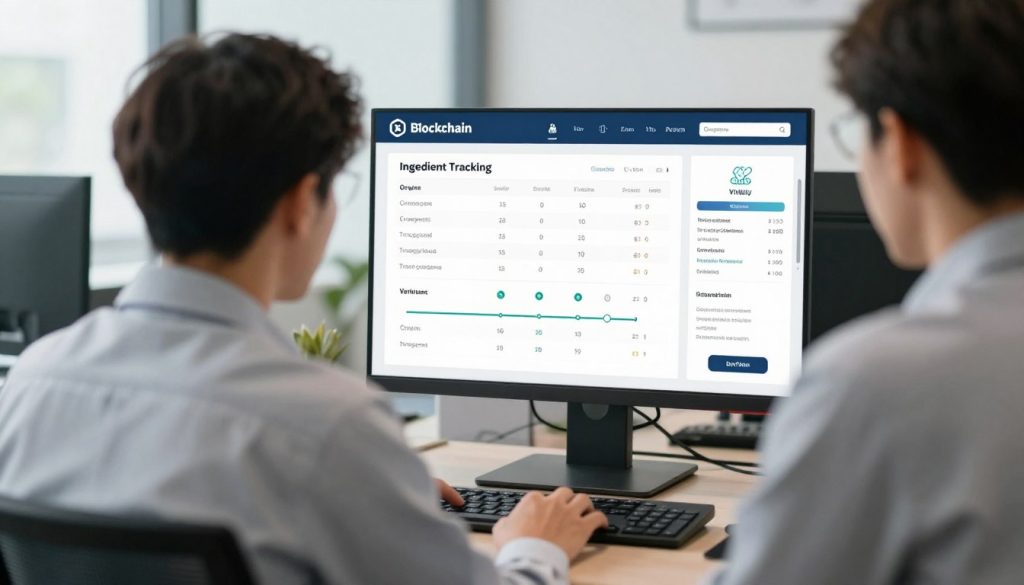
Food safety compliance improves through blockchain-verified supply chains. Every ingredient’s journey from source to plate gets recorded immutably. Contamination incidents trigger immediate, precise recalls affecting only specific batches rather than entire product categories.
Augmented Reality for Guest Experience
Augmented reality applications enhance guest experience through digital information overlays on physical environments. Menus show dishes in 3D. Hotel guests receive AR navigation to amenities. Virtual tours let guests explore venues before booking.
Training applications use AR to onboard staff faster. New kitchen staff see preparation steps overlaid on actual ingredients and equipment. Servers learn table service through AR guidance visible on smart glasses. Training effectiveness improves while cost decreases.
Internet of Things Integration
IoT sensors throughout hospitality operations generate real time data for optimisation. Temperature sensors monitor food safety automatically. Motion sensors track traffic patterns through venues. Smart energy management adjusts systems based on occupancy.
Equipment monitoring prevents downtime through predictive alerts. Refrigeration units signal maintenance needs before failure. Coffee machines report usage patterns informing service scheduling. IoT transforms reactive maintenance into predictive prevention.
Making Your Hospitality Software Decision
Hospitality software delivers measurable operational improvements. Lower labour costs. Reduced food waste. Increased revenue. Better guest experiences. These aren’t theoretical benefits. They’re documented outcomes from proper implementation.

Success requires more than software purchase. You need clear requirements. Thorough vendor evaluation. Careful implementation planning. Effective change management. Ongoing optimisation. The work is substantial. The payoff justifies the effort.
Australian hospitality businesses gain competitive advantage through operational excellence. Your competitors face the same labour challenges, rising costs, and margin pressure. Software doesn’t eliminate these challenges. It gives you better tools to address them.
Start with your biggest pain point. Implement one system well rather than multiple systems poorly. Prove value in focused area. Build confidence through success. Expand systematically based on demonstrated results.
Transform Your Operations with Hospoware
Hospoware delivers integrated solutions purpose-built for Australian hospitality. From POS and digital ordering to workforce management and procurement, everything connects seamlessly. No more disconnected systems. No more operational friction. Just clarity and control.
Your operational challenges are solvable. The technology exists. The proven implementations demonstrate effectiveness. The Australian market offers quality vendors with local support. Your decision isn’t whether to modernise. It’s which systems to implement first and which vendor to trust.
Choose based on operational requirements, not marketing promises. Demand trials with your data and workflows. Verify integration capabilities with your existing systems. Confirm Australian compliance and support. Measure results objectively after implementation.
Hospitality software transforms operations when chosen wisely and implemented properly. Make informed decisions. Execute thoroughly. Measure results. Optimise continuously. Your venue’s operational excellence depends on these fundamentals, not software features alone.